
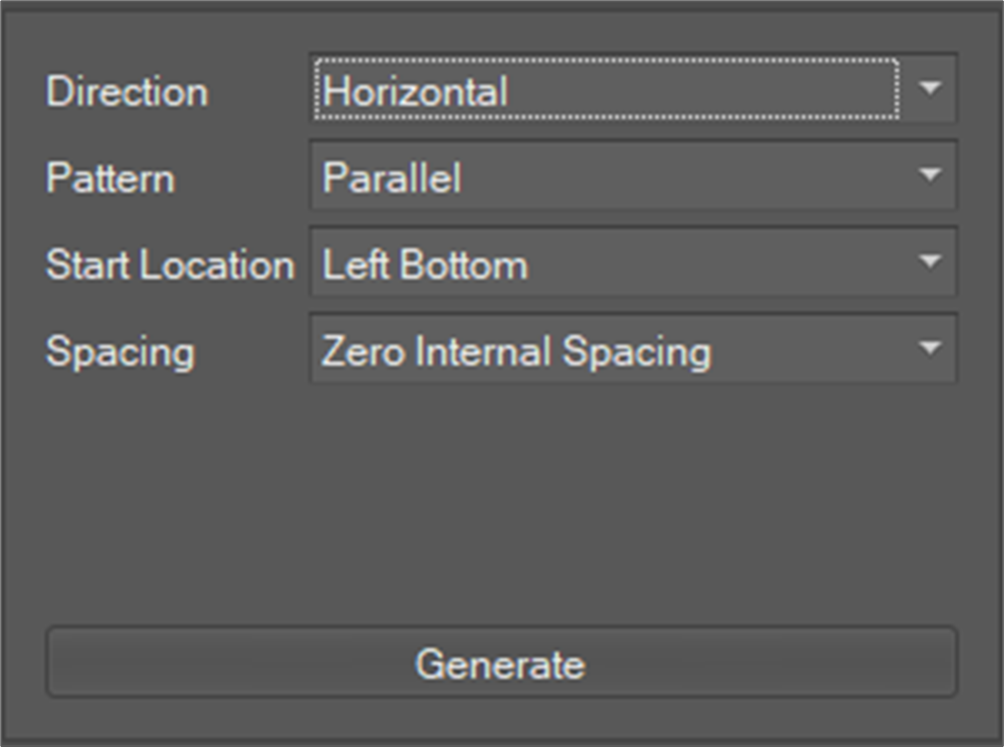
The Auto Create Product window automatically deploys products onto the selected plate(s). The deployment of products is applied to all plates, and there are four deployment rules.
Details of each item are given below:
|
Direction |
Determines the creation direction of a pattern. There are Horizontal bases and Vertical bases. For Horizontal, the pattern is created from bottom left to bottom right, and for Vertical, from bottom left to top left. |
|
Pattern |
Determines the creation rule for a pattern For Parallel, the same pattern is applied to all rows, and for Zigzag, the inverted pattern is applied to each row. |
|
Start Position |
Select start position. It is possible to start from the bottom left, top left, bottom right or top right. |
|
Spacing Option |
This option that is applicable when the total area of products to be deployed is small. If Medium is selected, the spacing between the products is equalized so that the plate can be filled. |