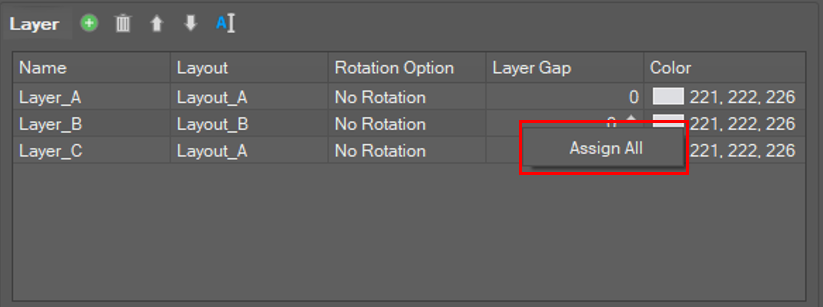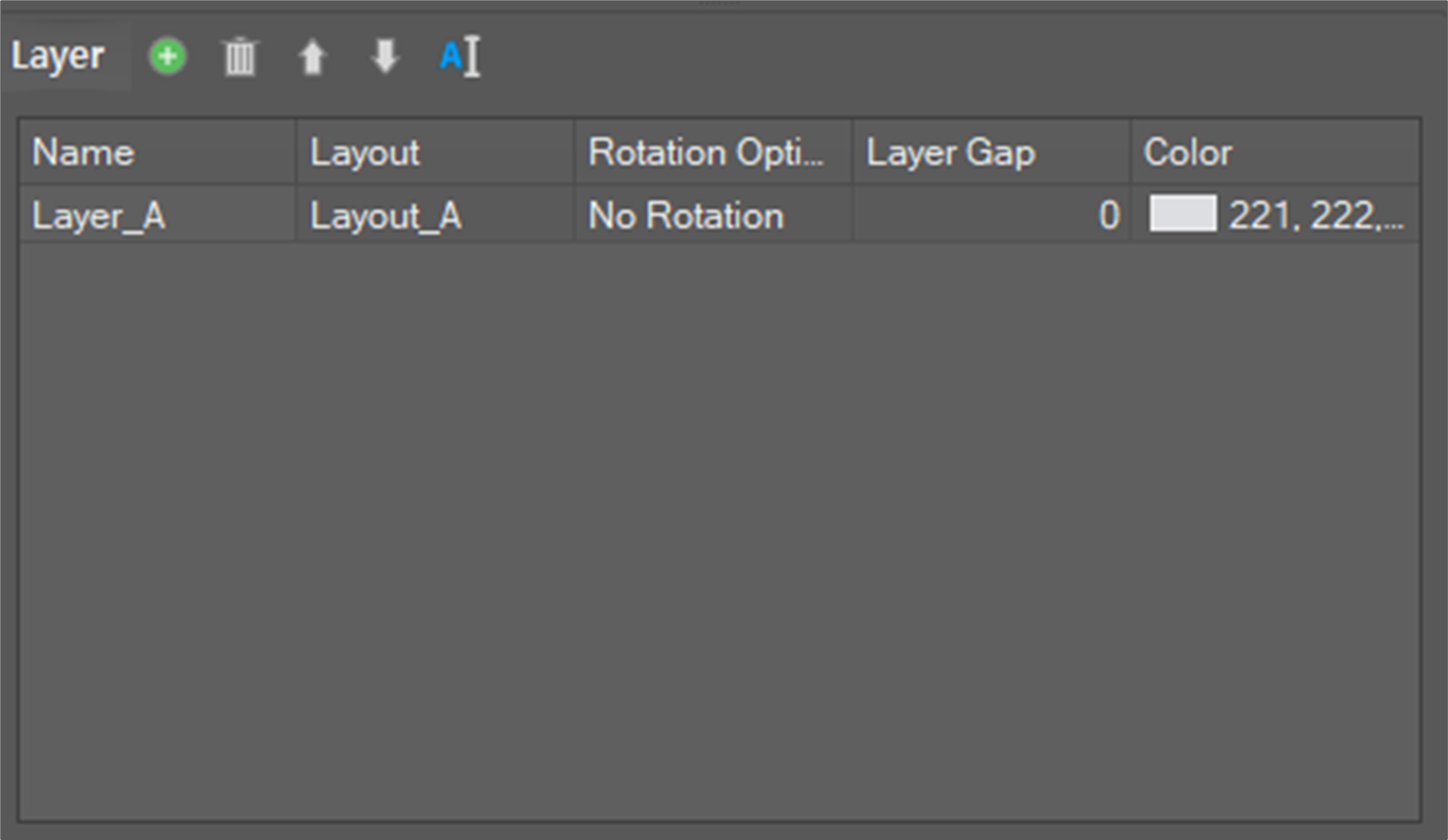
In this window, you can set up layers based on the prepared layout. When adding a new layer, it is possible to select the layout to be applied. It is possible to add/delete layer(s), and to rotate (right 90º, left 90º, right 180º) / flip (horizontally, vertically) currently created layer(s). In addition, there is the option to set a gap between layers so that it is possible to insert a shim paper. It is possible to assign a color to a layer, so that the layer can be distinguished from other layers on the 3D screen.
Rotation Options, Layer Gaps, and Assign All are available by using the right-click menu.