
To import a task saved on an external storage device, follow these steps:
-
Connect the external storage device with the task file to the USB slot.
-
Tap Import on the initial screen of Task Builder.
-
Tap the Search button.

-
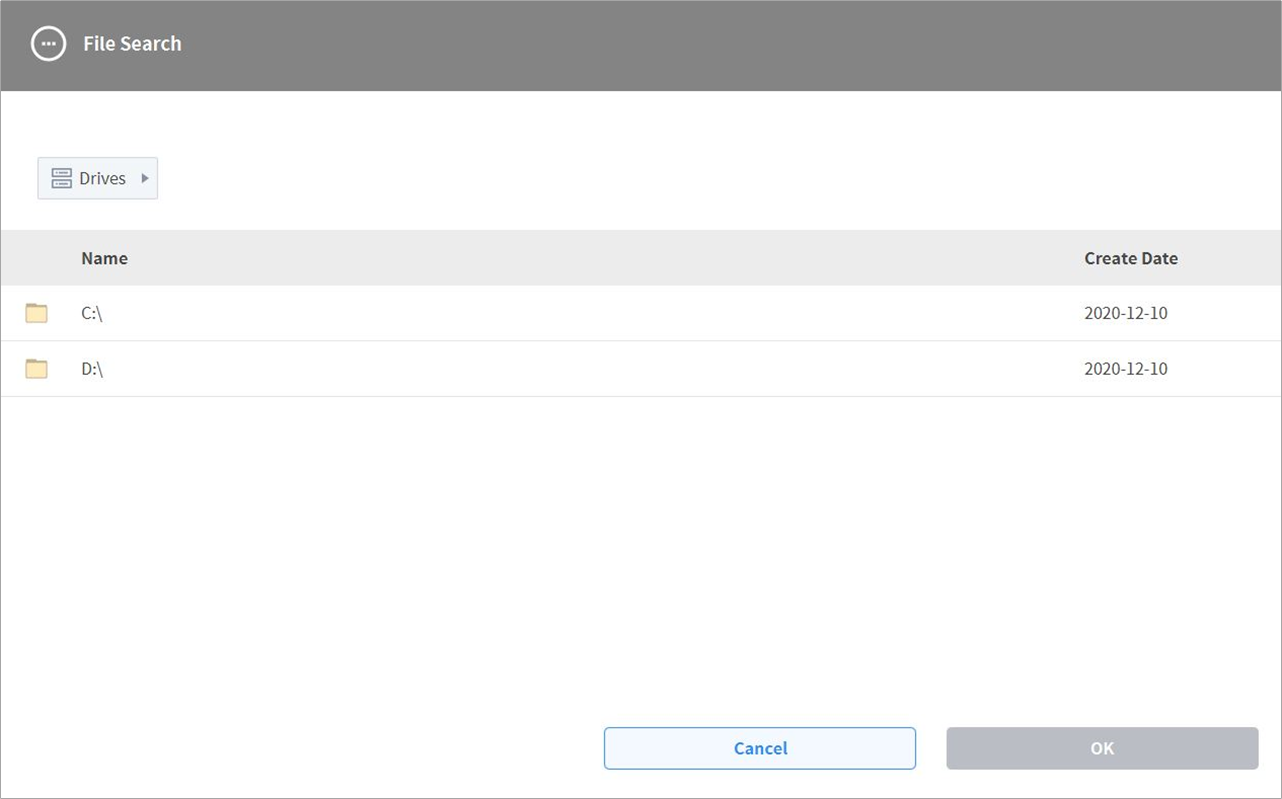
When the Search File window appears, select the task to import and tap the Confirm button.
-
Tap the Import button on the bottom right.
When the task file is saved on an external storage device, the Save Complete window appears.
To load a task file saved on the system, refer to “Load Saved Tasks.”