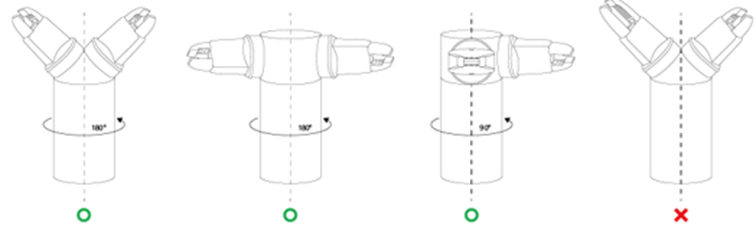
When using a symmetrical double gripper, the TCP of an end effector is configured based on the other well-configured end effector. The TCP offset of a new end effector can be easily configured by rotating the pose and point on the tool coordinate at the base end effector TCP point on the Z axis by the angle entered.
-
Select the Tool Center Point tab on the end effector setting screen.

-
Tap the Auto Calculate toggle switch.

-
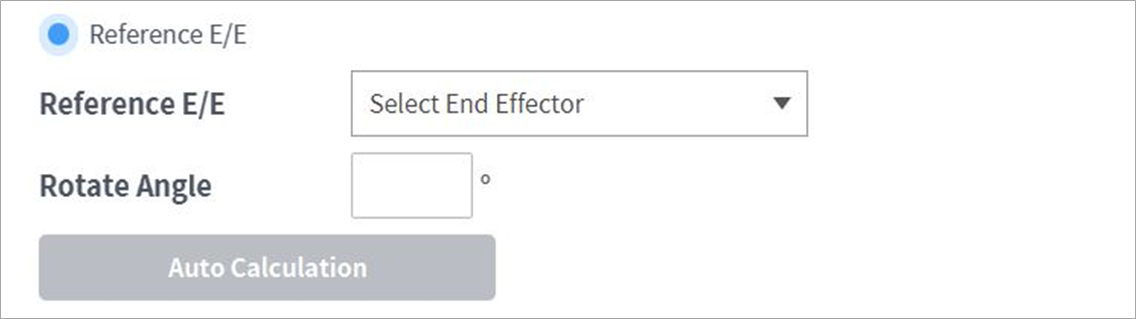
Select the Reference End Effector item.
-
Select the end effector to copy.

-
Configure the tool Z-axis rotate angle of the configuring end effector and reference end effector.

-
Click the Auto Calculate button on the bottom, check whether the calculated TCP offset is automatically entered and tap the Confirm button.

-
The configuring end effector and base end effector must be symmetrical on the tool Z axis.