Mandatory Easy 1 min
When Dart-Platform is used
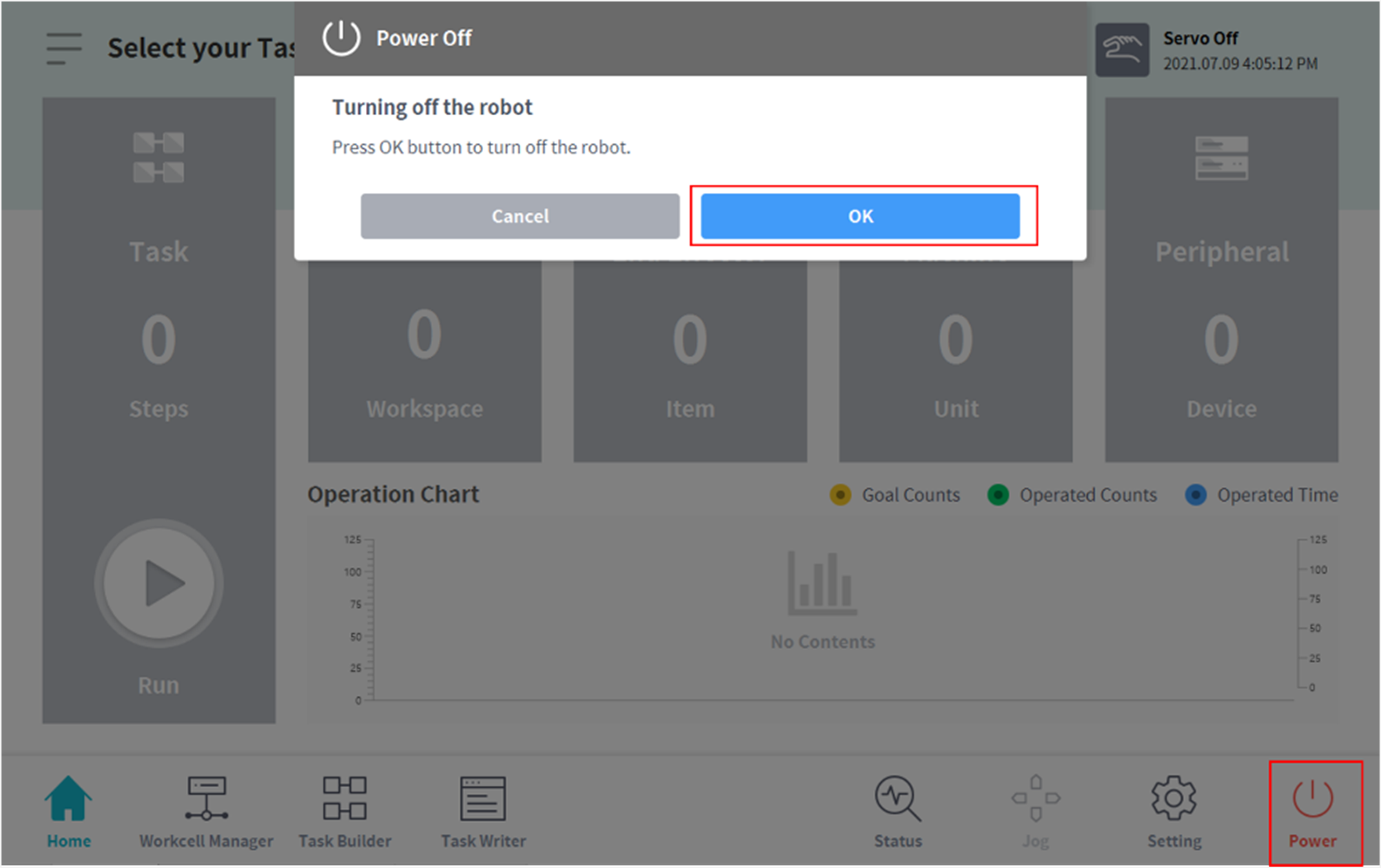
To turn off the power of the system, press the power button on the UI screen and then turn off the power of the robot system.
-
The shutdown popup is displayed on the screen.
-
Press the OK button on the shutdown popup to properly shutdown the system.
When smart pendant (optional) is used
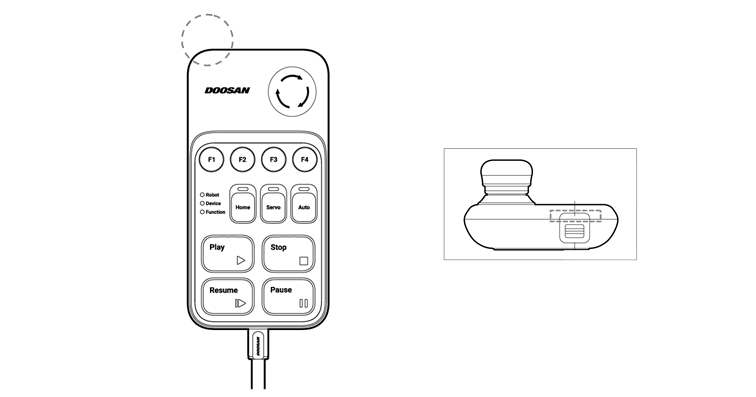
Press and hold the power button on the upper left of the smart pendant.
-
To turn off the power, press and hold the button.