
To adjust the angle based on the robot joint, follow these steps:
-
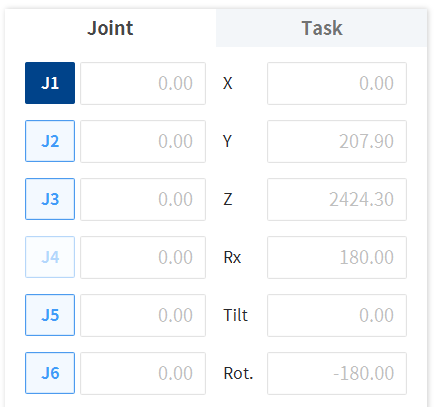
Select the Joint tab on the Joint screen.
-
Select the axis (J1-J6) to adjust the angle. (J4 is disabled for P series models)
-
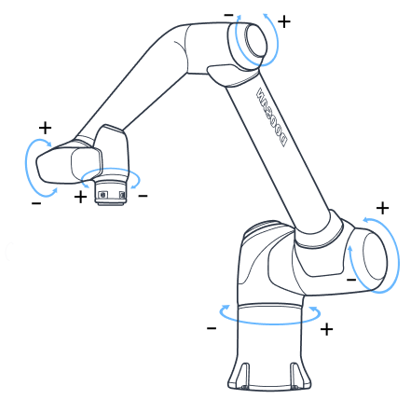
Press and hold the Direction Button (


Note
Safety area does not apply in virtual mode.