
Mandatory Easy 5 min
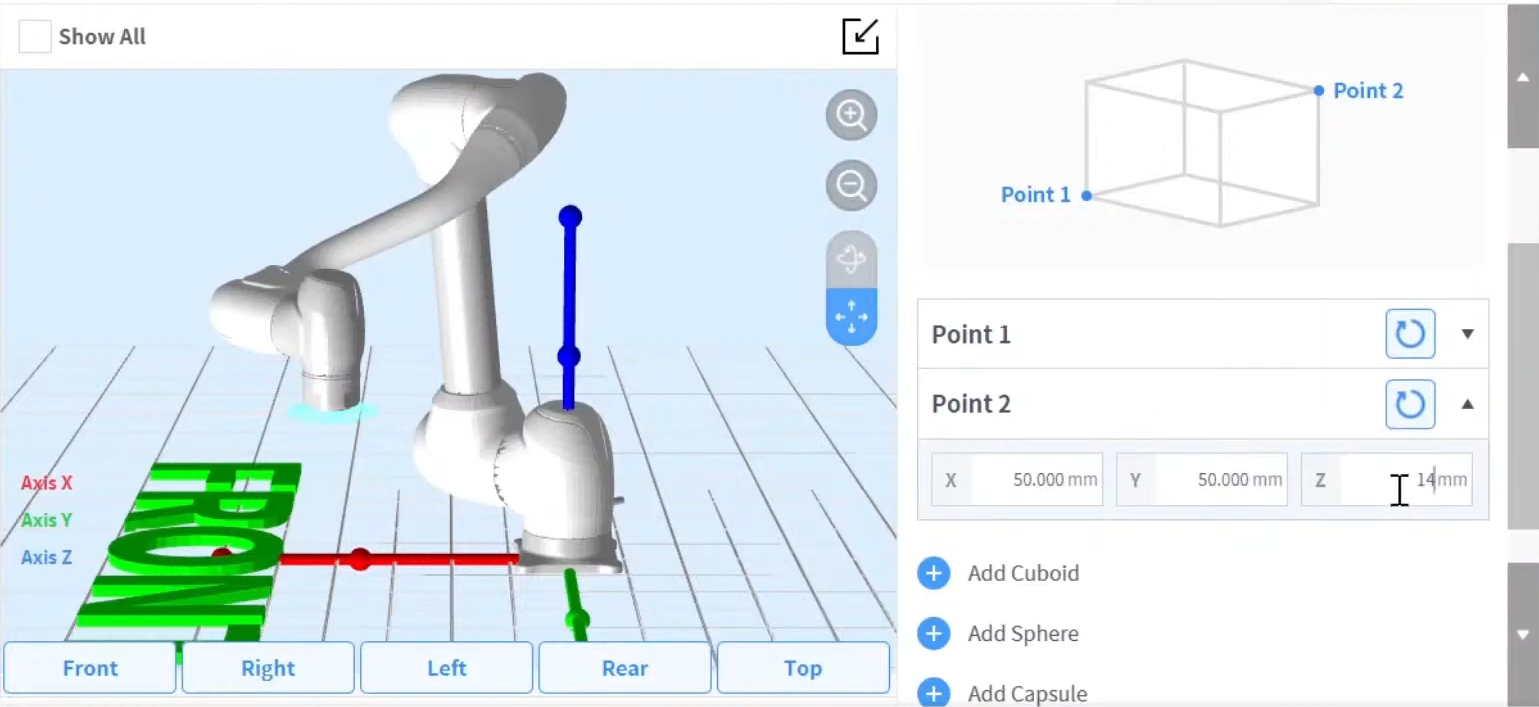
The shape of the tool installed on the flange can be set by adding a tool shape Workcell Item.
Too shape can be set through Workcell Manager > Robot >
-
The robot determines space limit violation status based on the TCP (Tool Center Point) of the robot end and the robot body. If the actual robot has a tool shape larger than the set TCP, a tool shape Workcell Item must be added to protect the workpiece and tool.
-
Take caution as the zone the robot can maneuver will decrease if the tool shape is set too large.
Once the Workcell Item is registered (confirmed), the toggle switch must be enabled in order to use the Workcell Item. The activated tool shape Workcell Item can be set as the standard tool shape by pressing the set tool icon (
-
Set of the tool setting is the same as set of Other Commands. Set command can be used when changing the Tool Shape while a task is being performed. For more information, refer to (2.12.2-en_US) Task Builder Commands and (2.12.2-en_US) Task Writer Command.
Note
Up to fifty different tool shapes can be registered.