2.12.4 2.12.3 2.12.2 2.12.1 2.12 2.11.2 2.11.1 2.11.0.1 2.10.3 1. M/H Series 2. A Series 3. E Series 4. P Series Korean English Chinese Czech Dutch French German Hungarian Italian Japanese Polish Portuguese Spanish

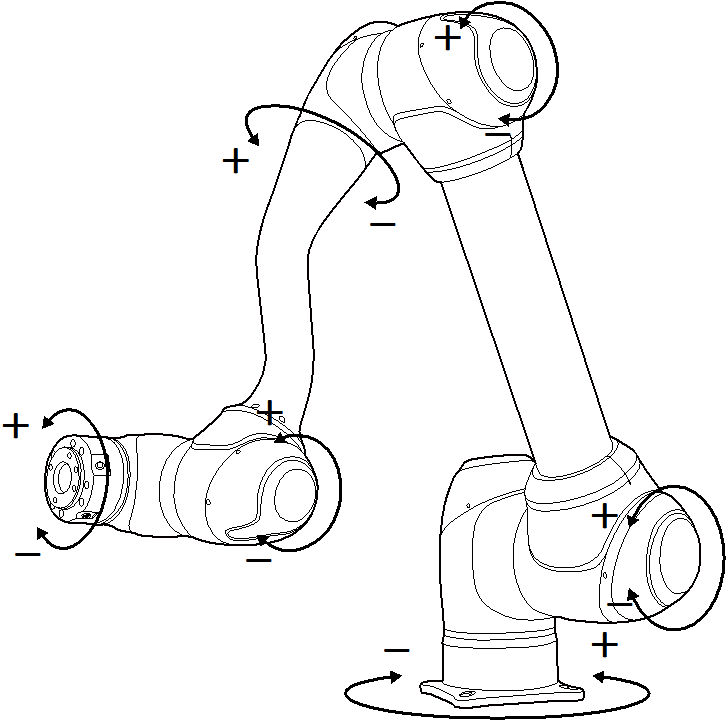
Execute based on Joint

To adjust the angle based on the robot joint, follow these steps:

  1. Select the Joint tab on the Joint screen.

  2. Select the axis (J1-J6) to adjust the angle.
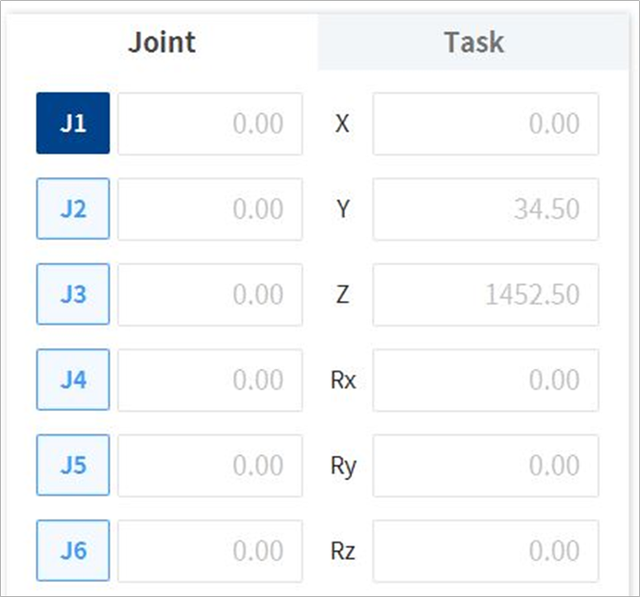
    image-20250702-060820.png
  3. Press and hold the Direction Button ( image2021-11-17_10-51-8.png , image2021-11-17_10-51-16.png ) to adjust the angle of the corresponding axis.

    image2021-11-17_10-51-33.png

Note

Safety area does not apply in virtual mode.