
To use the software recovery mode, follow these steps:
-
Tap the Safety Recovery button in the Status window.

-
Tap each joint button on the right side of the Software Recovery screen, and use


-
For more information about the cockpit buttons, refer to Cockpit Button (five buttons) or Cockpit Button (six buttons).
-
Changes made to the setting are reflected on the simulation window on the left in real time.
-
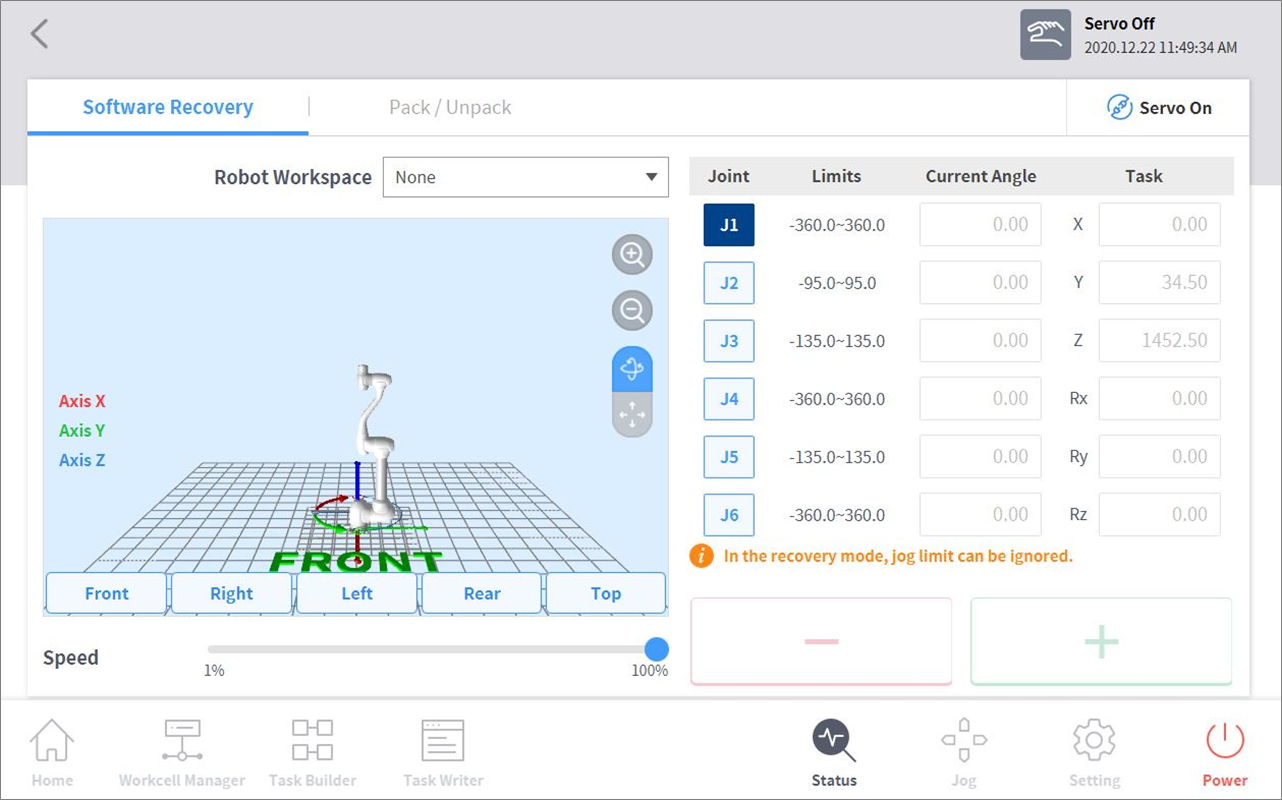
-
When the setting is complete, tap the X button on the top left.
Caution
Software recovery mode cannot be used when the joint angle limit exceeds 3 degrees.