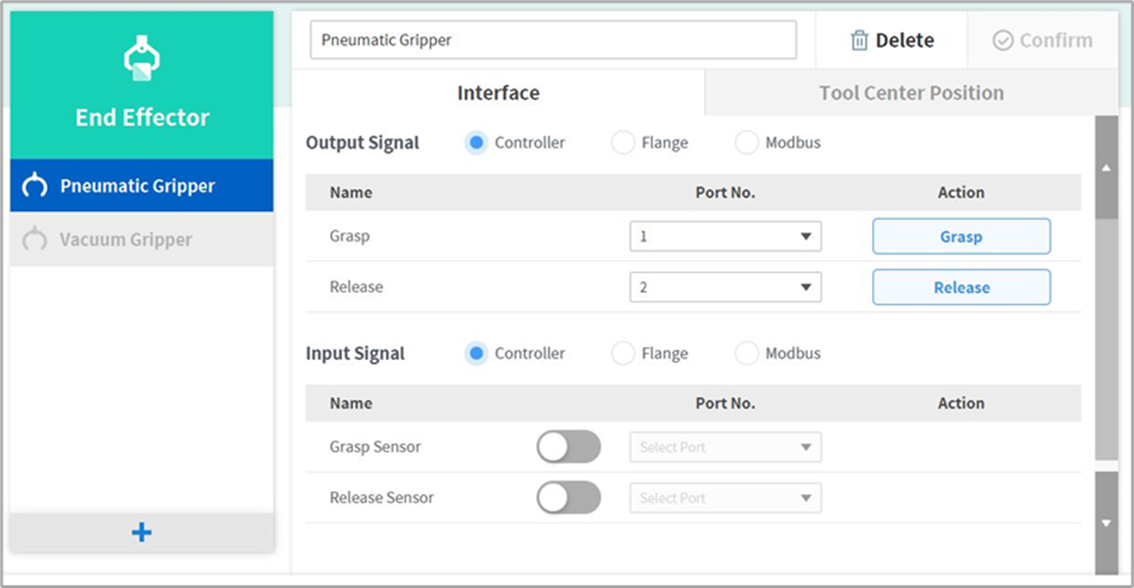
Workcell items are managed in two states: Normal, where new items can be registered, and Deprecated, where maintenance is no longer possible.
Workcell Items can be updated due to increased usability and additional motion improvements. If a Workcell Item is updated, the existing Workcell Item becomes deprecated, and it cannot be added or edited. Deprecated Workcell Items are displayed as gray icons.
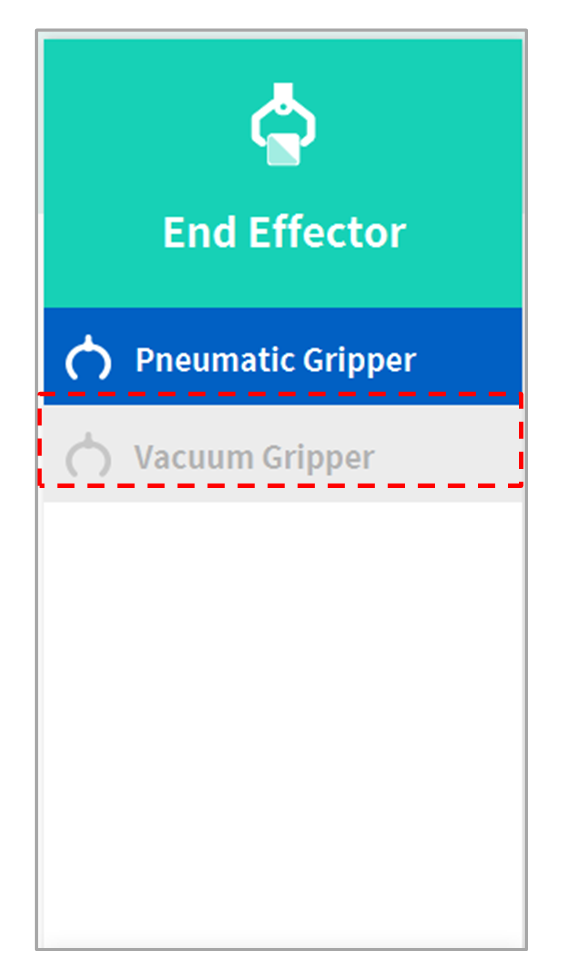
Deprecated Workcell Items cannot be added, but they can be used to view setting information and can also be used in the current task program. If a deprecated Workcell Item is selected, the setting information of the Workcell Item is displayed along with a message stating “Deprecated Item.”
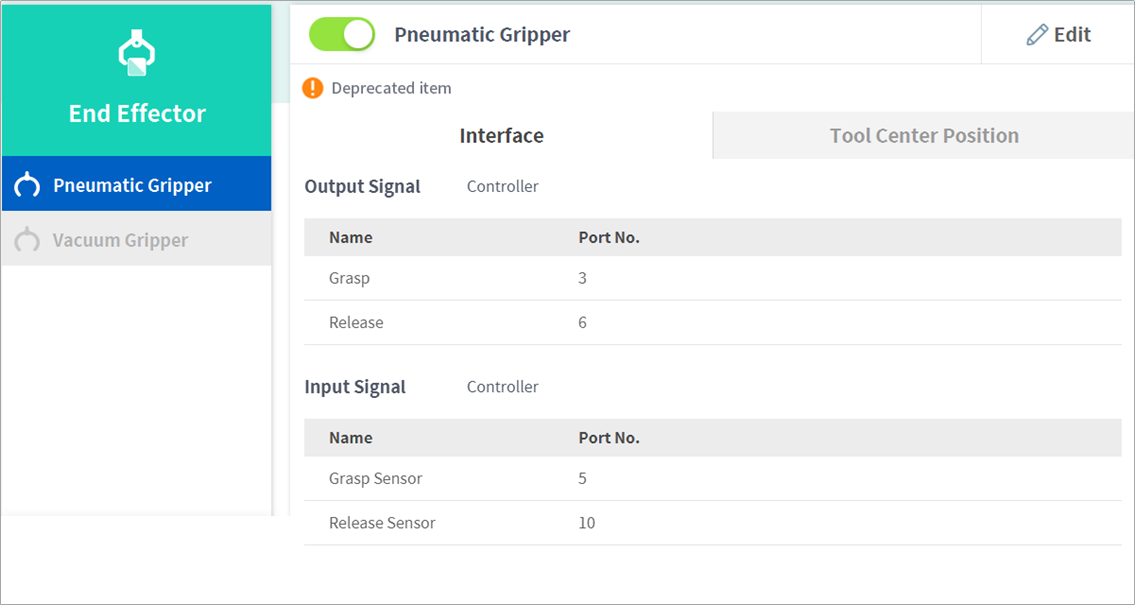
Tapping the Edit button cannot edit the setting, but deletion is possible.