2.12.4 2.12.3 2.12.2 2.12.1 2.12 2.11.2 2.11.1 2.11.0.1 2.10.3 1. M/H Series 2. A Series 3. E Series 4. P Series Korean English Chinese Czech Dutch French German Hungarian Italian Japanese Polish Portuguese Spanish

Packaging Mode Setting

To configure the packaging mode, follow these steps:

  1. Tap the Safety Recovery button in the Status window.

    image2021-11-17_10-42-36.png


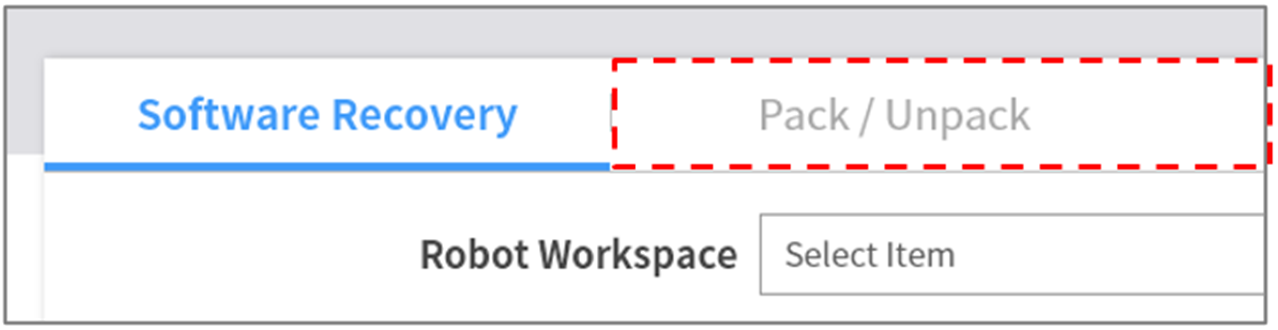
  1. Select the Packaging Mode tab.

    image2021-11-17_10-43-23.png


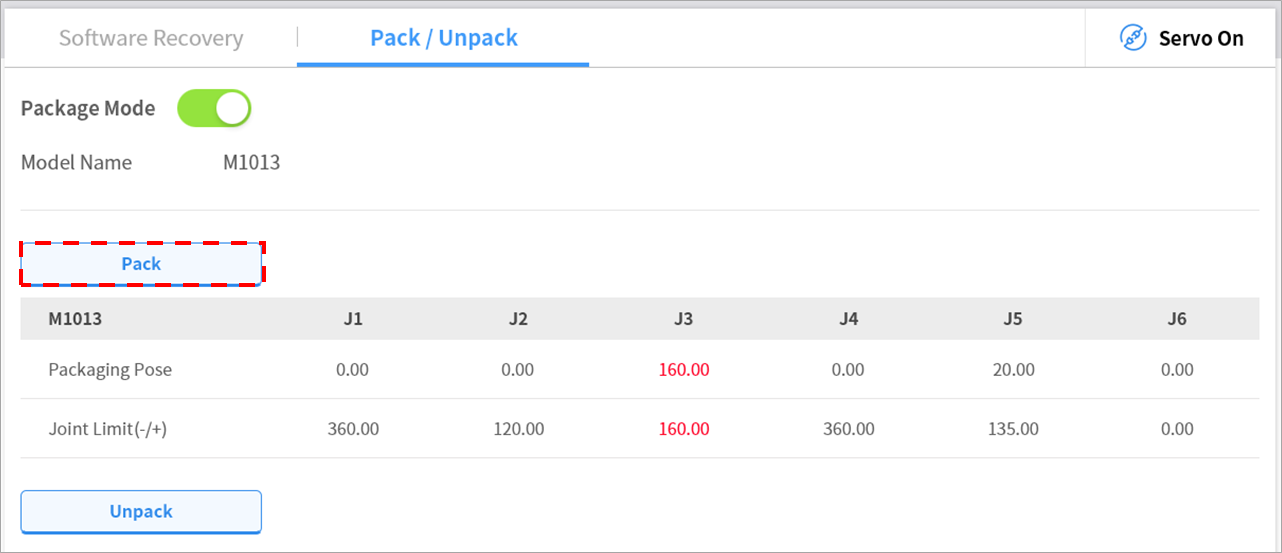
  1. Tap the Servo On button to activate recovery standby mode.

    image-20240612-074355.png


  2. Tap the Go to Packaging Pose button.

    • The robot automatically moves to the set packaging pose.

image4_en.png?version=1&modificationDate=1715936244846&cacheVersion=1&api=v2&width=888