2.12.4 2.12.3 2.12.2 2.12.1 2.12 2.11.2 2.11.1 2.11.0.1 2.10.3 1. M/H Series 2. A Series 3. E Series 4. P Series Korean English Chinese Czech Dutch French German Hungarian Italian Japanese Polish Portuguese Spanish

Teach Pendant Hand-Guiding Button

The user can change the robot’s pose while holding down the Hand-guiding button located on the back of the teaching pendant.
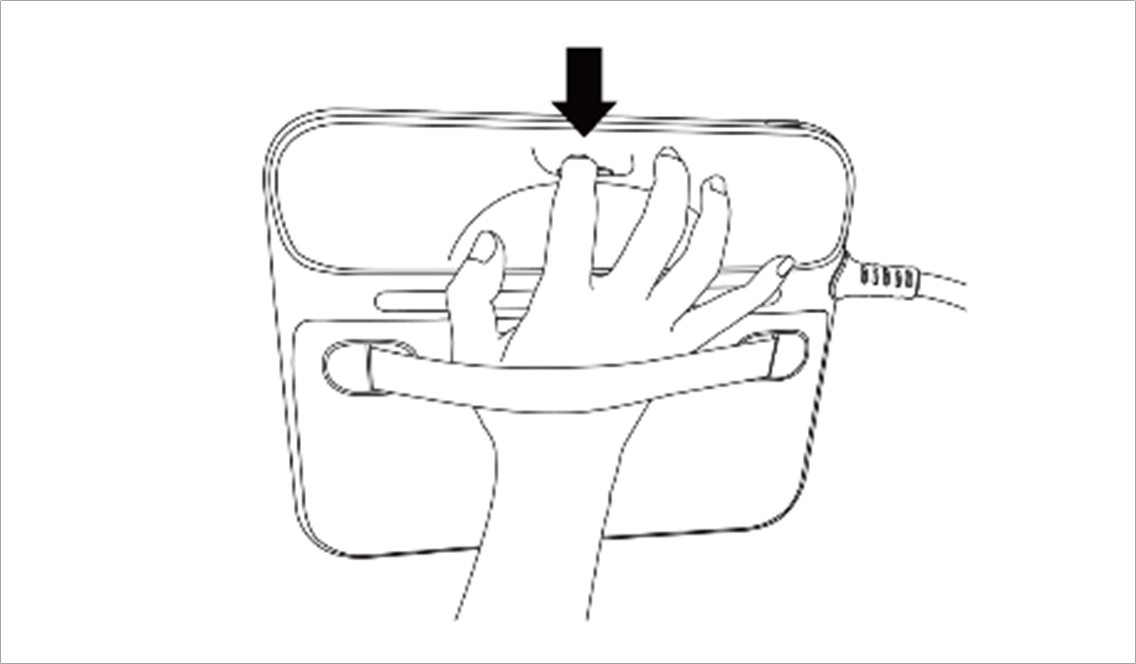
image2021-11-16_10-36-10.png

Note

  • By default, the Hand-guiding button can only be used in Manual mode, and it cannot be used in Auto mode when the task programs of Task Builder and Task Writer are operating.

  • However, if the robot is set to the Hand-guiding Ready state with the Hand Guide command of the Task Writer, the button can be used even in Auto mode.