2.12.4 2.12.3 2.12.2 2.12.1 2.12 2.11.2 2.11.1 2.11.0.1 2.10.3 1. M/H Series 2. A Series 3. E Series 4. P Series Korean English Chinese Czech Dutch French German Hungarian Italian Japanese Polish Portuguese Spanish

Tool Shape Setting

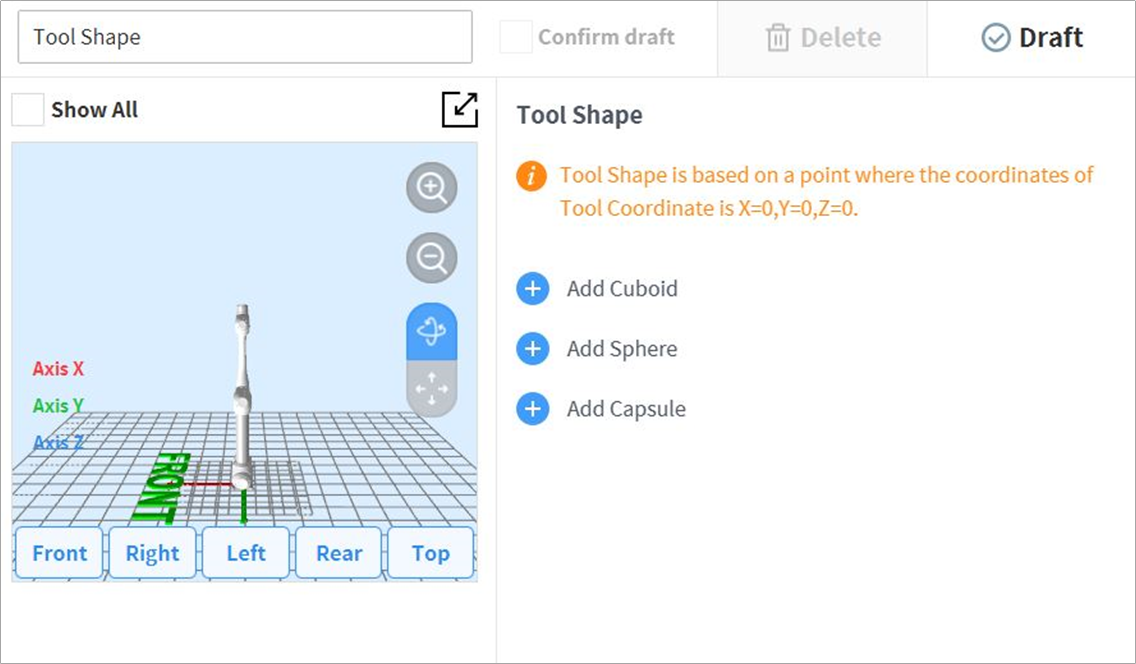
To set the robot tool shape, tap the  image2021-11-16_16-39-39.png  Add button on the Robot Workcell and select Robot > Tool Shape. The Safety Password is required during setup.

image_EN.png

Tool shape can be set by adding Cuboid, Sphere, and Capsule shapes.

Select a shape that matches the tool and tap the Confirm button.