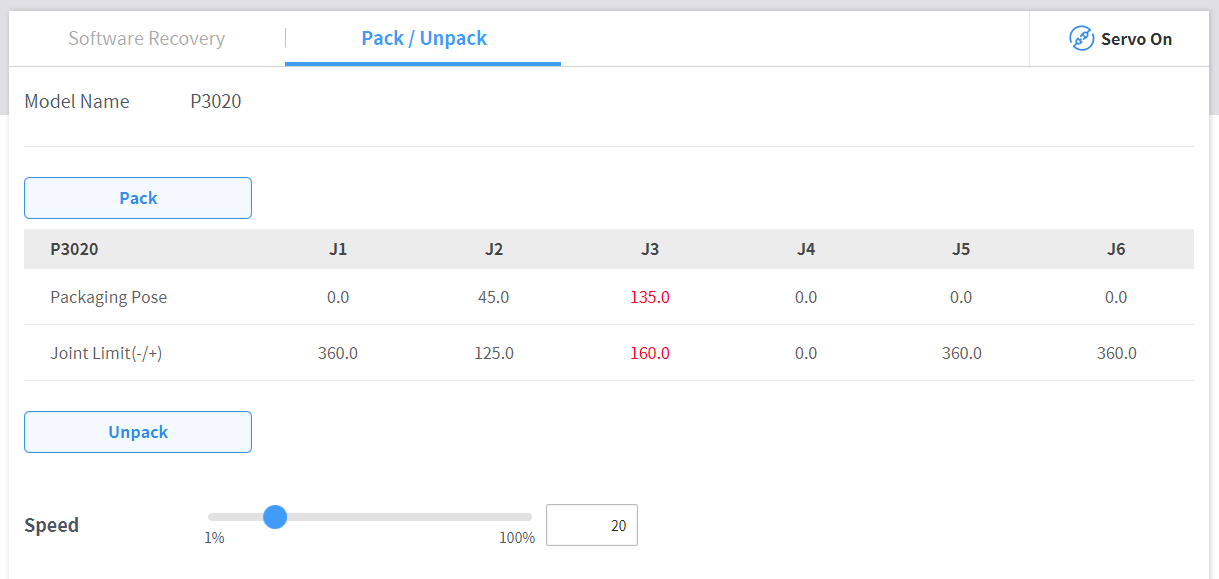
To configure the packaging mode, follow these steps:
-
Tap the Safety Recovery button in the Status window.

-
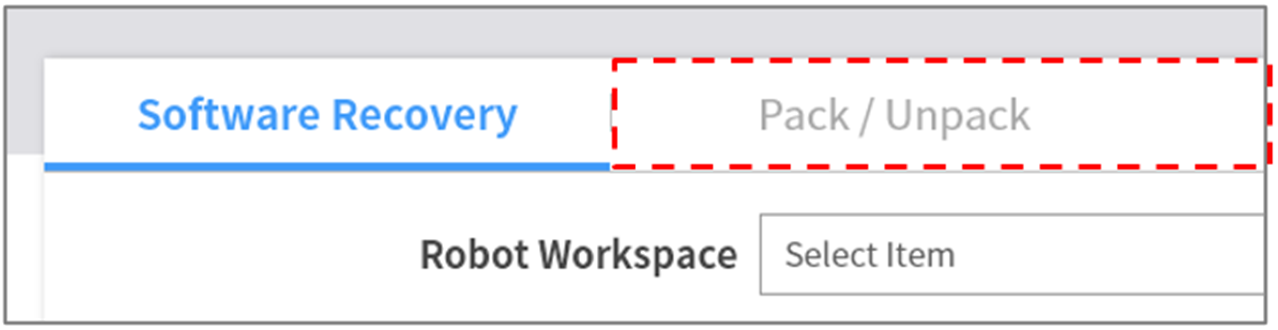
Select the Packaging Mode tab.
-
Tap the Servo On button to activate recovery standby mode.

-
Tap the Go to Packaging Pose button.
-
The robot automatically moves to the set packaging pose.
-