Mandatory Easy 3 min
For more information about robot booting, refer to Connecting External Device – DART Platform
-
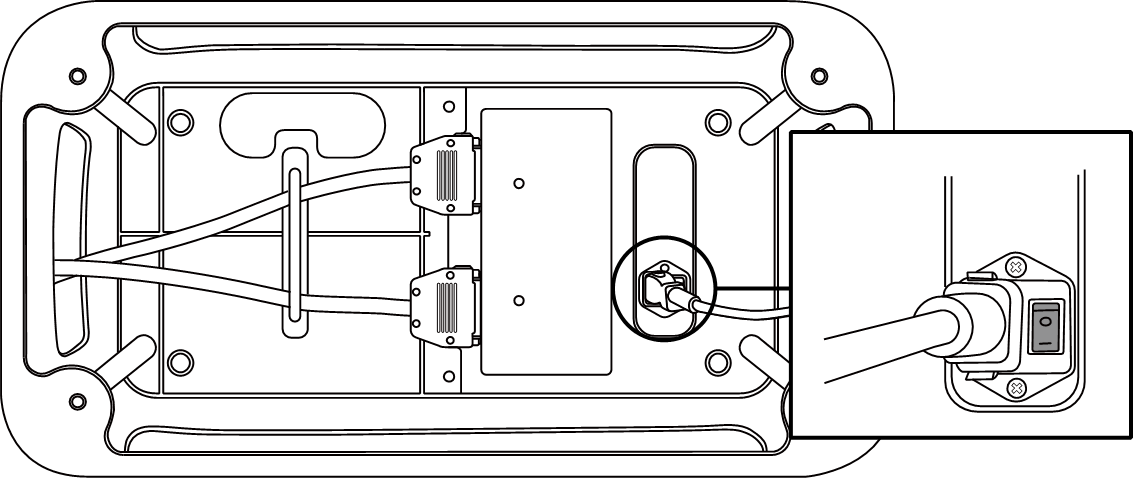
Press the power switch at the bottom of the controller. The system is powered up including robot, controller, teach pendant and smart pendant.
-
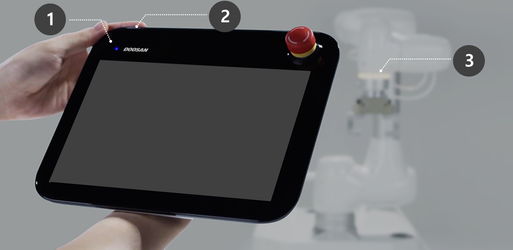
Press and hold the power button (Fig. 2) until the teach pendant screen powers up. The teach pendant LED (Fig. 1) and flange LED (Fig. 3) will blink red until the robot controller connects to the network.
-
For more information about equipment other than the teach pendant, refer to System Power On/Off .
Note
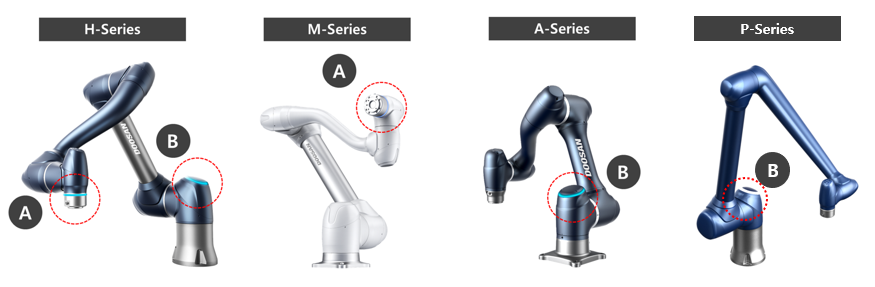
LED positions of each Doosan Robotics robot series are as follows:
-
A: Flange LED
-
B: Axis 1 LED