
To save a task as different file, follow these steps:
-
Tap the

-
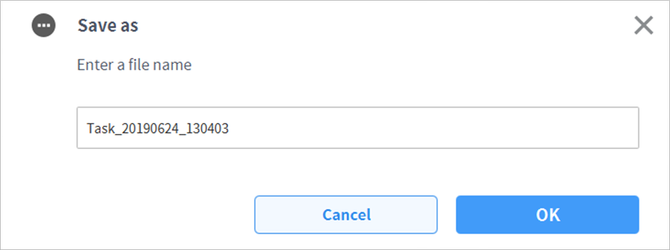
When the Save as window appears, enter the task name and tap the Confirm button.
When the save is complete, the Save Complete window appears.