
To configure the waypoint of a command, follow these steps:
-
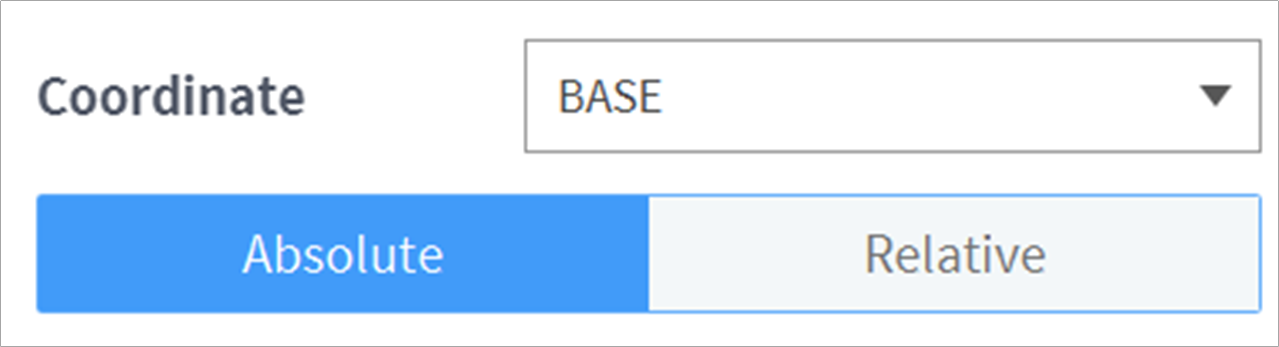
Select the type (Absolute, Relative) of reference coordinate and coordinate value.
-
Either use the jog function or perform direct teaching to move the robot to the desired position.
-
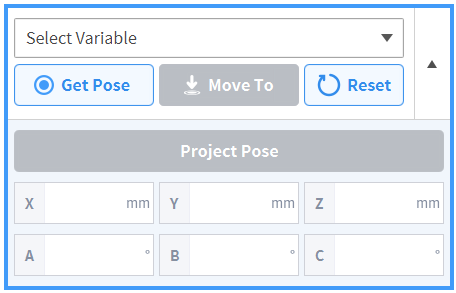
Tap the Save Pose button to save the robot tool position.
-
If necessary, define a variable using GlobalVariables or the Define command.
-
Note
-
Projection pose converts the input coordinate values into coordinate values that can be moved by a 5-degree-of-freedom robot.
-
The projection pose button is supported only on P series models.