
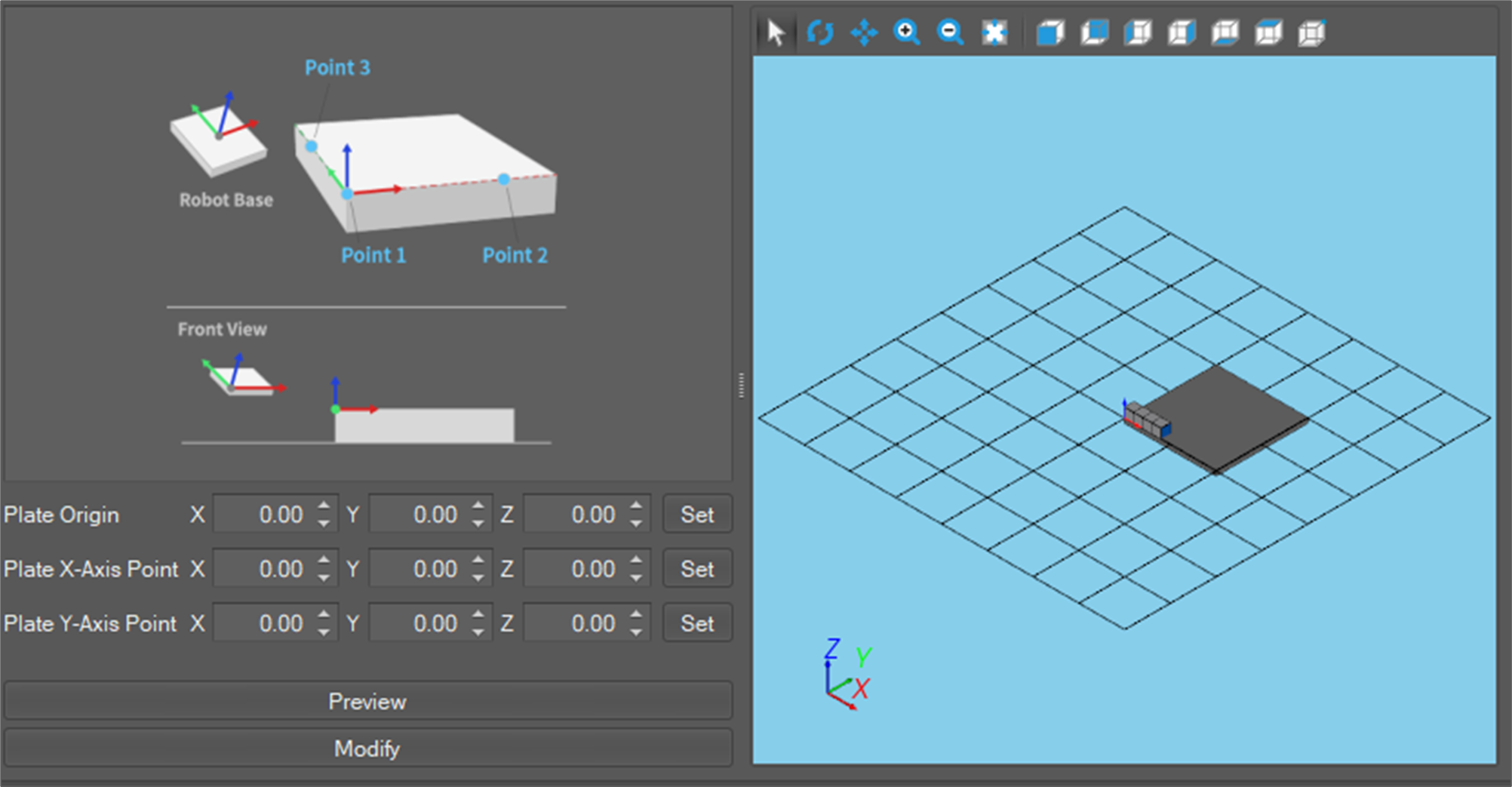
This is the setup window where the user can execute calibration of a user-created pattern. Only one calibration can be set per pattern, and the calibration can be set through the starting point and positions to be designated by the X-axis and Y-axis. It is possible to see a preview in the right-view window by pressing the Preview button. In addition, it is possible to save the calibration result by giving it a name and clicking Create.