
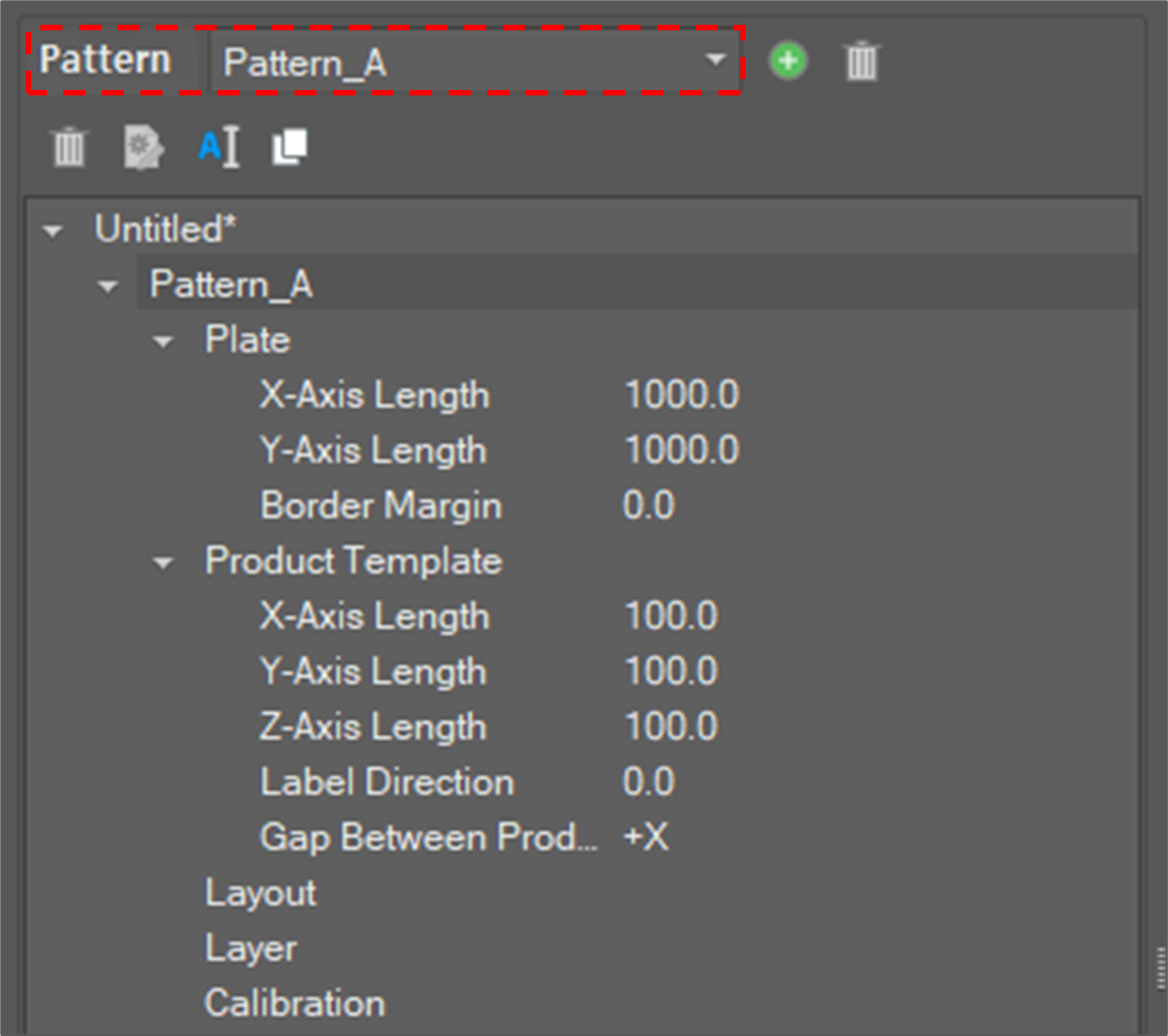
In the Create Pattern window, you will see ‘Create new pattern’, and ‘Set up plate’ (the location where a product is to be located) and ‘Product’. With this Pallet Path Creation program, you can set up only one plate and one product size per pallet.
|
|
Select Pattern |
Select a pattern to modify |
|
|
Add New Pattern |
Add a new pattern to create |
|
|
Delete Pattern |
Delete the selected pattern |



|
|
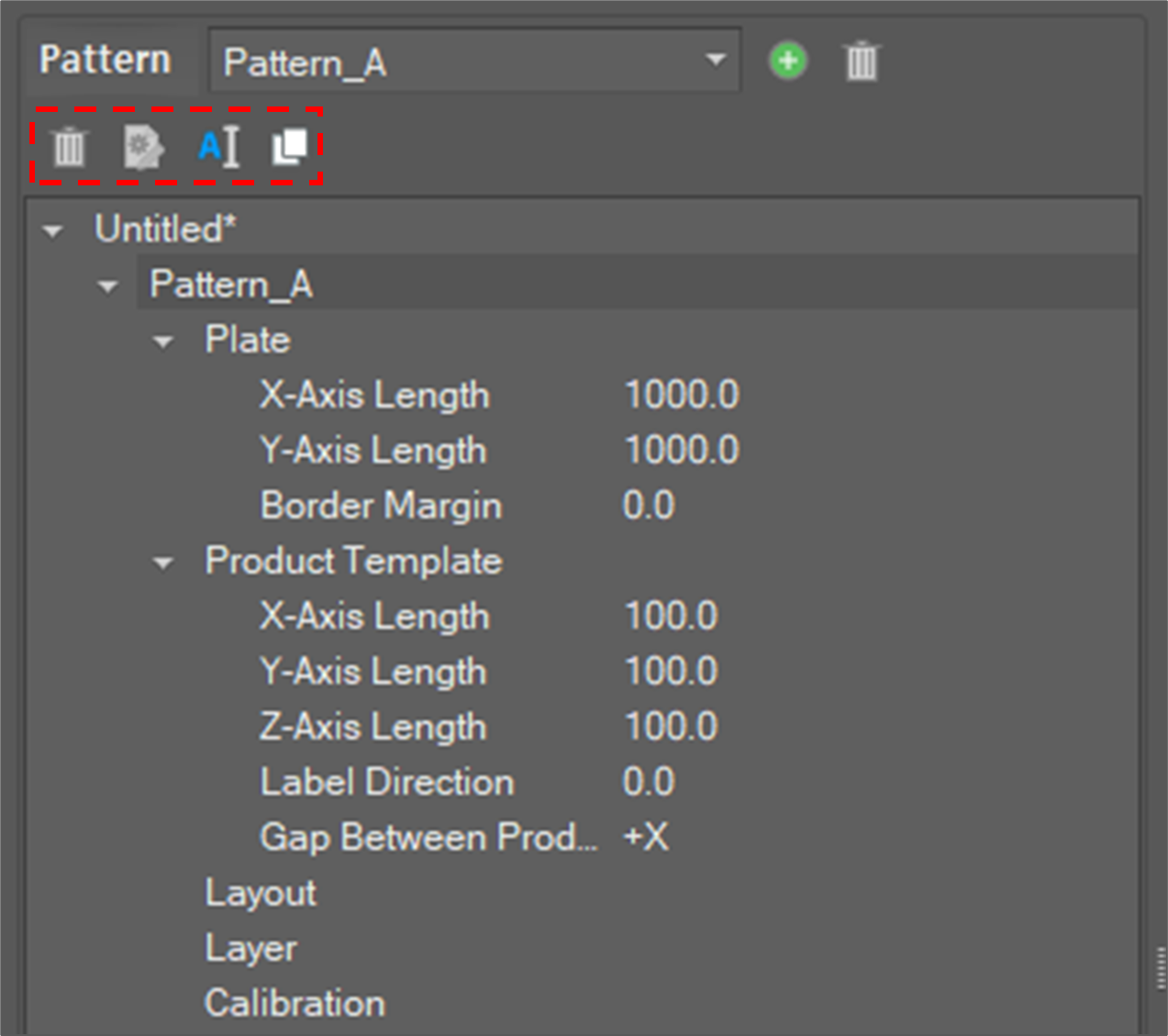
Delete Item |
Delete the selected item |
|
|
Change Attribute |
Change the attributes of the plate and product templates It is possible to change by right-button click at plate and product tab. |
|
|
Change Name |
Change the name of the selected item It is possible to change the name of patterns and layouts. |
|
|
Copy Layout |
Copy the selected layout |


