
A password is required to enter a setting with a lock icon ( 
To change or disable the password of settings with a lock icon, follow these steps:
-
Select Password > Safety Password in the Settings menu.
-
Enter the current password of the program and tap the Confirm button.
-
The initial system password is admin.
-
To disable the password, tap the Password Lock button and disable.
-
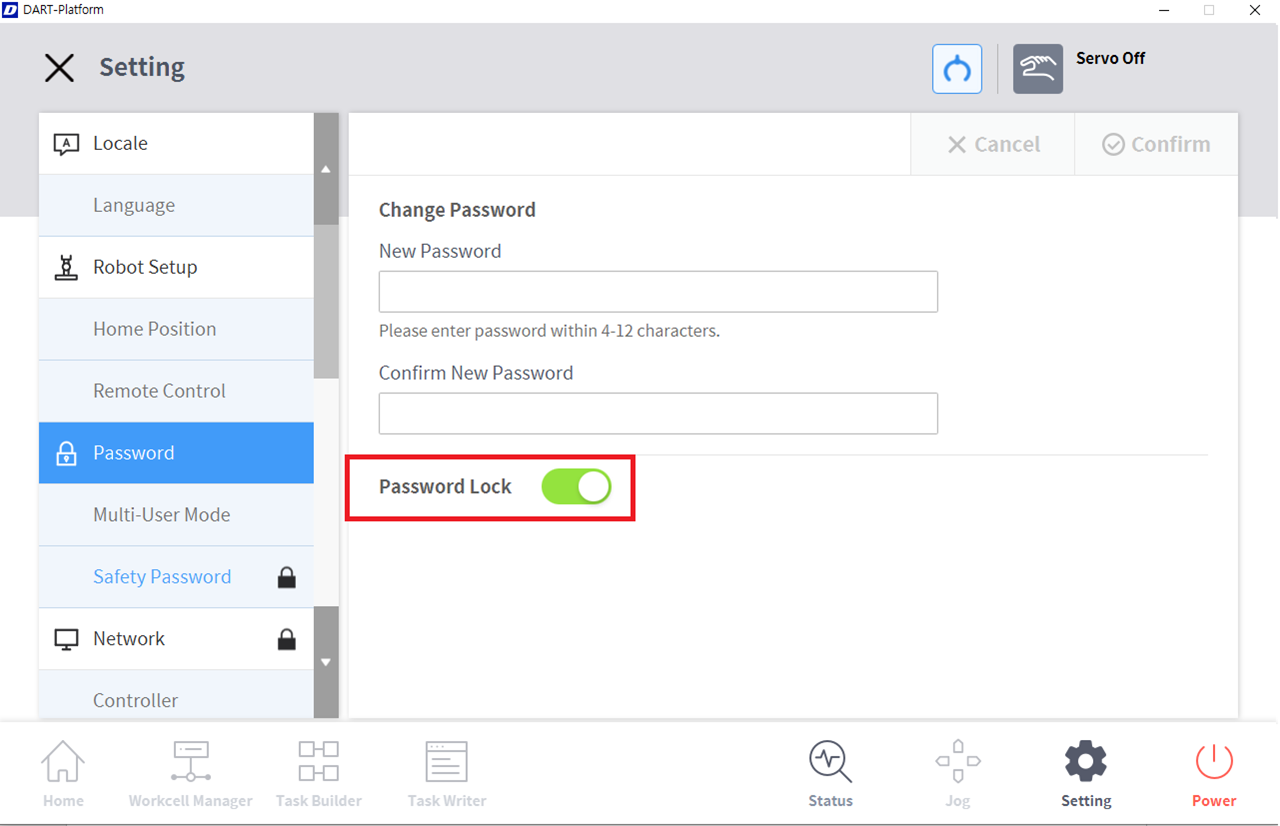
-
Tap the Confirm button.
Note
Even if the password lock is disabled, rebooting the system will enable password lock.