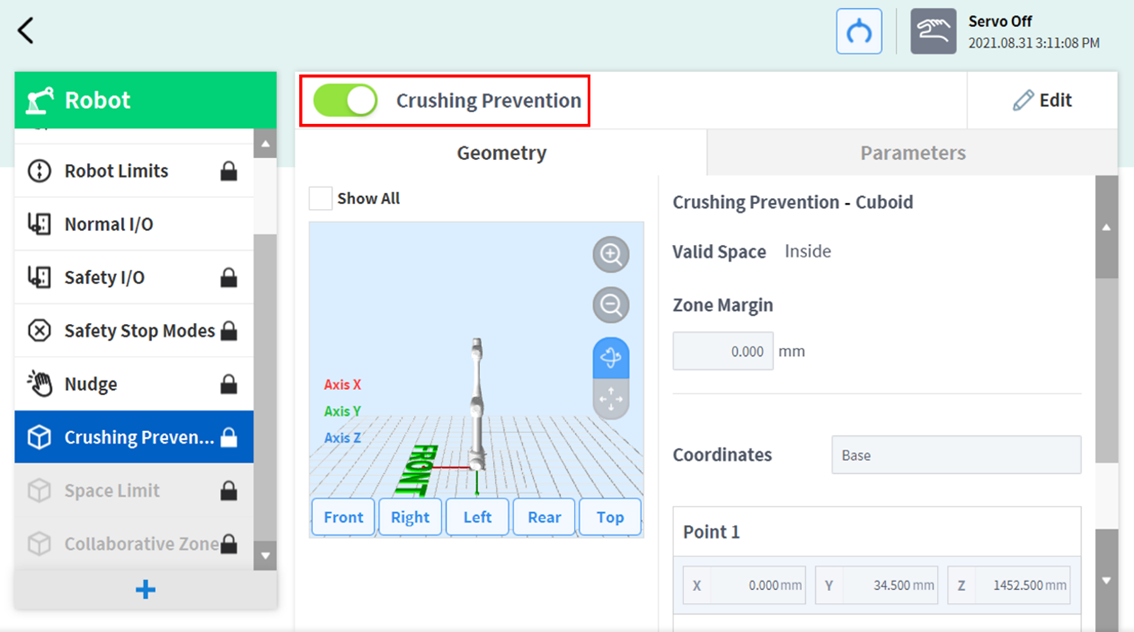
To set the Crushing Prevention Zone, tap the 
-
Enter the Workcell Name in the Workcell Name field on the top of the Workcell Setting screen.
-
Set the pose information according to the Zone shape along with the Valid Space and Zone Margin in the Geometry tab.
-
Set the TCP/Robot Limits, Safety Stop Modes, Dynamic Zone Enable and Advanced Options in the Parameters tab, and press Draft.
-
Verify that all parameters displayed are the same as what are Intended to be set, then check Confirm draft and press Confirm
-
Press the Activate Toggle button to apply the Crushing Prevention Zone.