
To move the robot based on base coordinates, follow these steps:
-
Select the Move tab and select the Task tab.
-
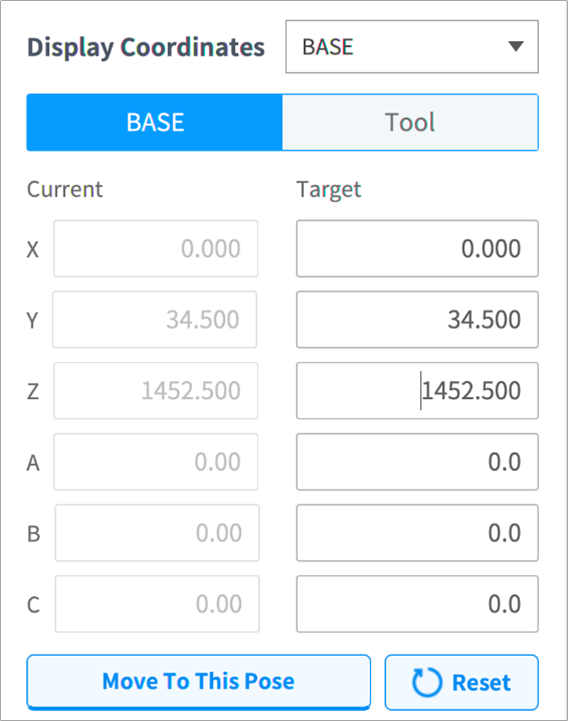
Select Base as the display coordinates and select the Base tab.
-
Configure the pose to move with reference to the base.
-
Tap and hold the Move to Corresponding Pose button to go to the set coordinate.