Analog interface welding machines receive analog signals (voltage target/feeding speed target) as well as digital signals (Arc-On/Gas-On/Inching-Forward/Inching-Backward) from the controller (S/W vers. GF020600). The controller provides two analog output channels, and the current mode and voltage mode can be set individually for each channel. The output range of each mode is as follows: For more information about analog output, refer to the Installation Manual.
- Current Mode: 4~20 mA
- Voltage Mode: 0~10 V
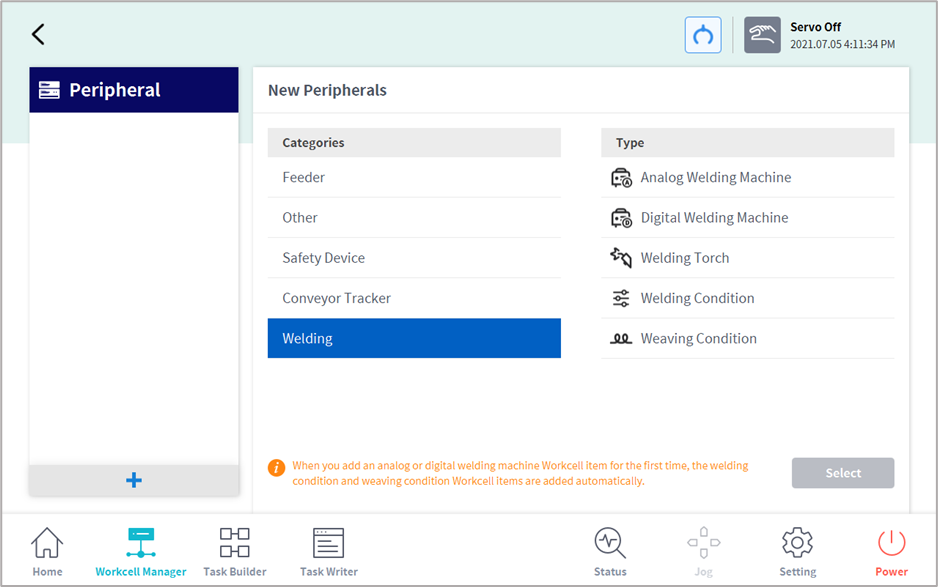
Check whether the input range of the welding machine allows connection with the controller, then connect the analog-output (out) and digital-output (out) channels of the controller to the target input terminal of the welding machine, and add them using the Workcell Manager → Peripheral menu.