
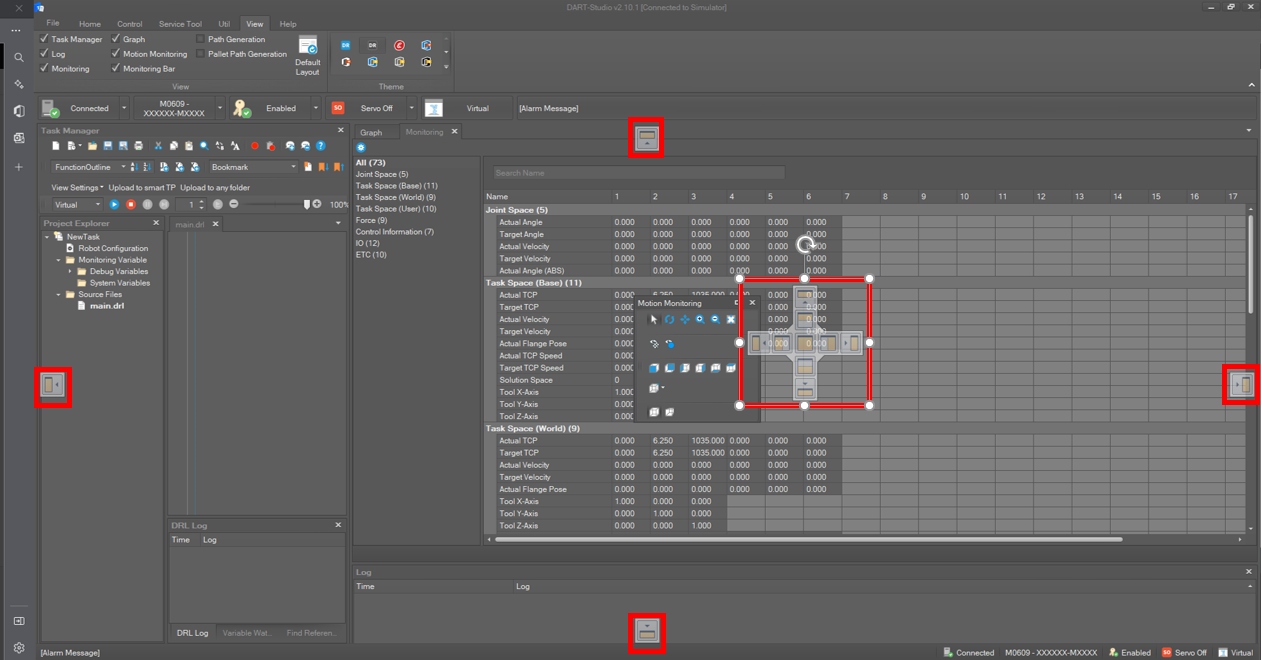
To change the layout, drag the pane and drop it in the desired location.
To add a tab group, right-click a tab and select New Horizontal Tab Group or New Vertical Tab Group on the context menu.
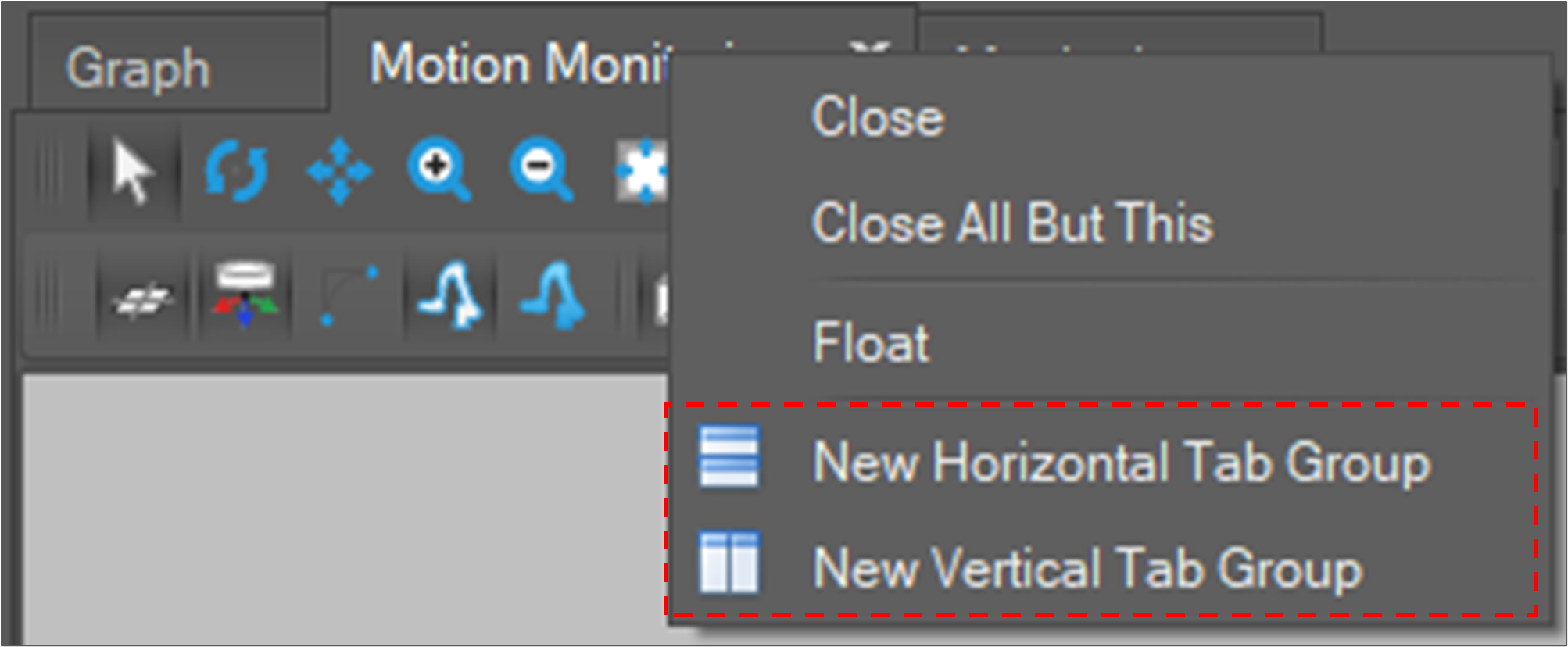
If you add a new horizontal (or vertical) tab group and select Arrange Tab Groups Horizontally (Vertically), the tab group is added horizontally (or vertically).

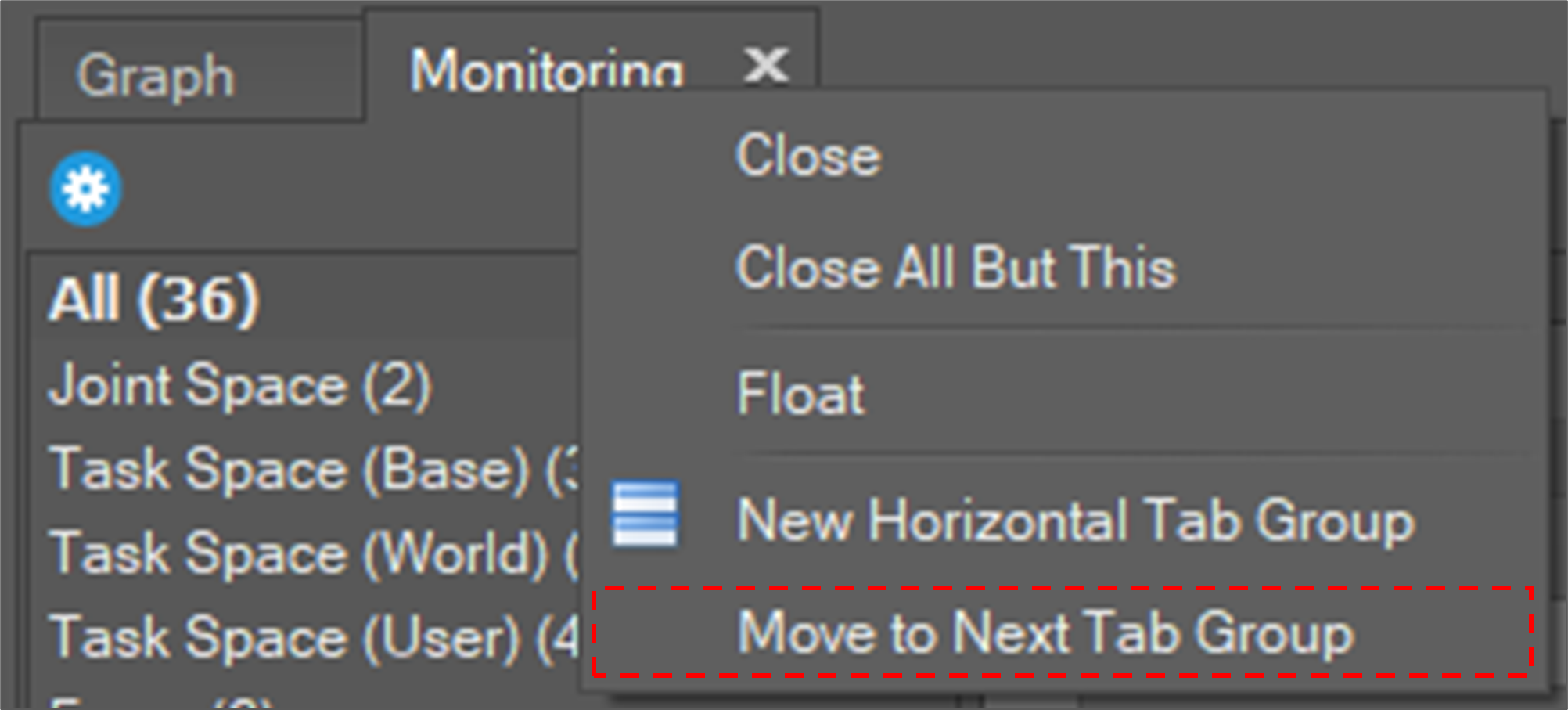
To move the tab to another tab group, select Move to Next Tab Group.
To initialize layout, select View on the main menu and click the Default Layout button.