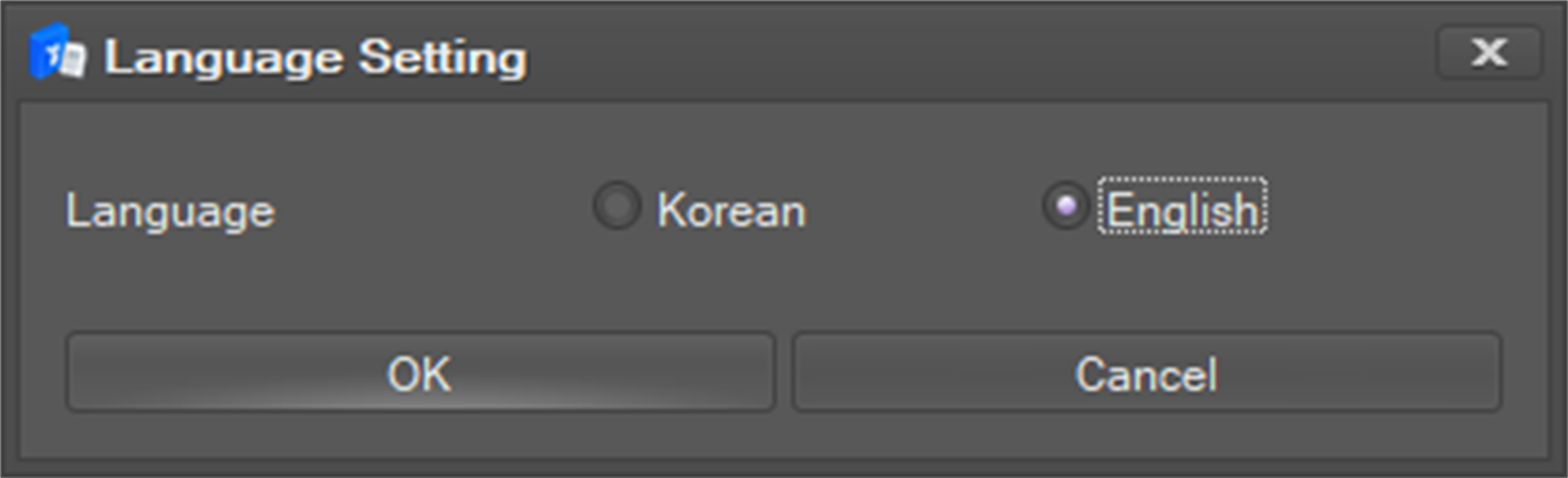
Two languages are provided: Korean and English.
-
The default language is English.
To change the UI language,
-
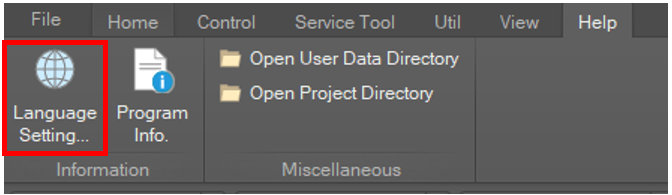
Go to Help on the main menu and click the Language Setting ... button.
-
Select a language and click the OK button. The setting will be promptly applied.