
In selection mode, the user can select objects by mouse clicking or dragging.

-
The selected objects are highlighted.
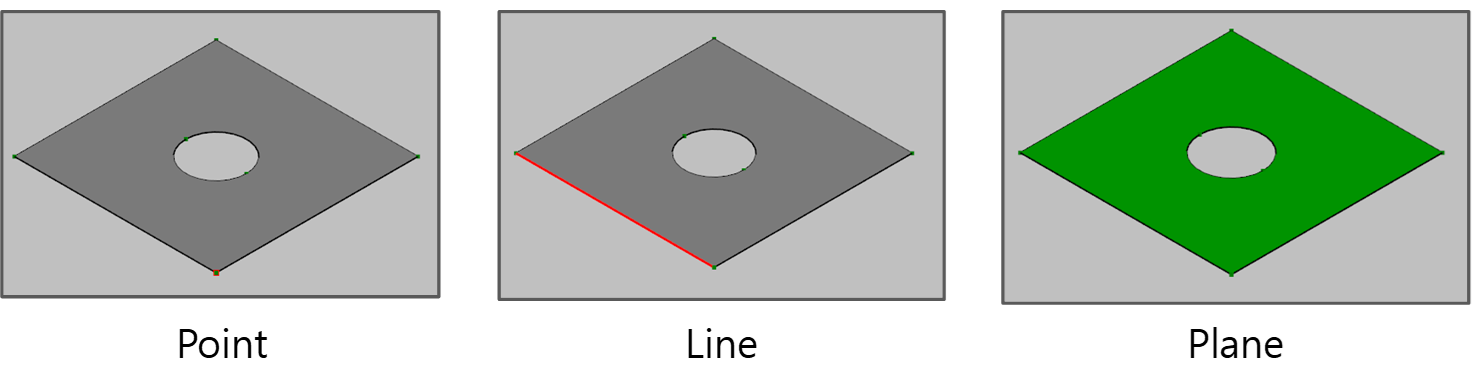
-
If the user clicks the mouse left button on an object, the object is selected.
-
If the user clicks the mouse button while pressing Ctrl key, the user can select multiple objects.
-
If the user drags the mouse, all the objects inside the dragging region are selected.