2.12 2.10.3 Korean English Chinese Czech Dutch French German Hungarian Italian Japanese Polish Portuguese Spanish

Open Robot Configuration Window

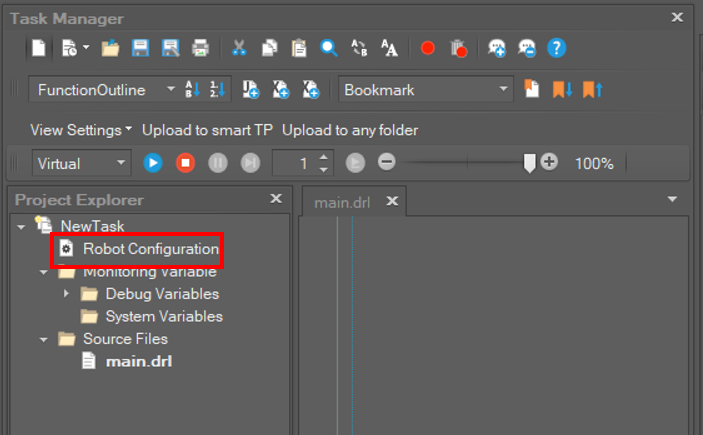
To open the Robot Configuration window, select Control on the main menu and click the Robot Configuration button or double click Robot Configuration in the Task Manager tree.

Note that the project must first be opened to open the Robot Configuration window. 

image2022-12-19_15-12-28.png

image2022-12-19_15-13-26.png