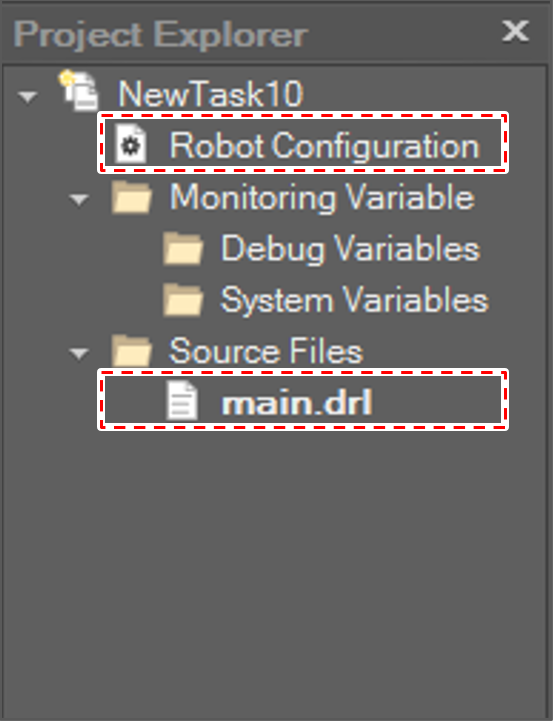
To edit and run, the DRL program must create a new project or open a saved project.
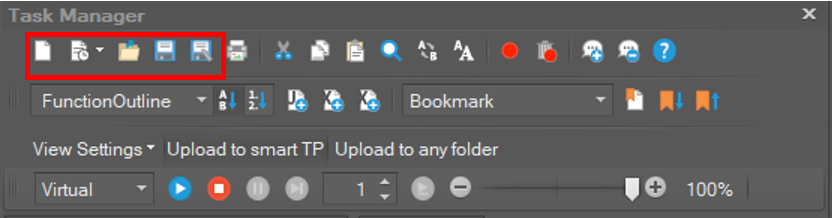
|
Menu Button |
Shortcut |
Function |
|---|---|---|
|
|
Ctrl+N |
Create new project |
|
|
|
Open recent project list |
|
|
Ctrl+O |
Open project |
|
|
Ctrl+S |
Save project (include all DRL files) |
|
|
|
Save as project (include all DRL files) |
|
|
Ctrl+P |
Print current active DRL file |


The Project Explorer, a tree-like viewer, manages projects.
If you make a new project, main.drl file and Robot Configuration item are created automatically. Also, robot setting and DRL programs including safety zones are stored and managed on a project basis.