
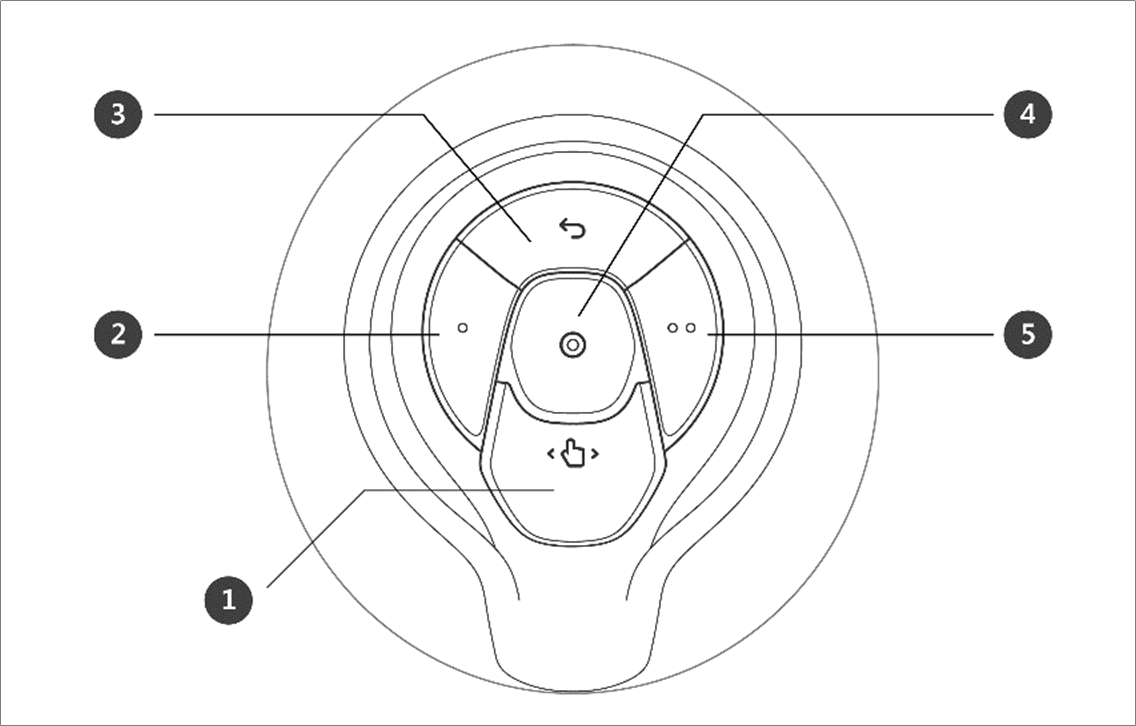
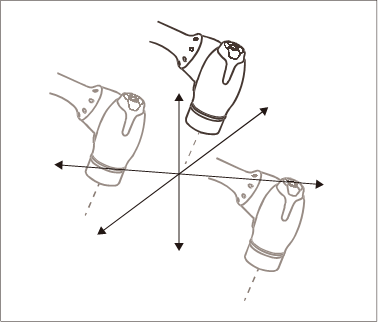
The user can change the robot’s pose while holding down the Hand-guiding button or custom button on the cockpit.
|
No. |
Item |
Description |
|---|---|---|
|
1 |
Hand-Guiding Button |
This button can be used to adjust or change the robot’s pose. |
|
2, 5 |
User Setting Button |
This button can modify the robot’s pose by entering a pose according to a lock condition corresponding to a mode.
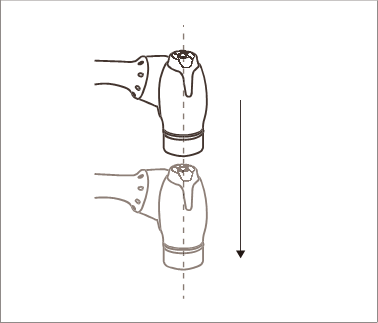
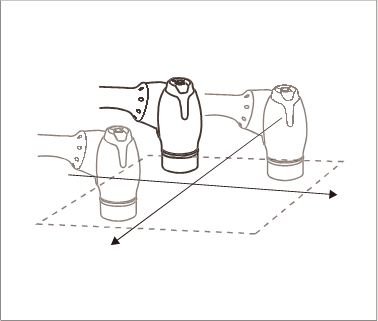
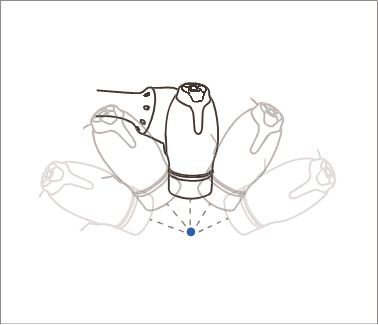
For more information about the settings, refer to Cockpit Setting. |
|
3 |
Cancel Button |
Deletes the most recently saved pose. |
|
4 |
Save Pose Button |
Saves the current robot pose. For more information, refer to Skill Command Work Point Setting with Cockpit Buttons. |