
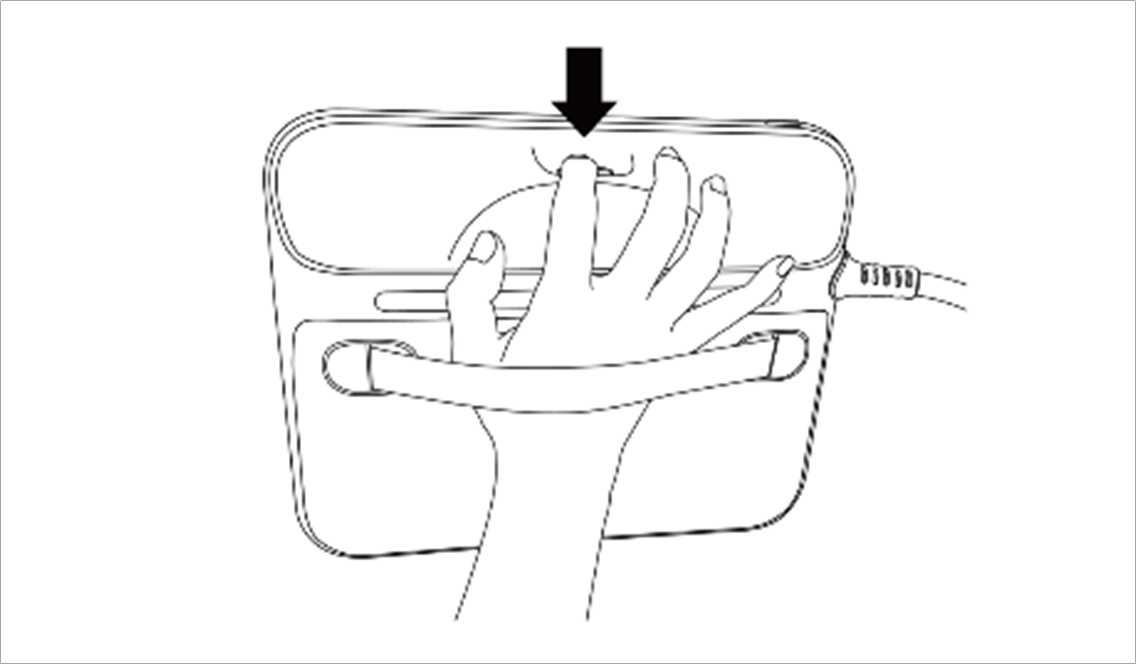
The user can change the robot’s pose while holding down the Hand-guiding button located on the back of the teaching pendant.
Note
-
By default, the Hand-guiding button can only be used in Manual mode, and it cannot be used in Auto mode when the task programs of Task Builder and Task Writer are operating.
-
However, if the robot is set to the Hand-guiding Ready state with the Hand Guide command of the Task Writer, the button can be used even in Auto mode.