
Tap a command list added to the task list to configure the properties of the command.
-
The properties to configure vary according to the command.
-
Some buttons in the command properties are enabled when related properties are entered.
-
For user convenience, some properties are preconfigured with default values.
-
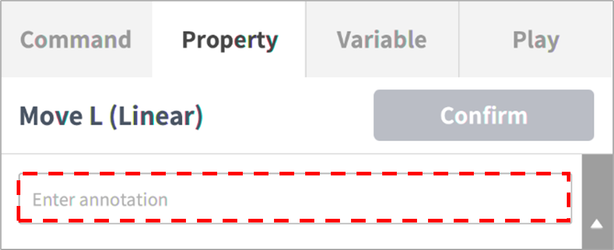
If necessary, comments for the command can be entered.
-
The properties of a command are applied only after the Confirm button is tapped.
For more information about command properties, refer to the manuals provided separately.
Note
-
In the case of SubTask, Sync Mode can be set. (available in V2.9 or higher)
-
With Sync Mode, changes can be applied on Imported Task when saving.
-
With Sync Mode, Import Task can be individually saved during exporting.
-
With Sync Mode, Import Task can be individually saved during save as.