
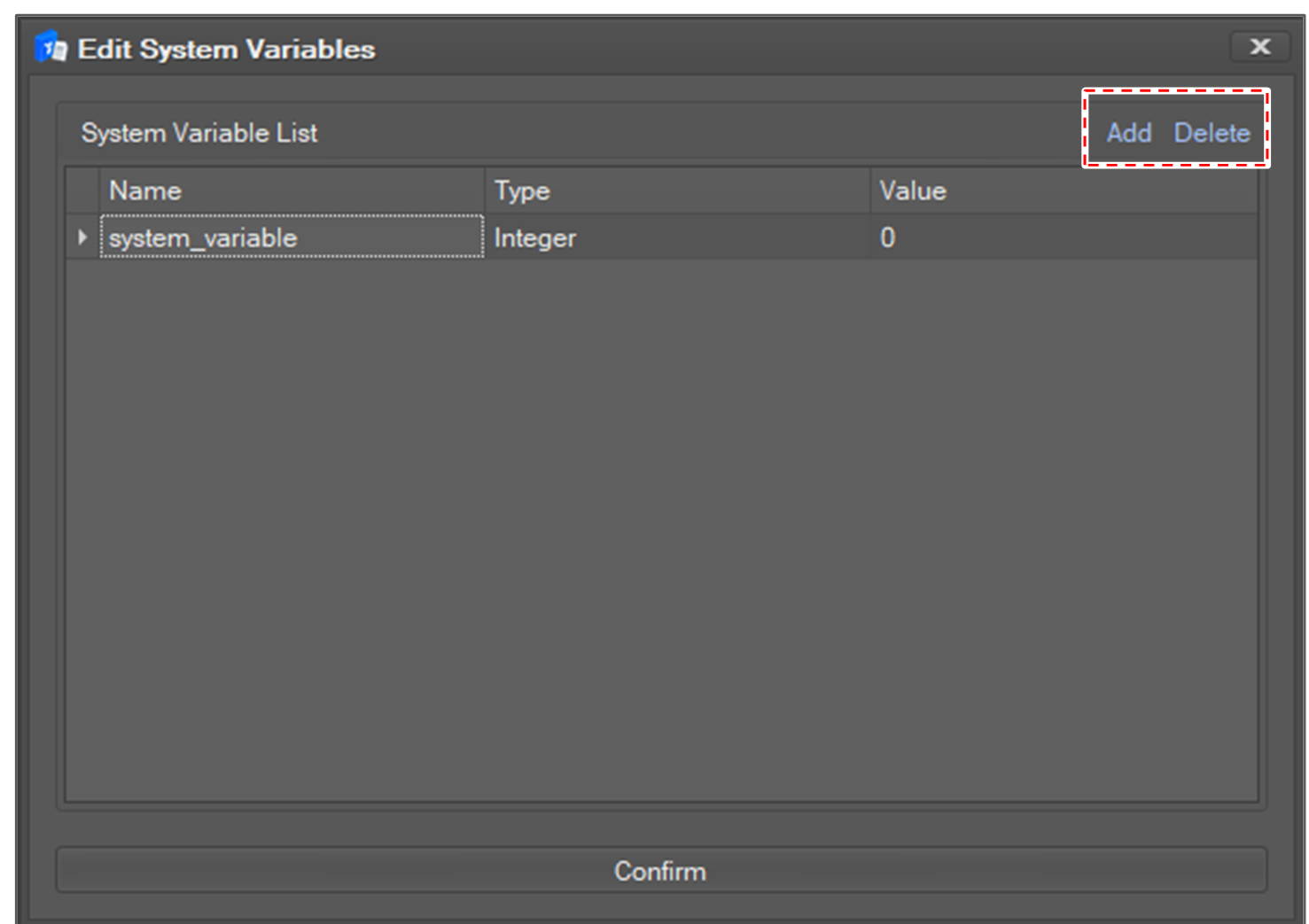
Double-click the System Variables item in the project explorer.
-
The System Variables list can be added/removed.
-
Adding a System Variable requires a variable name, variable type and initial value.
-
Properties cannot be changed when a program is running.
|
Type |
Range |
|---|---|
|
Boolean |
False / True |
|
Integer |
Whole Number Value |
|
Float |
Real Number Value |
|
String |
String |
|
Posj |
6-Axis Joint Angle. posj(x1, x2, x3, x4, x5, x6) |
|
Posx |
6-Axis Task Coordinates. posx(x1, x2, x3, x4, x5, x6) |
|
List |
List. [x, y, …] |
Monitoring can be checked from the variable monitoring window.
