
Old Flange

New Flange
-
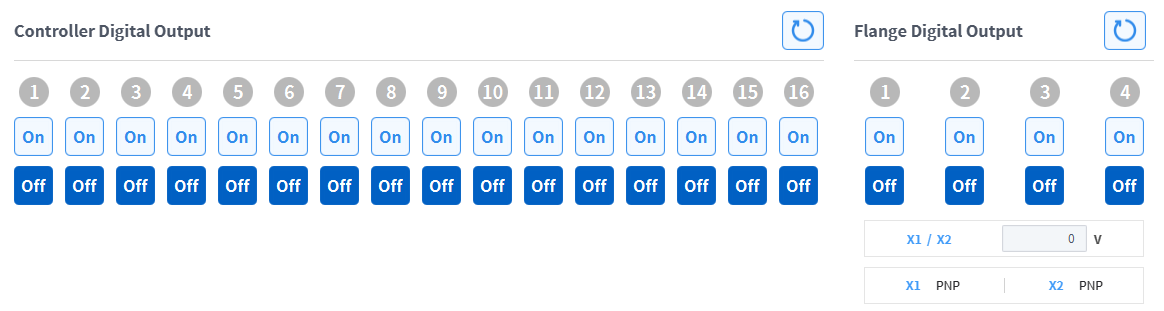
Check the port number of the device connected to the controller or flange.
-
Press the On/Off icon corresponding to the port number to activate or deactivate digital output.
-
The icon changes to light green and the corresponding port is enabled when the On icon is pressed.
-
The icon changes to light green and the corresponding port is disabled when the Off icon is pressed.
-