
This description is based on ASUS products.
As BIOS virtualization settings differ from each computer, ASUS products are described as examples.
-
After booting, press the DEL/F2 button to enter the B IOS settings screen and select the Advanced menu.
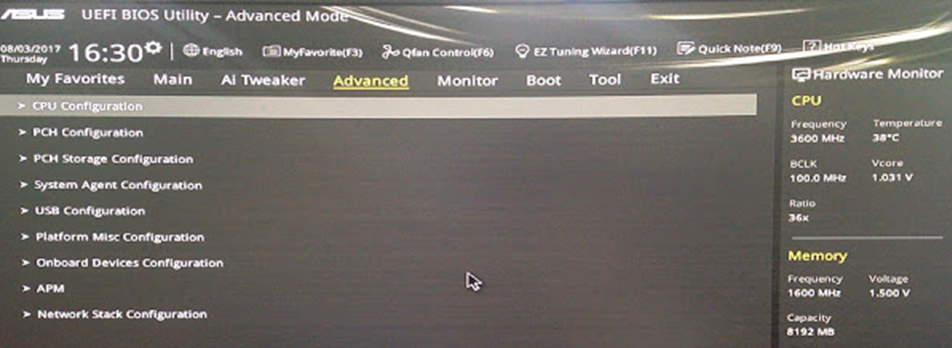
-
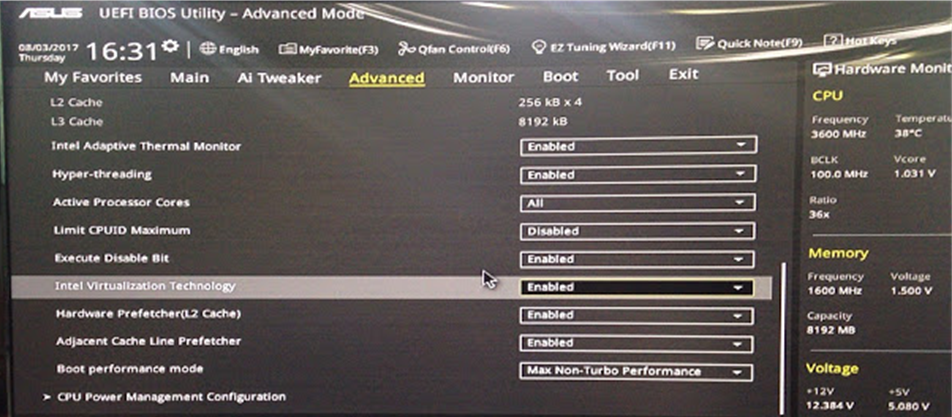
Set the Intel Virtualization Technology entry to enable/Save and reboot.
If the CPU does not support virtualization technology, this product is not available.