
The program provides undo and redo function for all operation.
At most 30 operations are stored and can be canceled (Undo) or restored (Redo) again.
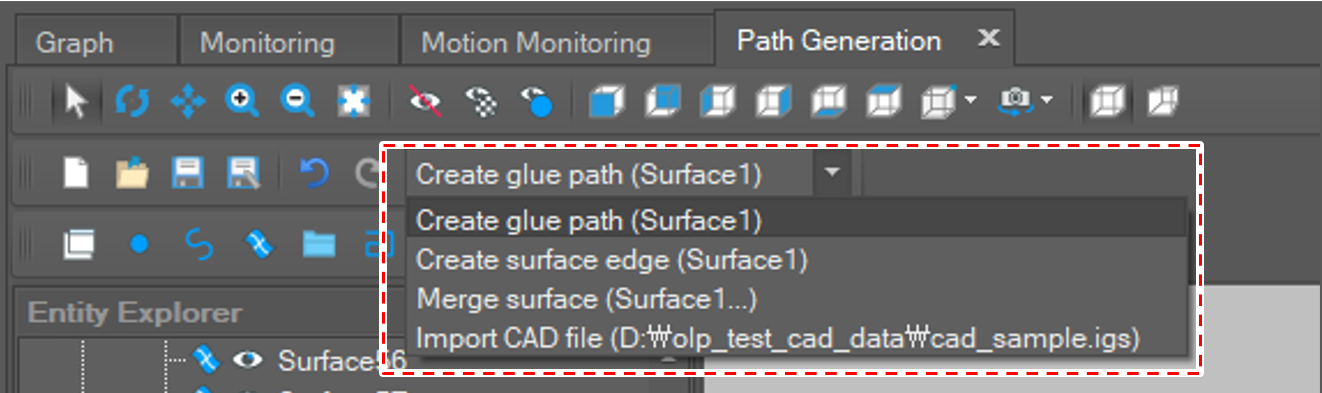
The user can undo the last operation by clicking the [Undo] button in the menu bar or by pressing [Ctrl + Z] key.

The user can redo the canceled operation by clicking the [Redo] button in the menu bar or by pressing [Ctrl + Y] key.
