To set the robot tool shape, tap the 
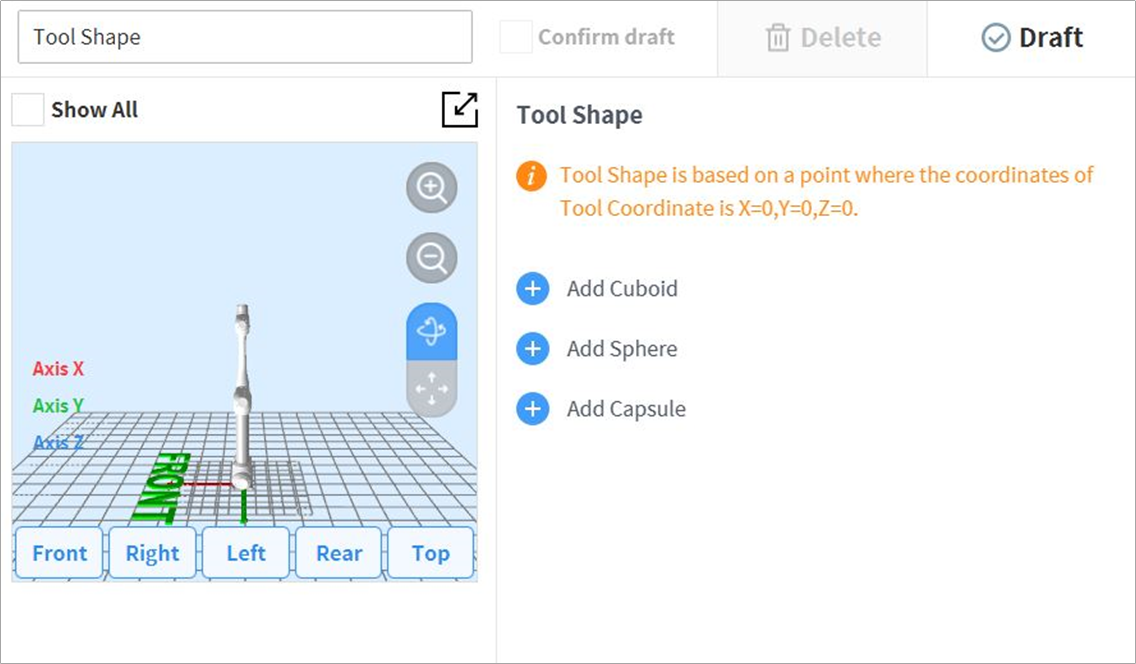
Tool shape can be set by adding Cuboid, Sphere, and Capsule shapes.
Select a shape that matches the tool and tap the Confirm button.

To set the robot tool shape, tap the
Tool shape can be set by adding Cuboid, Sphere, and Capsule shapes.
Select a shape that matches the tool and tap the Confirm button.