2.12 2.10.3 Korean English Chinese Czech Dutch French German Hungarian Italian Japanese Polish Portuguese Spanish

Merge path segment

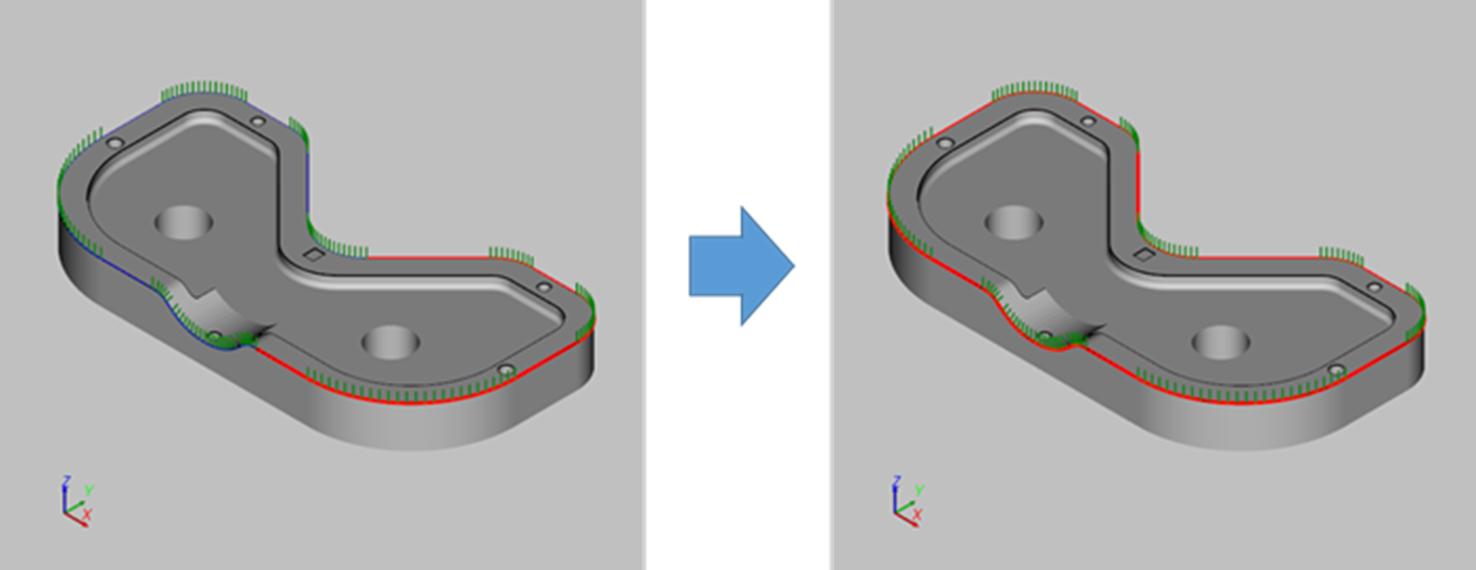
The function merges path segments into a segment.

  1. Open [Merge Path Curves] window.
    After clicking the [Edit Path] button, select [Merges Path Curves] option.
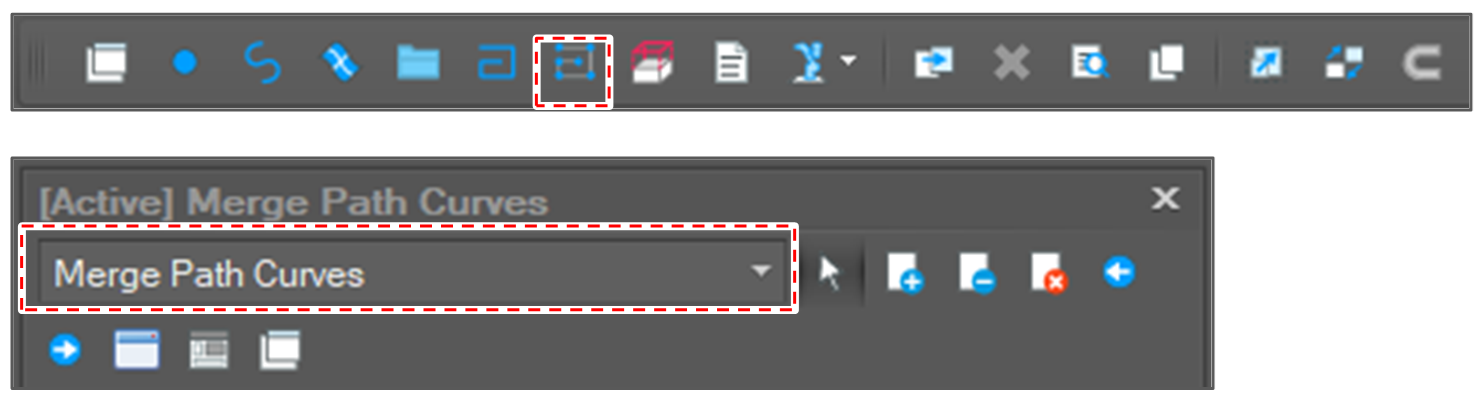
    image2021-12-1_13-23-23.png

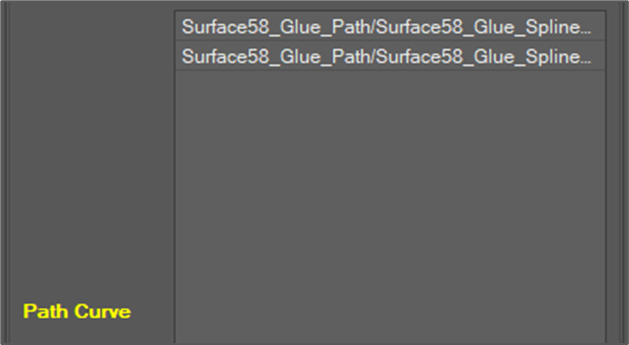
  2. Select path segments to merge.
    image2021-12-1_13-23-46.png

  3. Set the merge angle tolerance.
    image2021-12-1_13-24-29.png
    If the angle between two segments is greater than the tolerance, the merge failed.

  4. Click the [Run] button.
    image2021-12-1_13-25-7.png

  5. Check the result.
    image2021-11-30_15-35-31.png