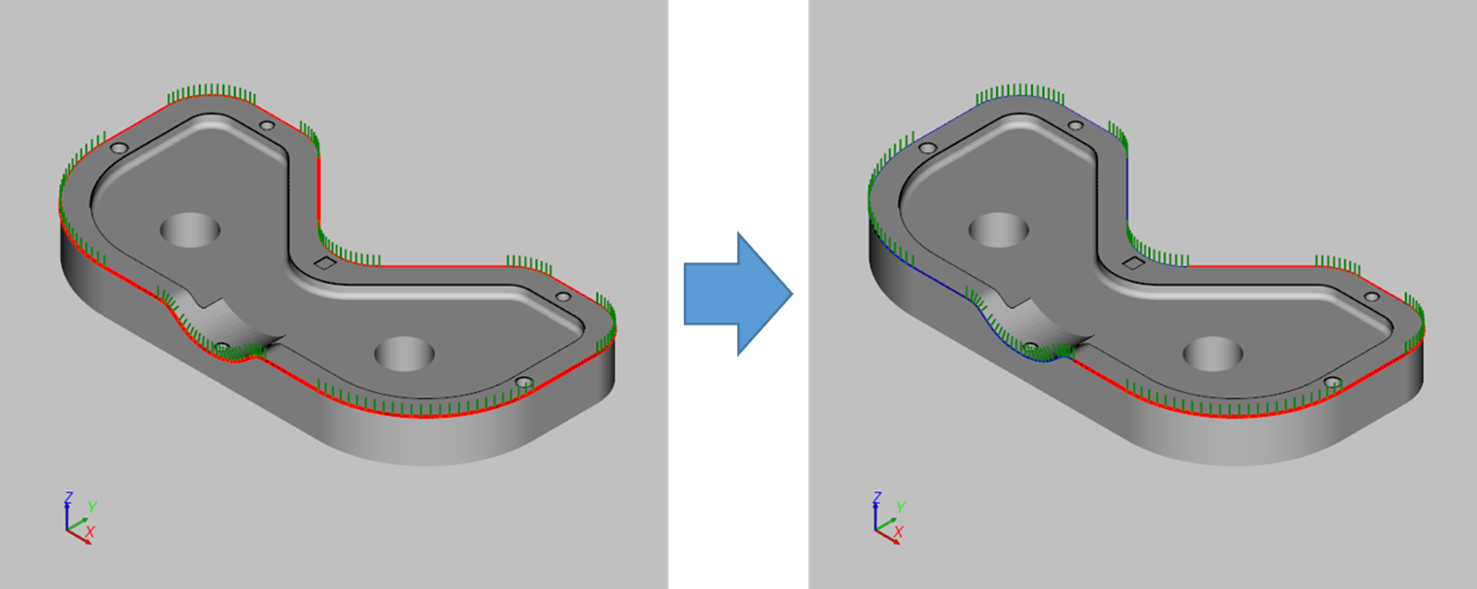
The function splits a path segment into two segments on a path point or on a point on the curve.
-
Open the [Split Path Curve] window.
After clicking the [Edit Path] button, select [Split Path Curve (On Path Point)] option.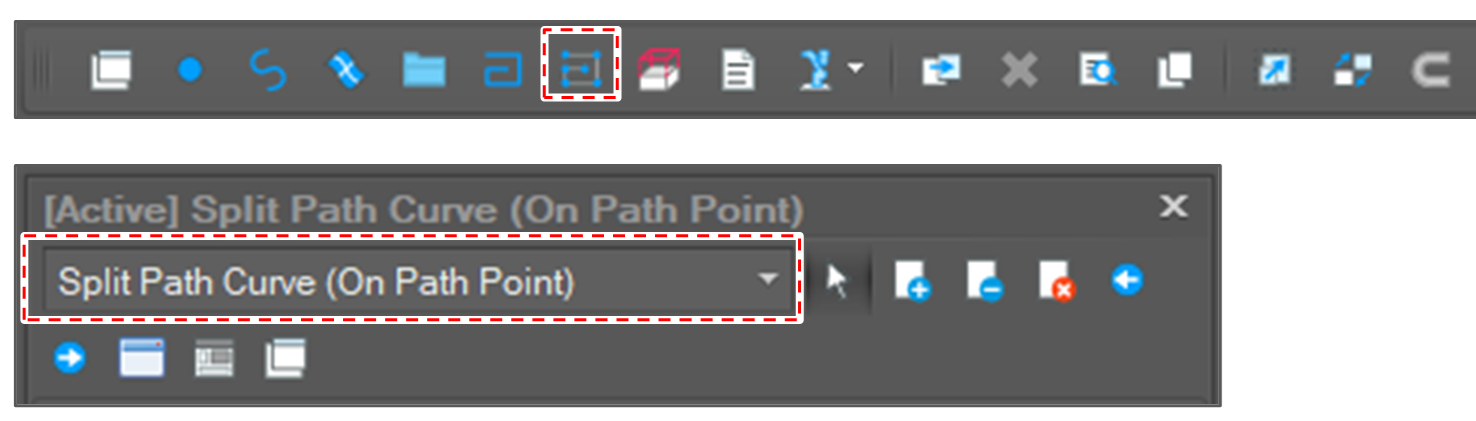
To split the path curve on a point, select [Split Path Curve (On Point)] option.
-
Select a path point object.

-
Click the [Run] button.

-
Check the result.