
After selecting text, click the Comment 
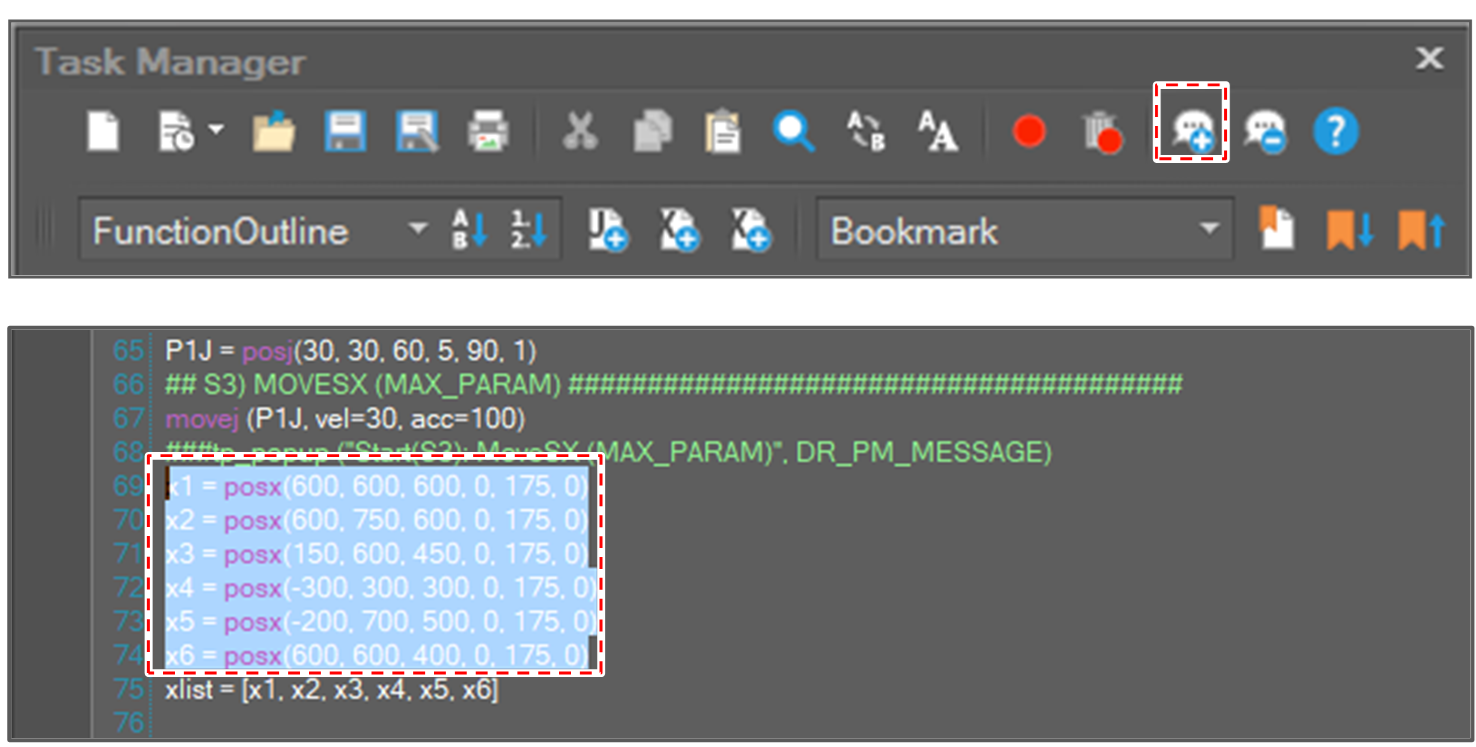
Then, the selected text is commented.
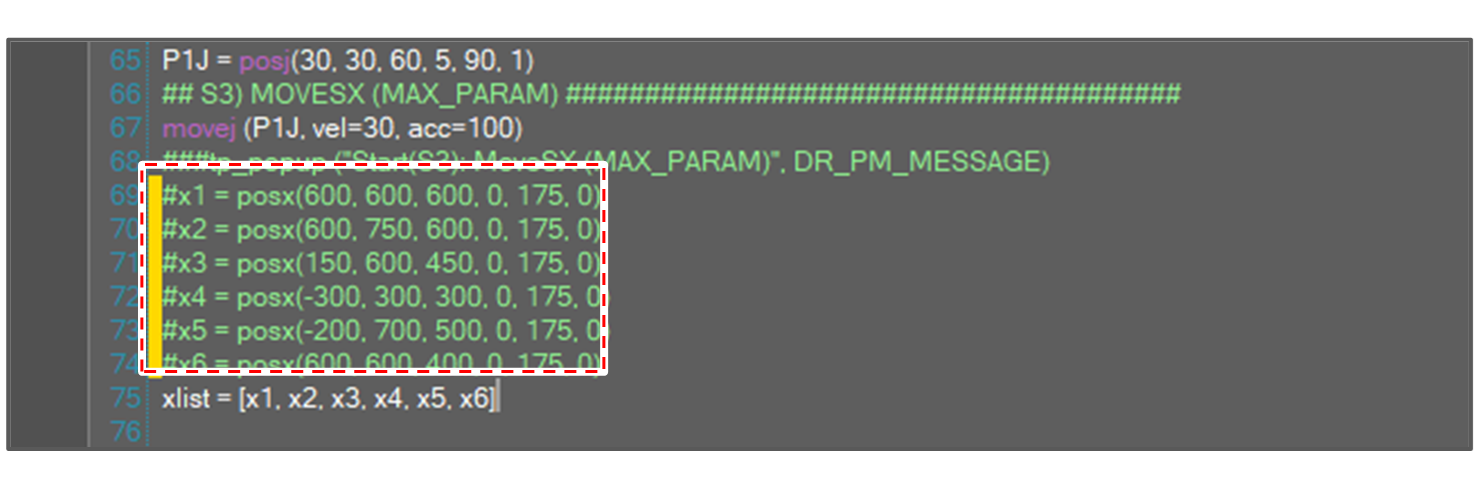
If no text is selected, only the line at the cursor is commented.
Uncomment
After selecting commented text, click the Uncomment 

If no text is selected, only the line at the cursor is uncommented.
Toggle Comment
To toggle comment, press Ctrl + K after selecting text.
-
If the selected text is plain text, the text is commented.
-
If the selected text is commented text, the text is uncommented.
-
If the selected text includes the plain text line and the commented text line, the text is commented.