
Text editing
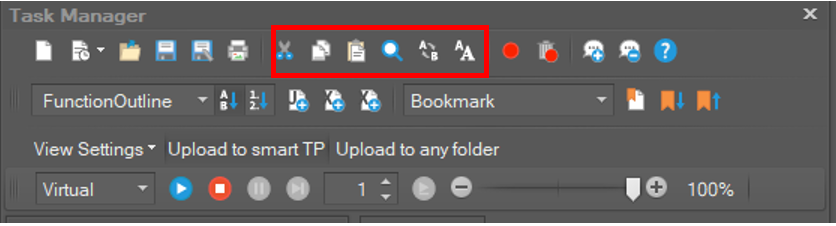
|
Menu Button |
Shortcut |
Function |
|---|---|---|
|
|
Ctrl + X |
Cut Text |
|
|
Ctrl + C |
Copy Text |
|
|
Ctrl + V |
Paste Text |
|
|
Ctrl + F |
Find Text |
|
|
Ctrl + H |
Replace Text |
|
|
|
Change Font (all opened windows only) |


Running a program
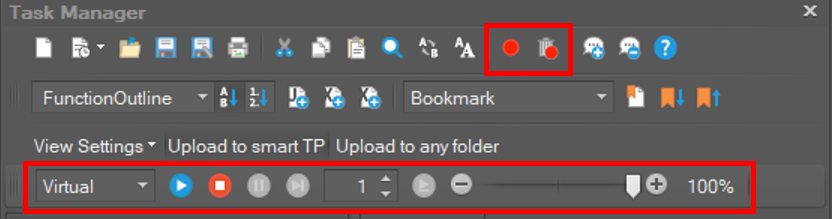
|
Menu Button |
Shortcut |
Function |
|---|---|---|
|
|
F9 |
Set or clear a breakpoint on DRL file |
|
|
Ctrl+Shift+F9 |
Delete all breakpoints set on the DRL file |
|
|
|
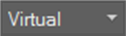
Choose whether to run the program in real mode or in virtual mode |
|
|
F5 |
Play DRL Program |
|
|
Shift+F5 |
Stop DRL Program |
|
|
Ctrl+Alt+Break |
Pause DRL Program |
|
|
F5 |
Continue running on DRL program |
|
|
|
Set line spacing on next line run |
|
|
F10 |
Execute the next line |
|
|
|
Set the program execution speed |





Bookmark
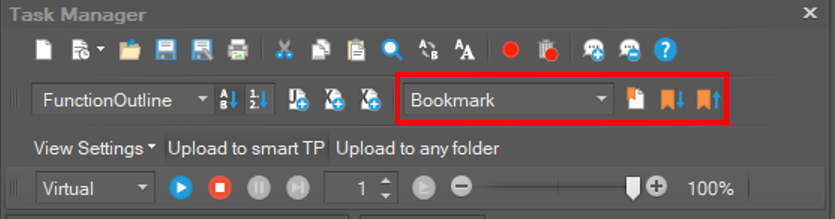
|
Menu Button |
Shortcut |
Function |
|---|---|---|
|
|
|
You can check the list of bookmarks and move to the bookmark selected in the list |
|
|
F2 |
Add or delete bookmarks on selected rows |
|
|
Ctrl+F2 |
Move to the next bookmark in the currently selected row |
|
|
Shift+F2 |
Moves from the currently selected row to where the previous bookmark is located |



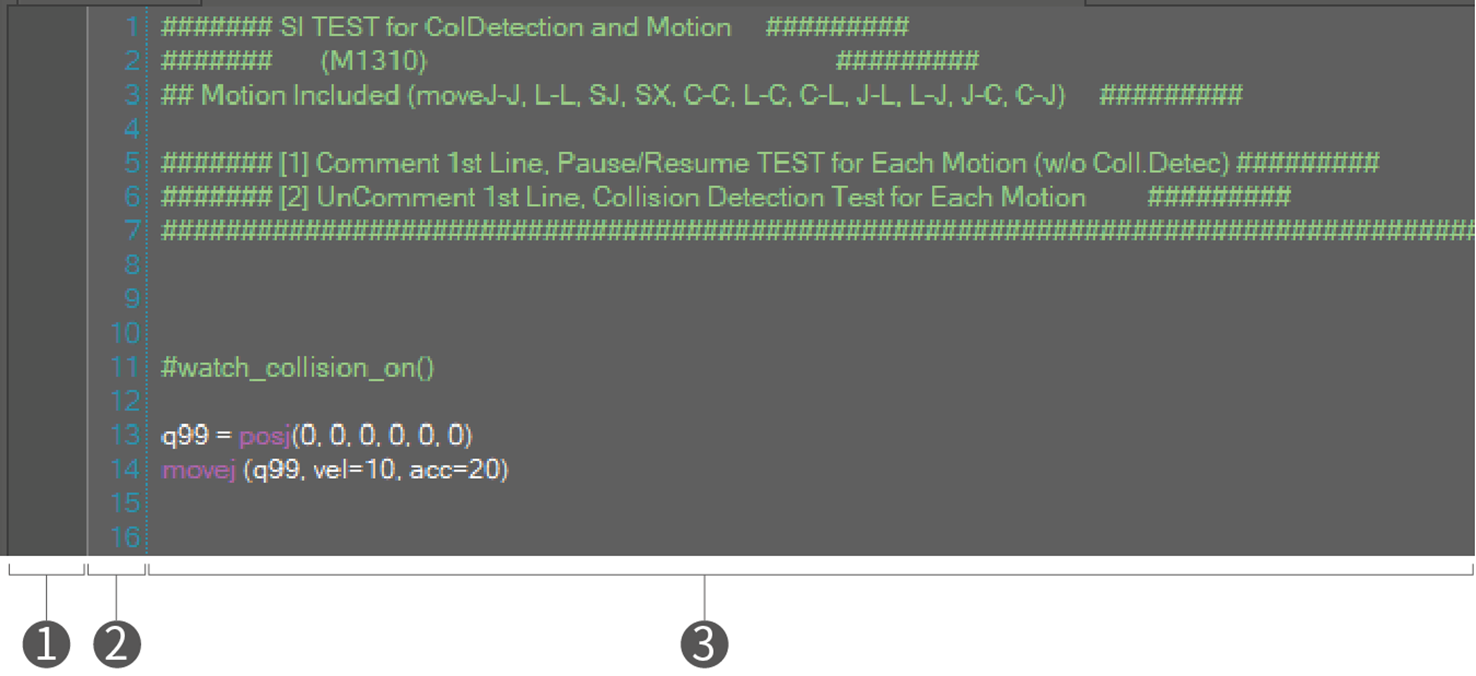
Edit window
|
➊ |
Show bookmarks or break points. If you want to add a break point, just click the position to add. |
|
➋ |
Indicates the line numbers. |
|
➌ |
Text editor for DRL program. |
Message window
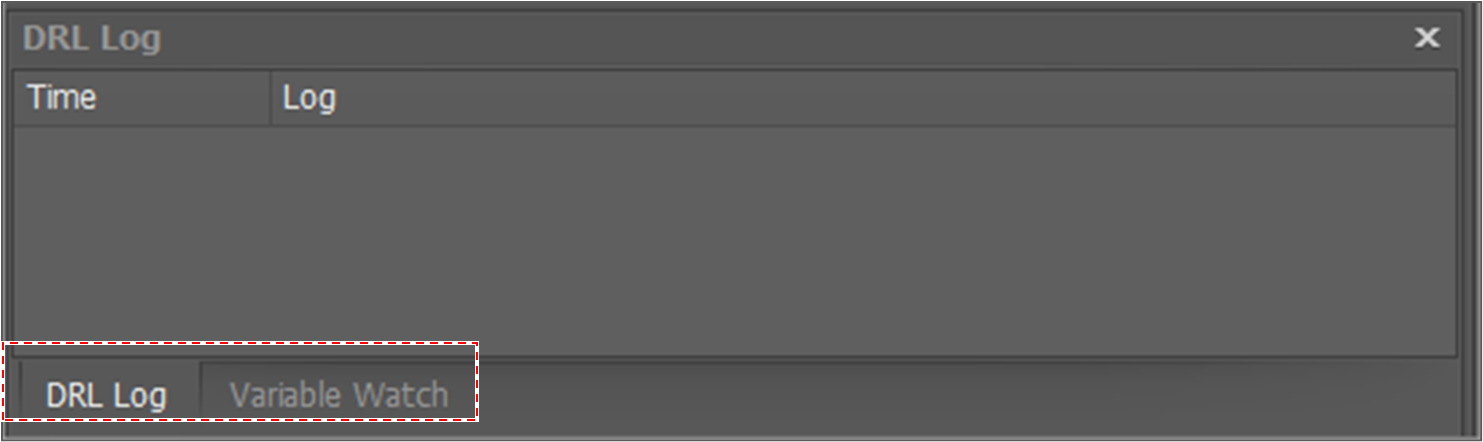
see the log messages that occur when the DRL program is running in the DRL Log tab. If necessary, you can delete the entire log by using the Clear All menu that appears when you right-click on the added row.
If you select the Variable Watch tab, you can see the variable value that is added in Project Explorer.