To save a program, click the Save 

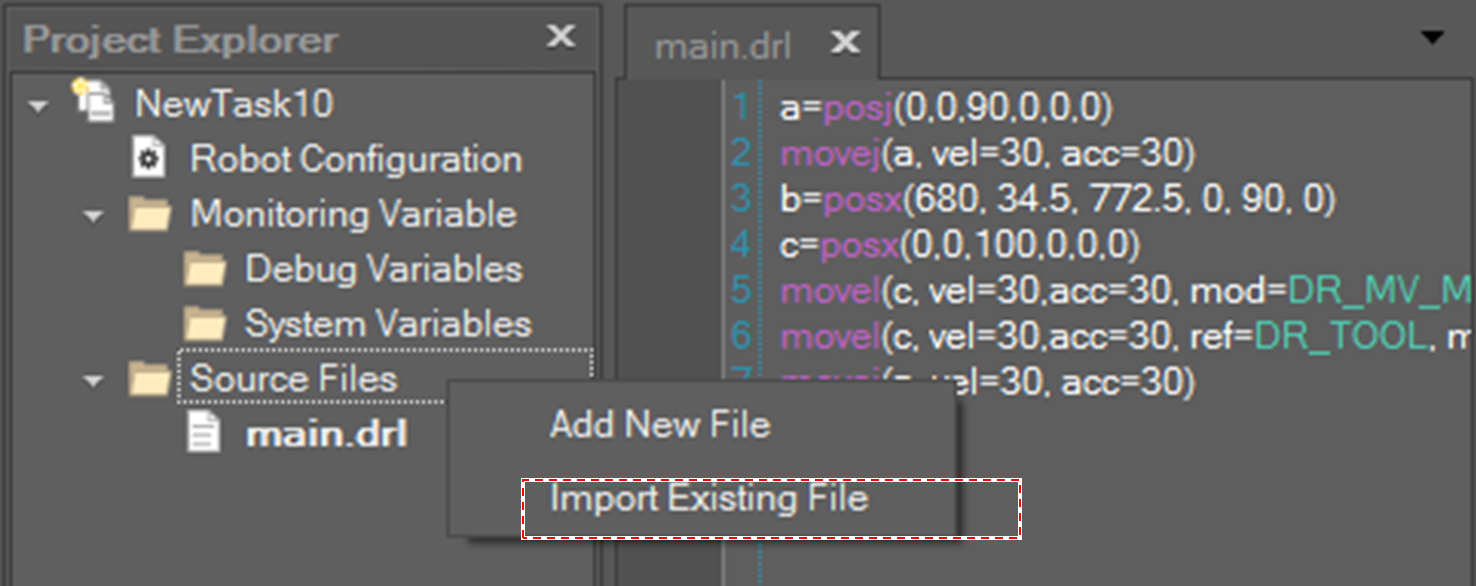
To import a program file from another project, select Source Files in the tree node of Project Explorer and right-click, and then select Import Existing File on the context menu.

To save a program, click the Save
To import a program file from another project, select Source Files in the tree node of Project Explorer and right-click, and then select Import Existing File on the context menu.