Barcode Skill은 Barcode의 1D/2D 데이터를 검출할 수 있습니다. SVM에 사전 등록한 Barcode Data를 현재 검출한 바코드와 비교할 수 있습니다. Barcode Skill을 마음껏 활용하기 바랍니다.
Barcode Skill을 활용하기 위해서는 DART-Vision Detection Tab에 있는 Barcode Detection에서 Barcode 등록을 진행하고 Barcode Data를 SVM에 저장한 후 사용해야 합니다. DART-Vision 매뉴얼을 보고 Barcode Data 등록을 진행하십시오.
-
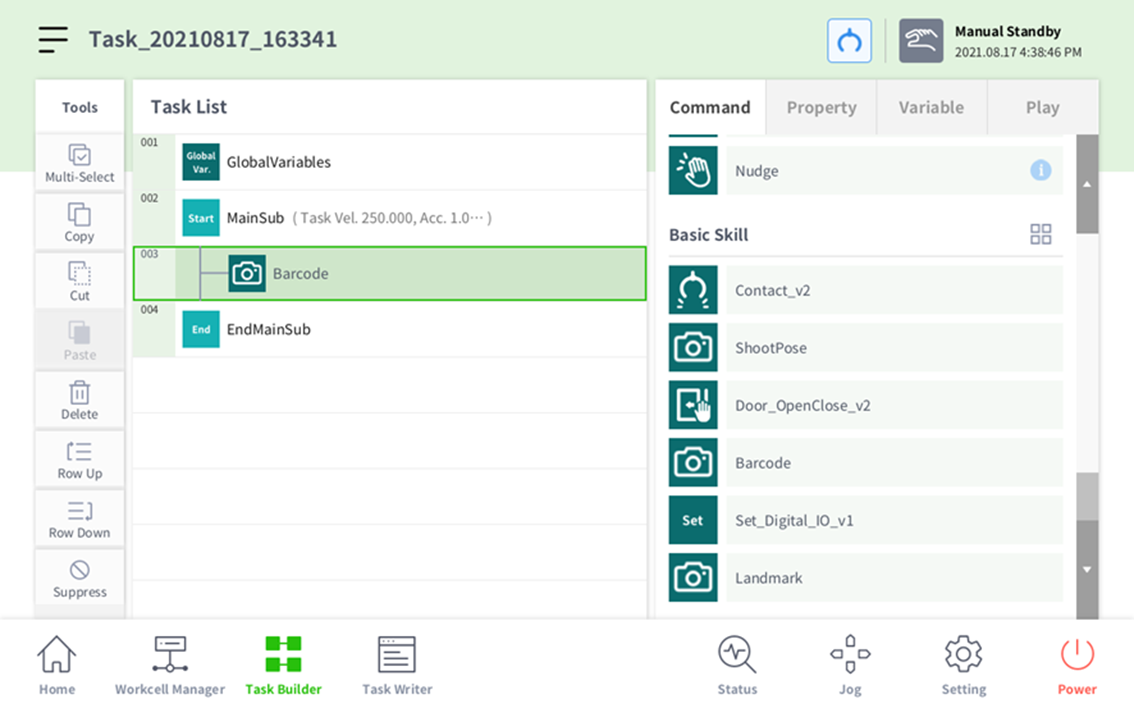
Command Tab에서 Barcode 버튼을 클릭해 Barcode Skill을 추가합니다.
-
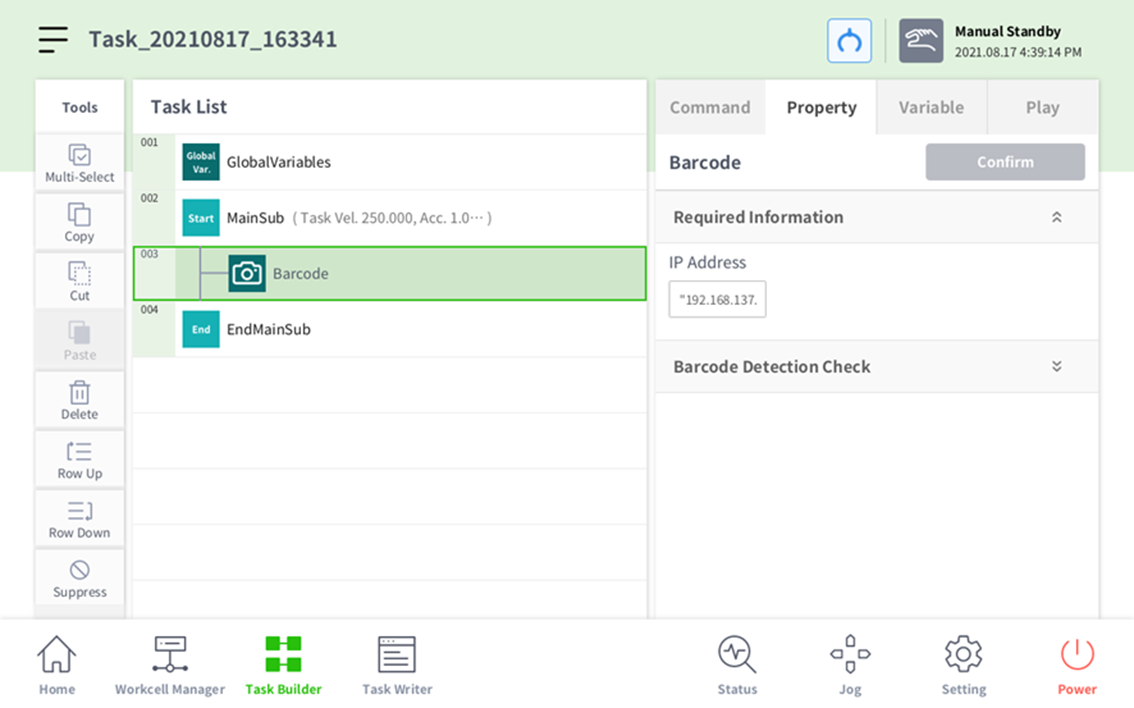
Property Tab에서 Required Information을 Open하고 IP Address와 Job ID를 입력한다.
-
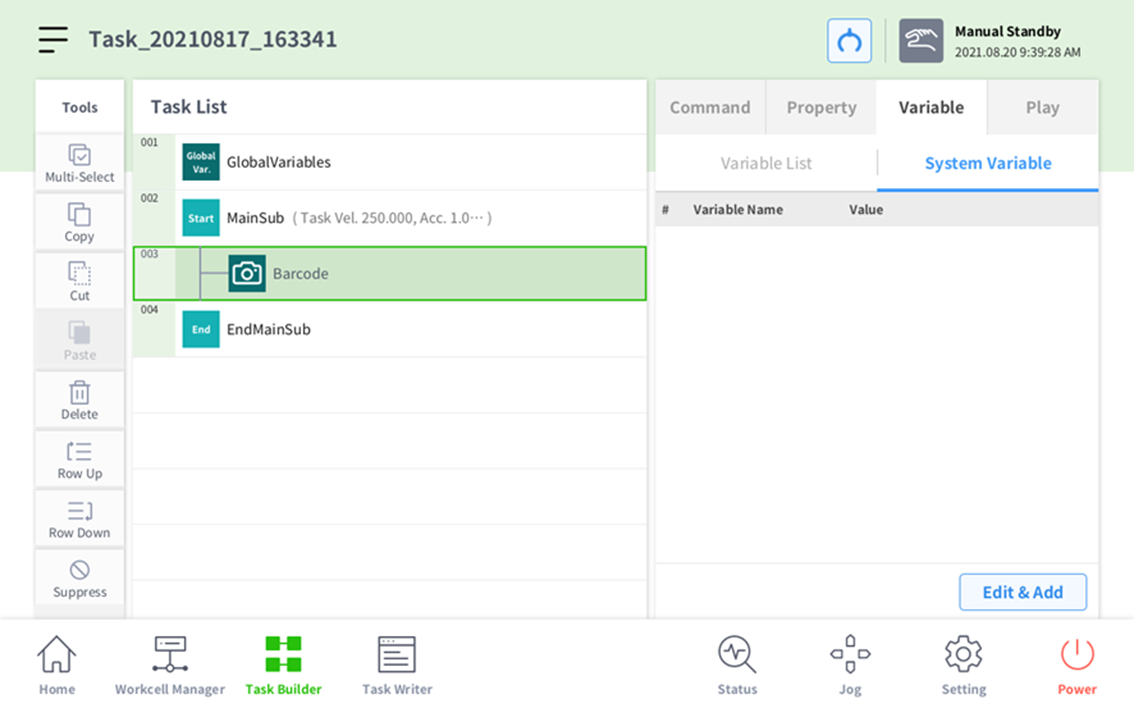
Variable Tab에서 Edit & Add 버튼을 누릅니다.
-
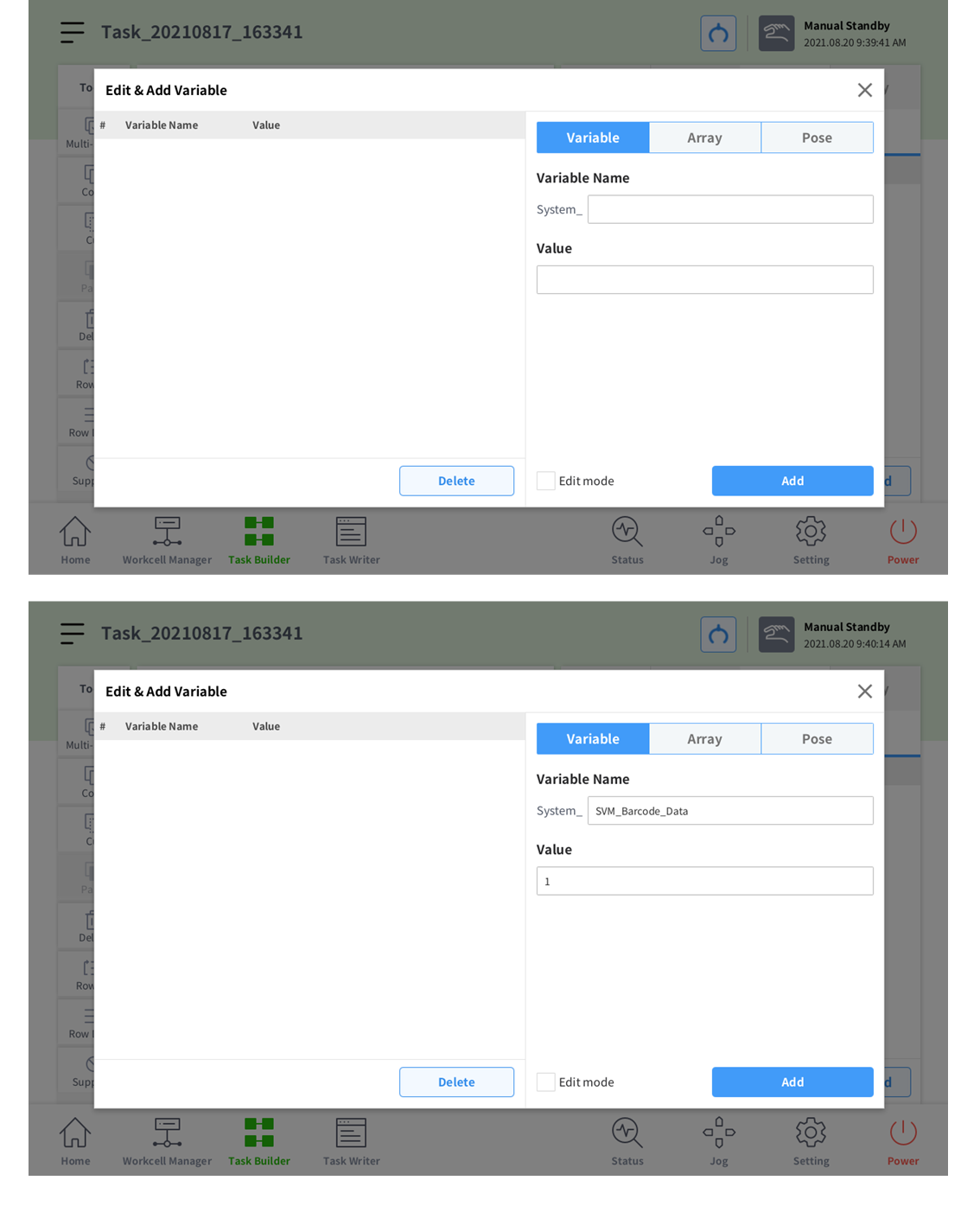
Variable을 클릭한 뒤 System_SVM_Barcode_Data를 추가하고 Value를 입력합니다.
-
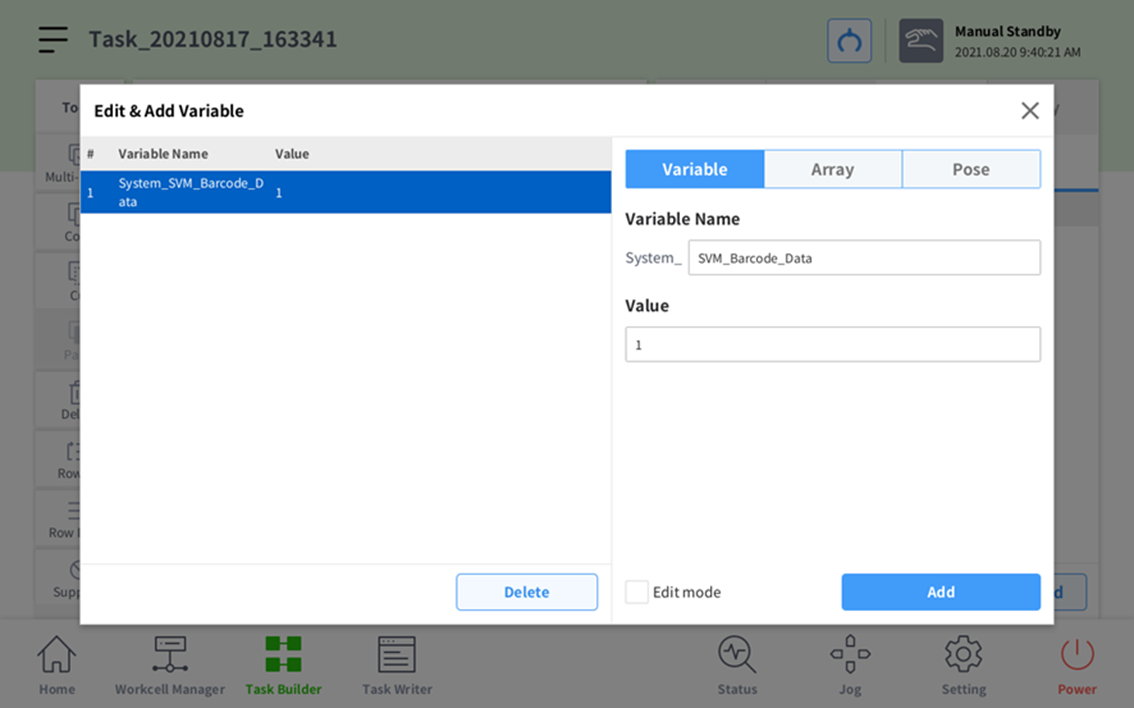
Add 버튼을 눌러 Variable을 추가합니다.
-
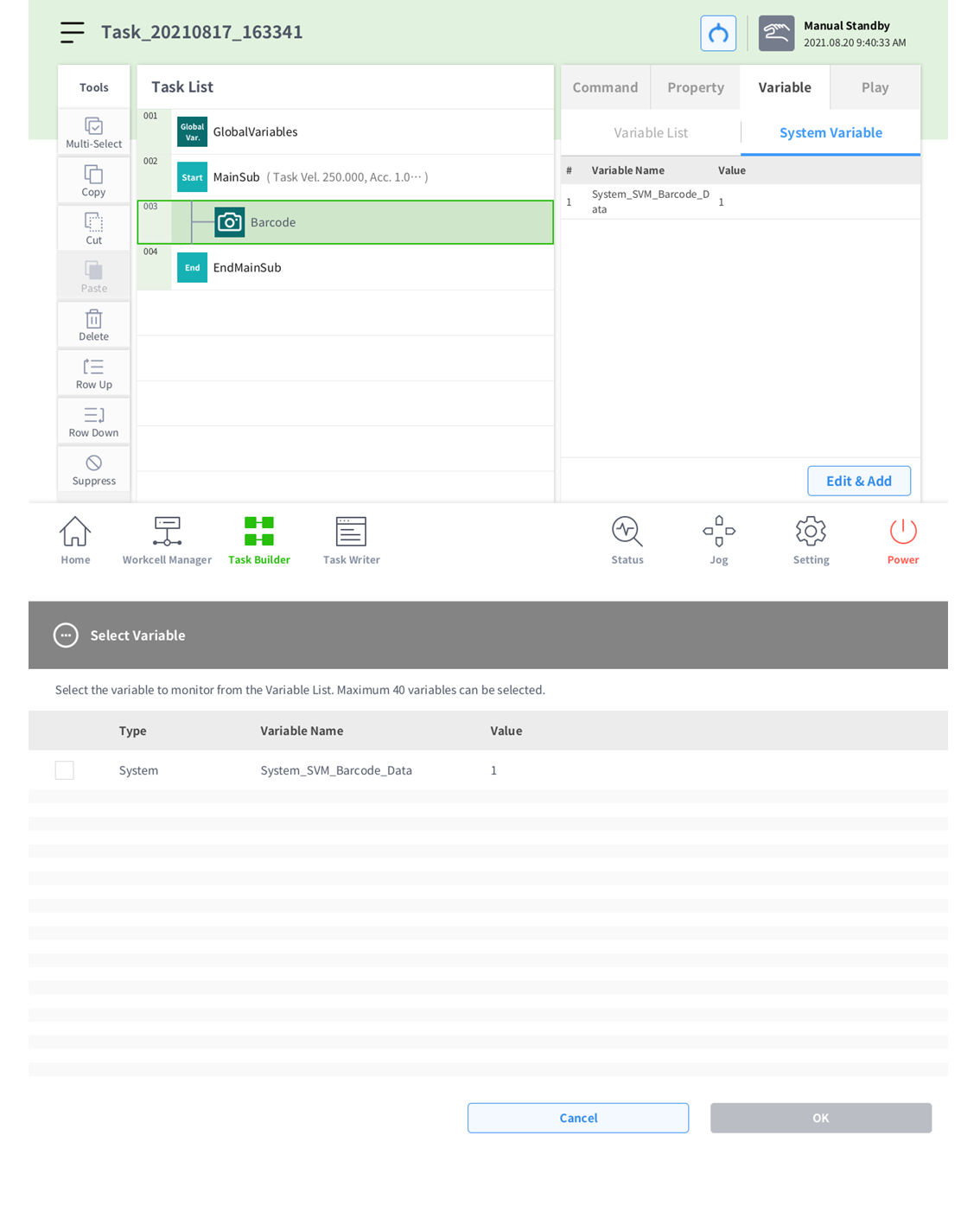
창을 종료하고 Variable List 버튼을 누른 뒤 Select Variable 버튼을 누릅니다.
-
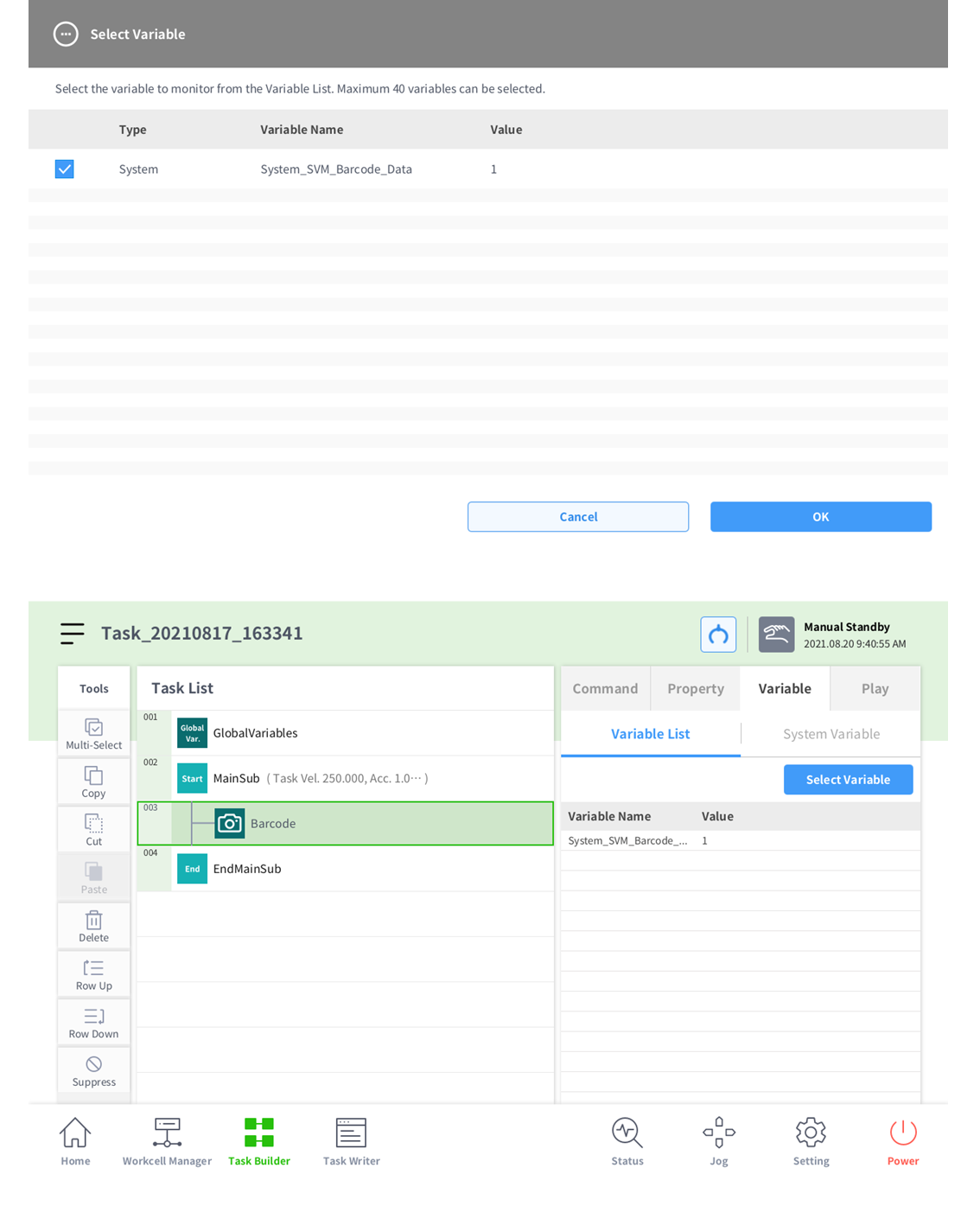
System_SVM_Barcode_Data 체크 버튼을 클릭한 뒤 확인을 누르면 Variable선택이 됩니다.
-
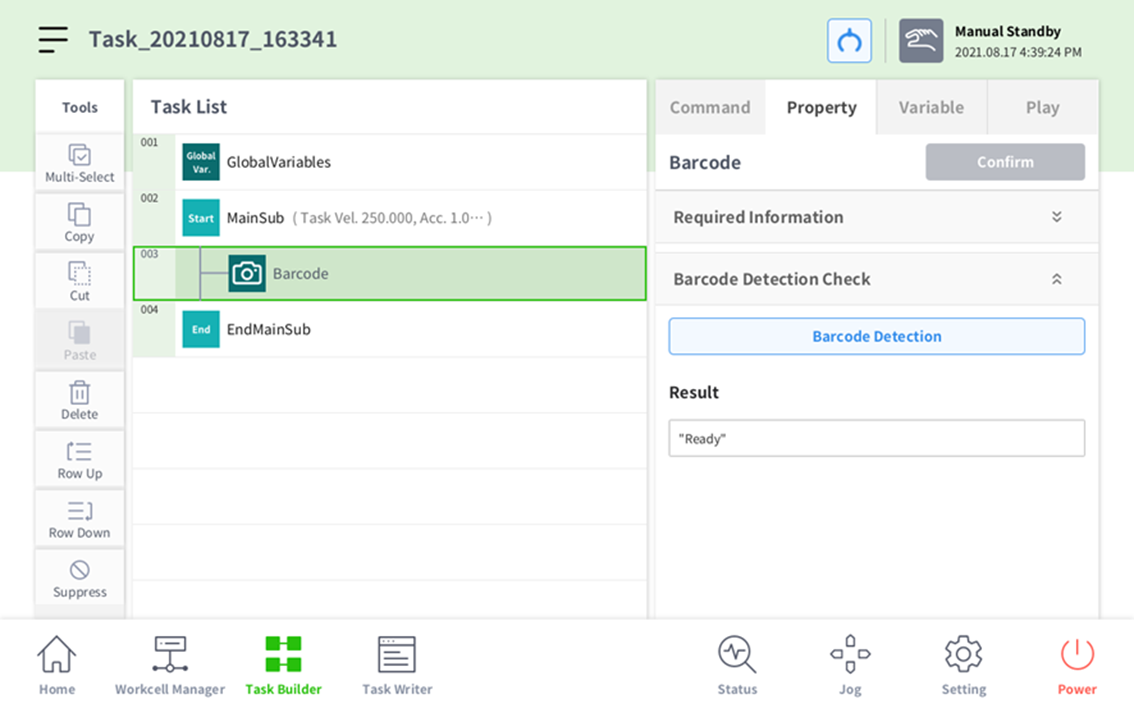
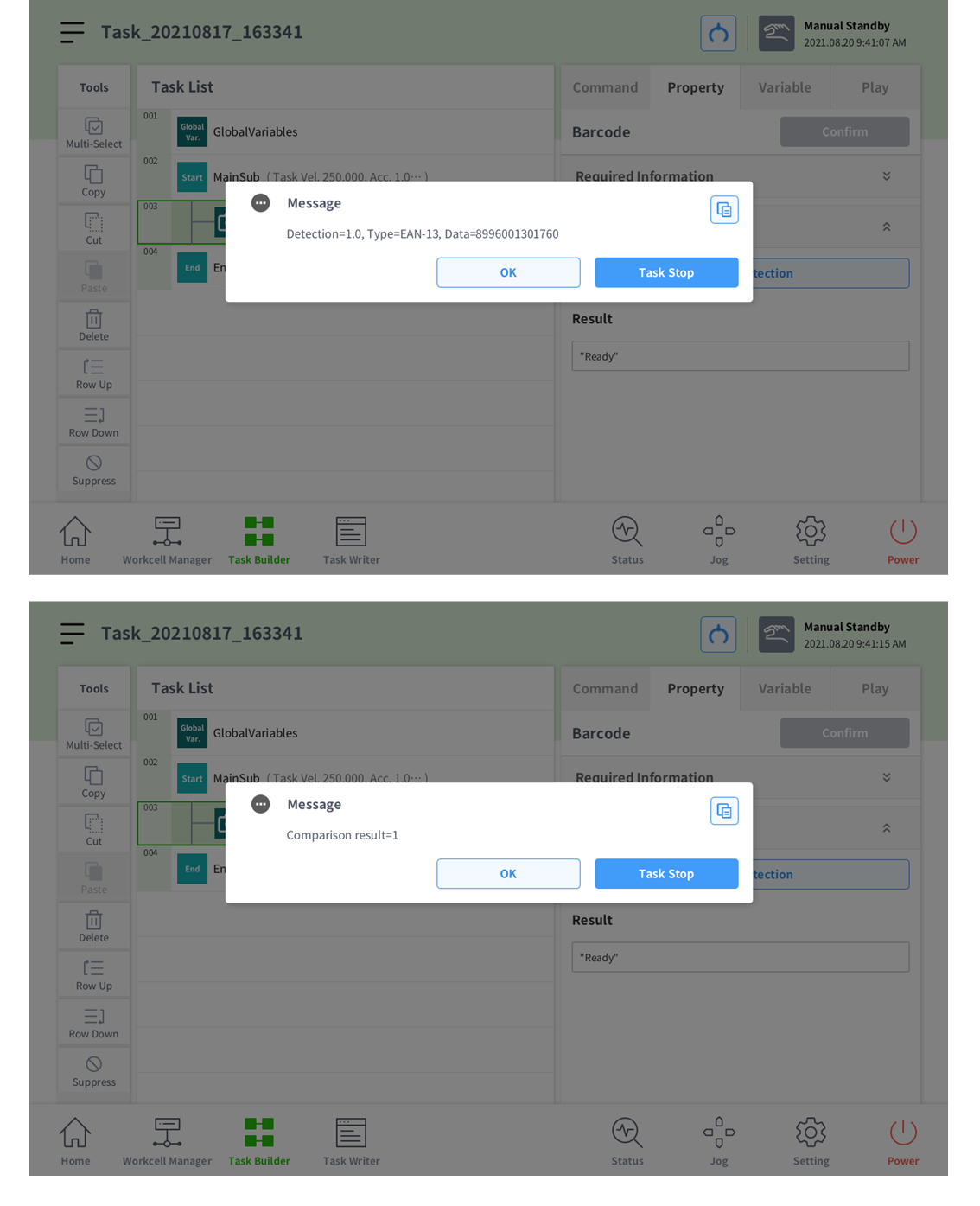
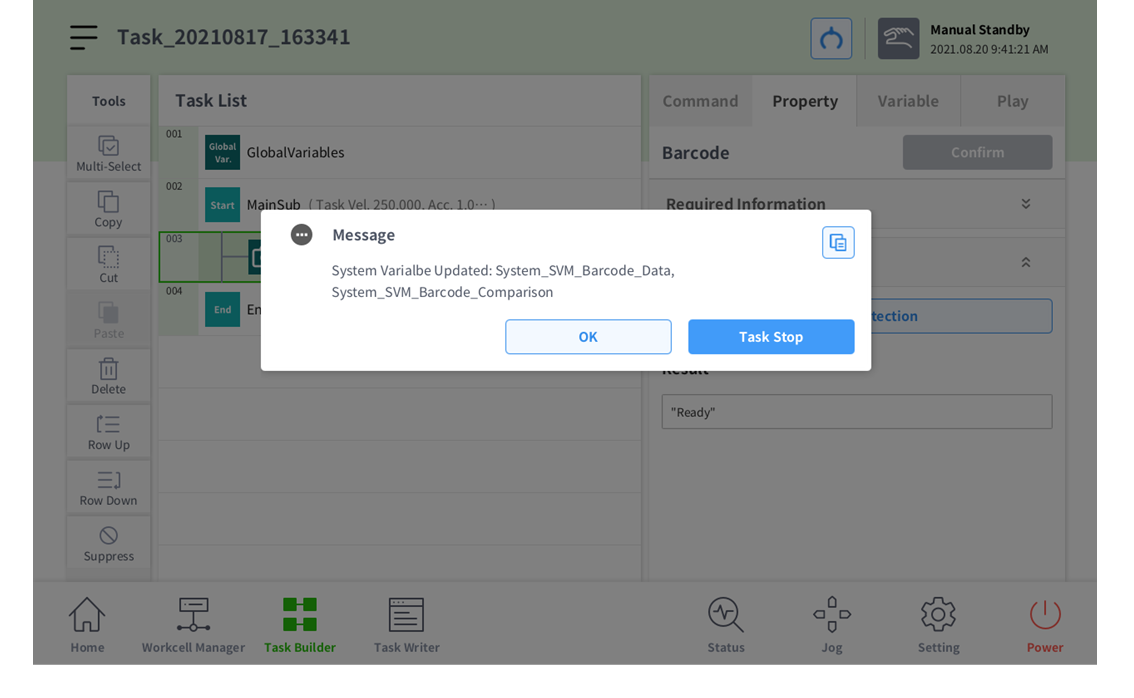
Property Tab에서 Barcode Detection Check를 Open하고 Barcode Detection 버튼을 클릭합니다.
-
Barcode Detection 버튼을 이용해 값이 정상으로 들어오는지 확인합니다.