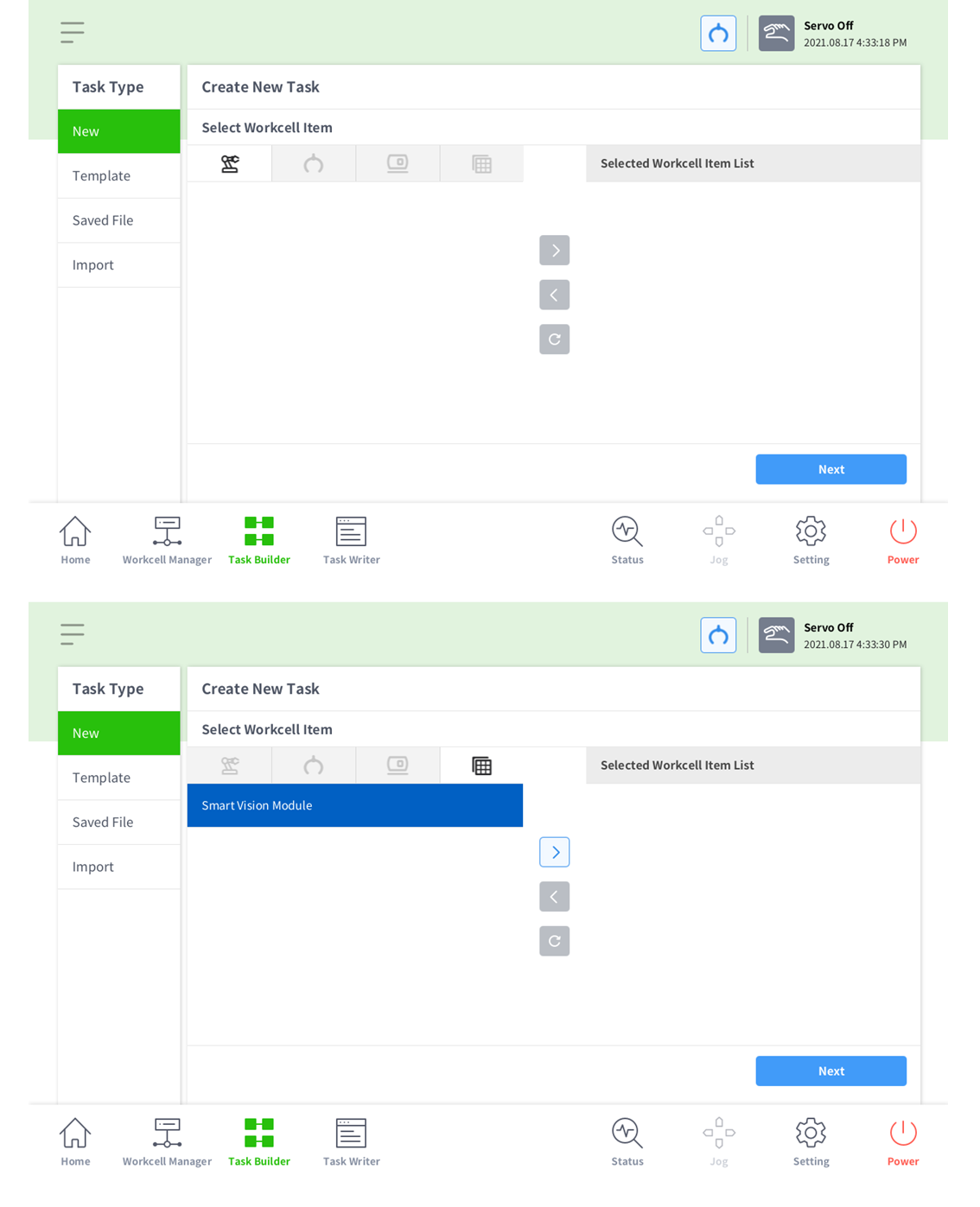
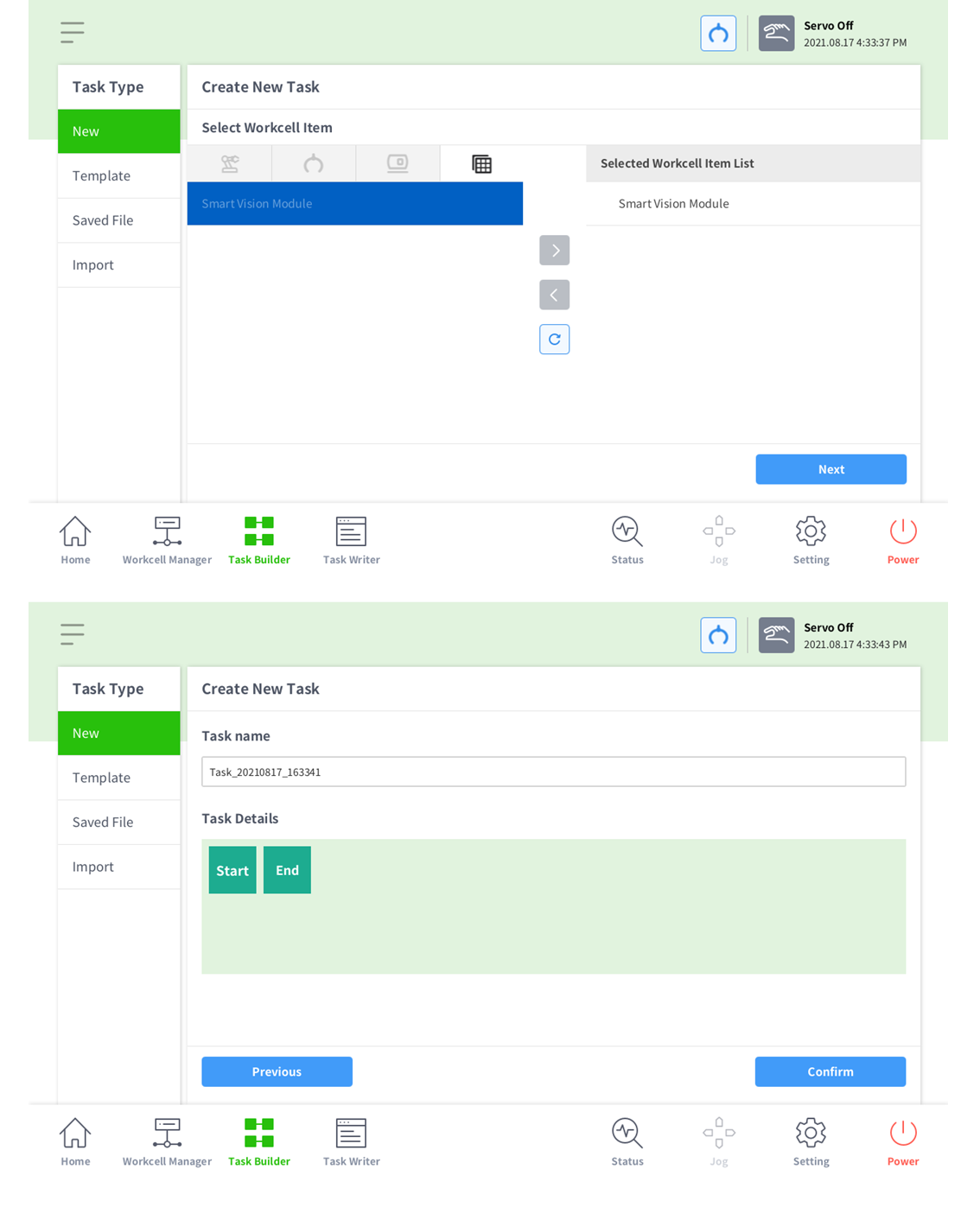
To effectively utilize some of the features of the newly released DART-Vision, you can make use of the Vision skill. In order to use the Vision skill, you’ll need to have completed SVM set-up using DART-Vision beforehand. The DART-Vision setup can be performed easily by following the instructions in the DART-Vision manual.
-
The Vision skill installation file provided by Doosan Robotics can be found in the Doosan Robotics Robot Lab (https://robotlab.doosanrobotics.com).
-
The Vision skill can be created directly through the App Builder. You can find the App Builder manual and materials in the Doosan Robotics Developer Lab (https://devlab.doosanrobotics.com).
Follow the images below to install theVision skill.
-
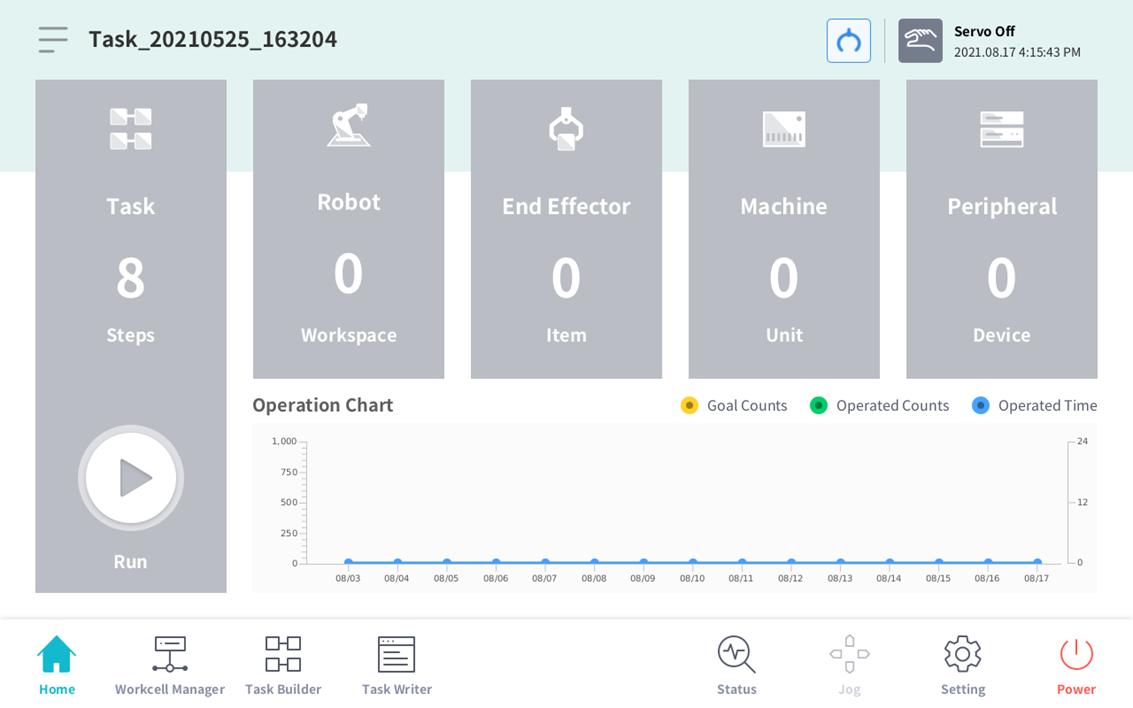
This is the initial entry screen
-
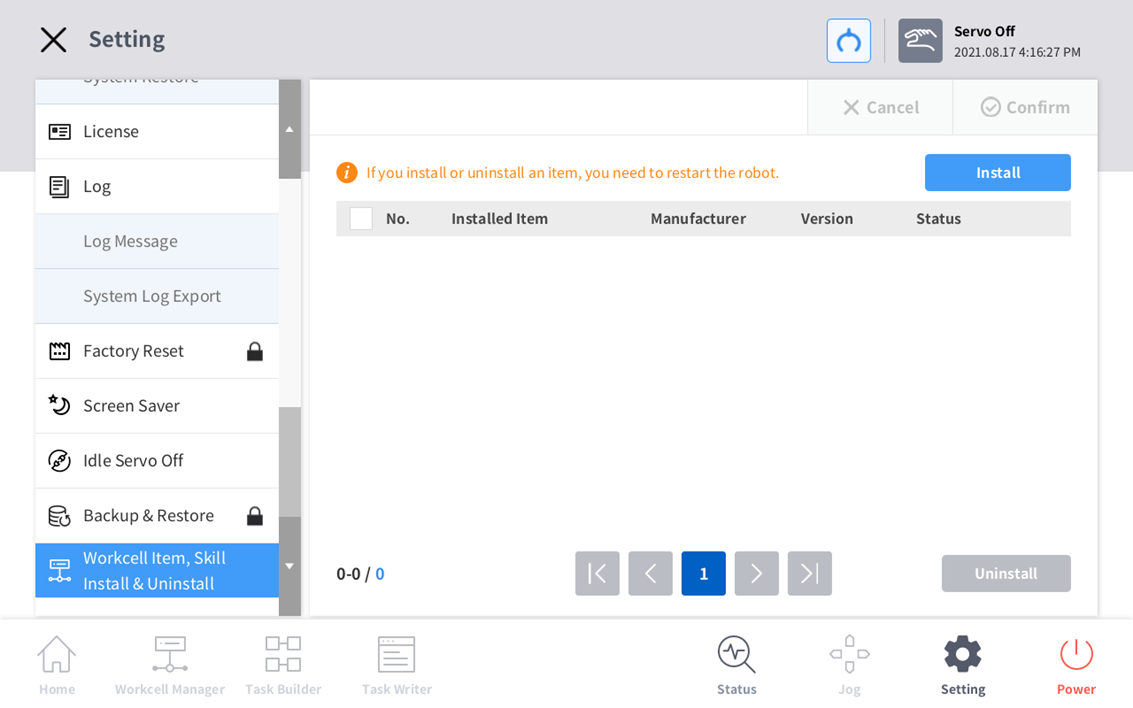
Enter the Settings menu and click Workcell Item, then Skill Install & Uninstall menu
-
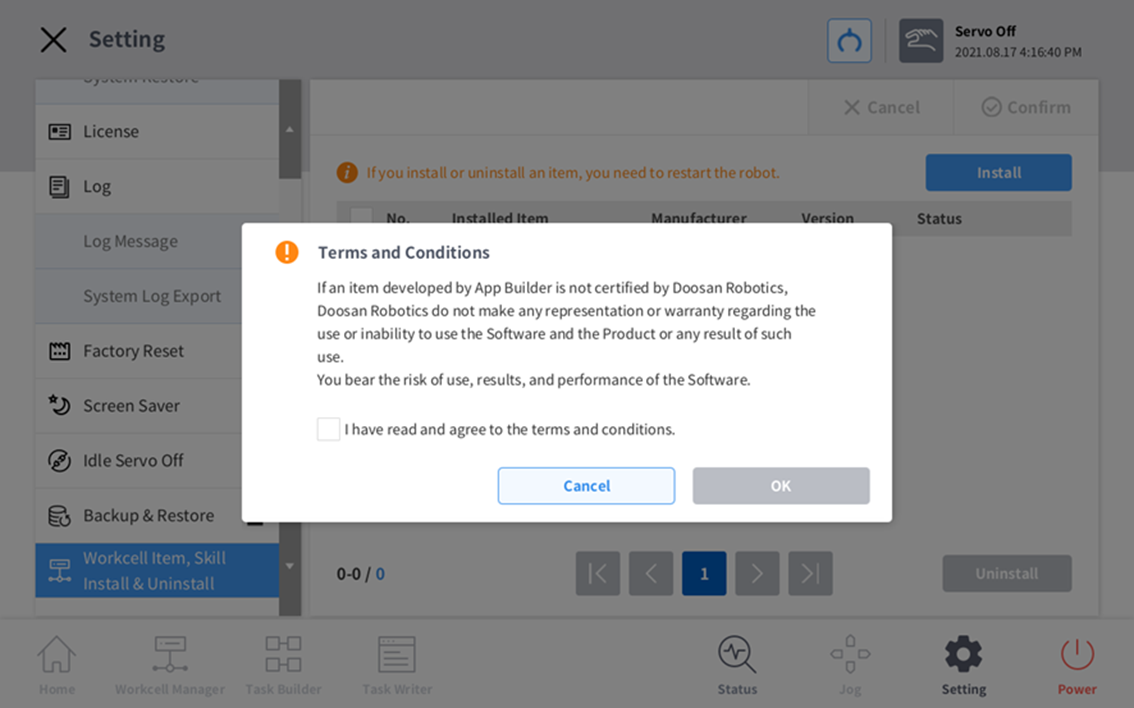
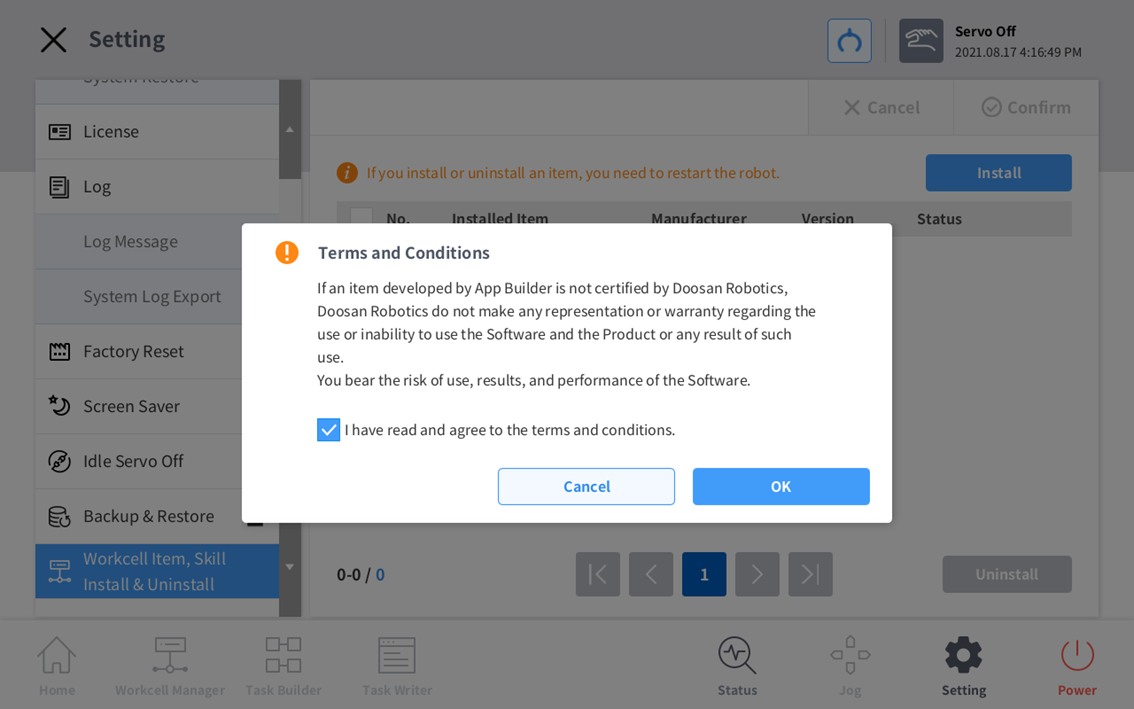
Press the Install button. The below popup will appear. Click the check button and press OK.
-
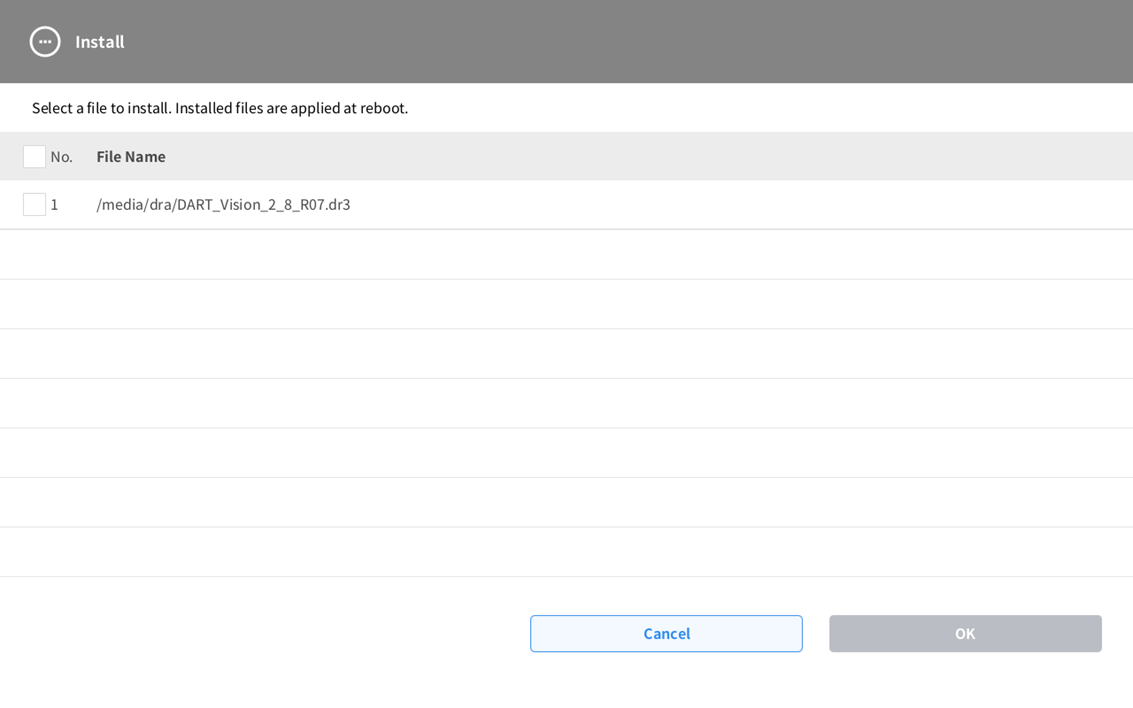
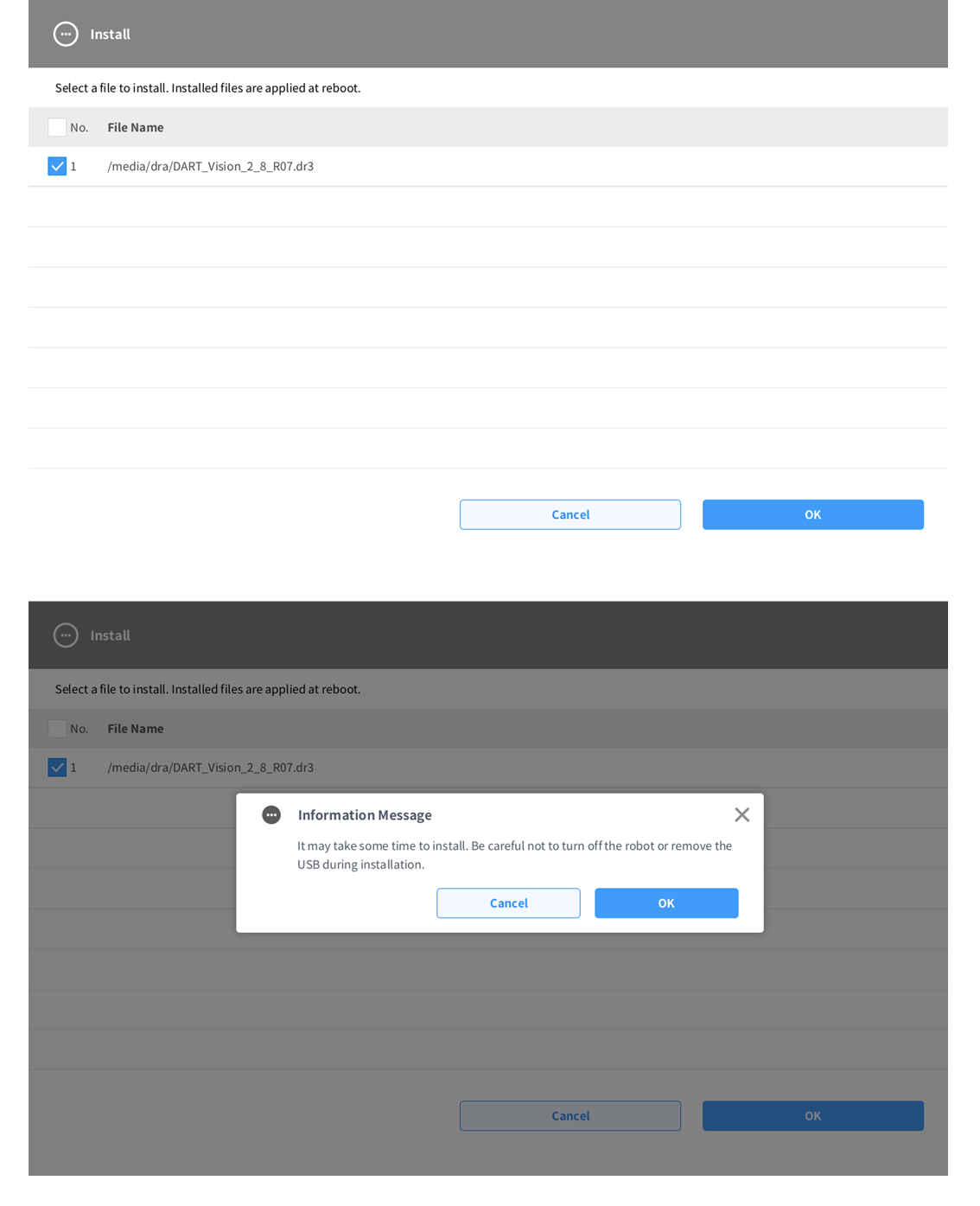
Check the Vision skill file DART_Vision_2_8_R07.dr3, which was loaded on the USB, and click OK.
-
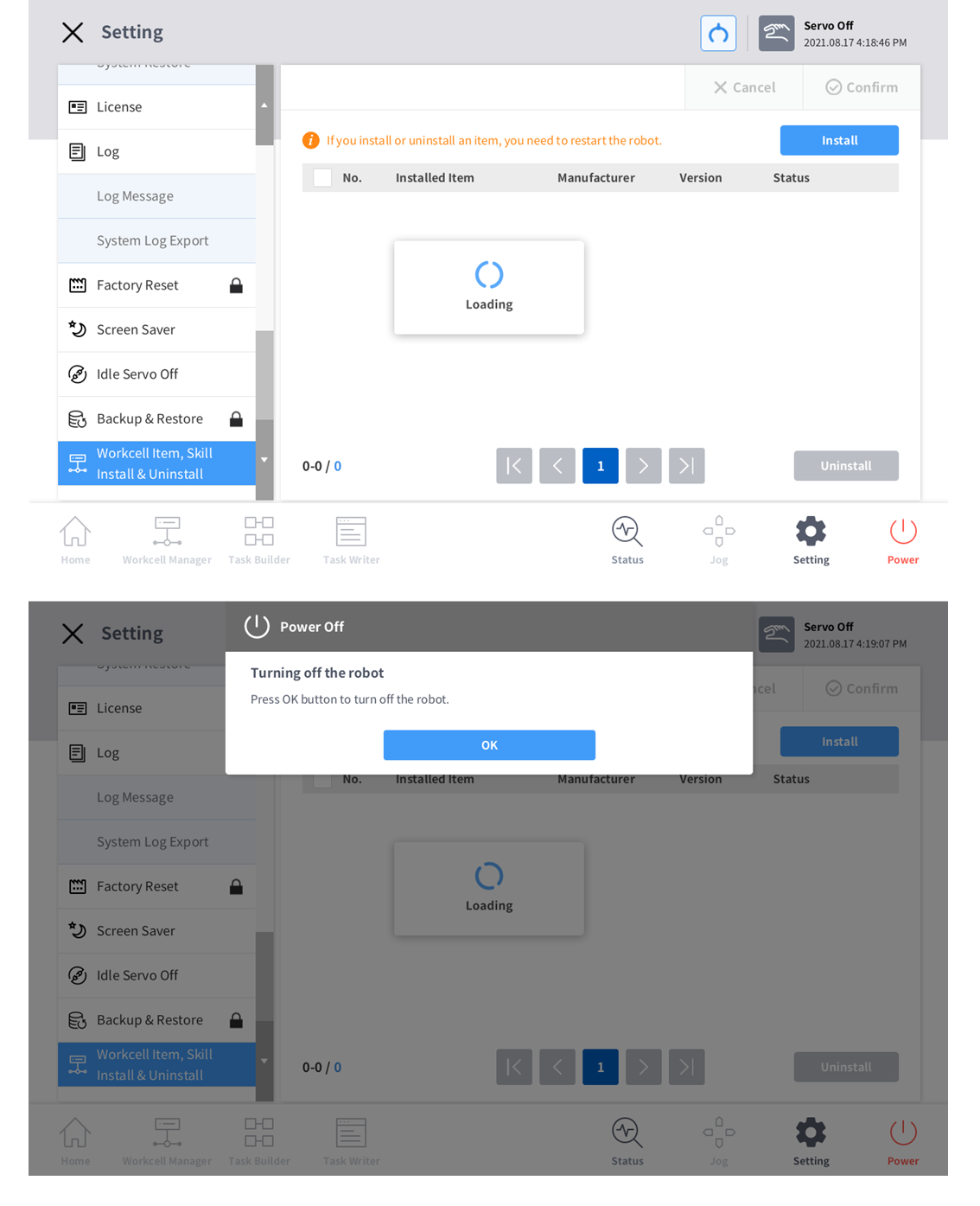
After installation, you’ll be told to reboot the robot. Reboot the robot.
-
After rebooting, add the Smart Vision module in the Task Builder. Preparations for use are now complete.