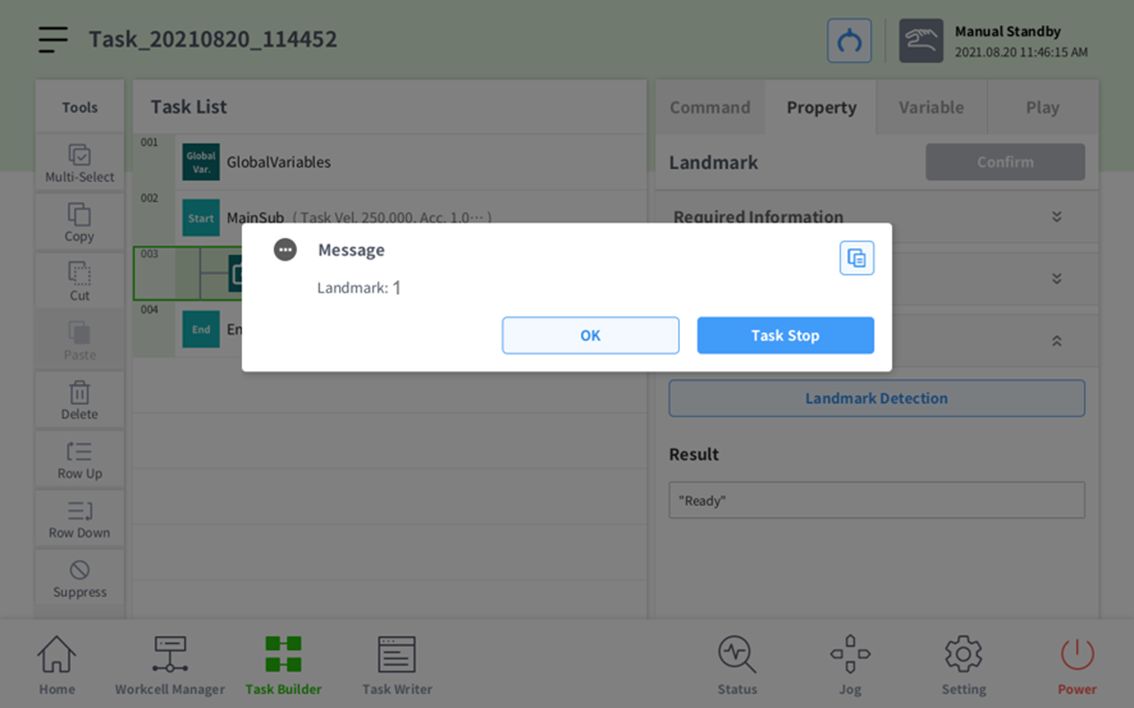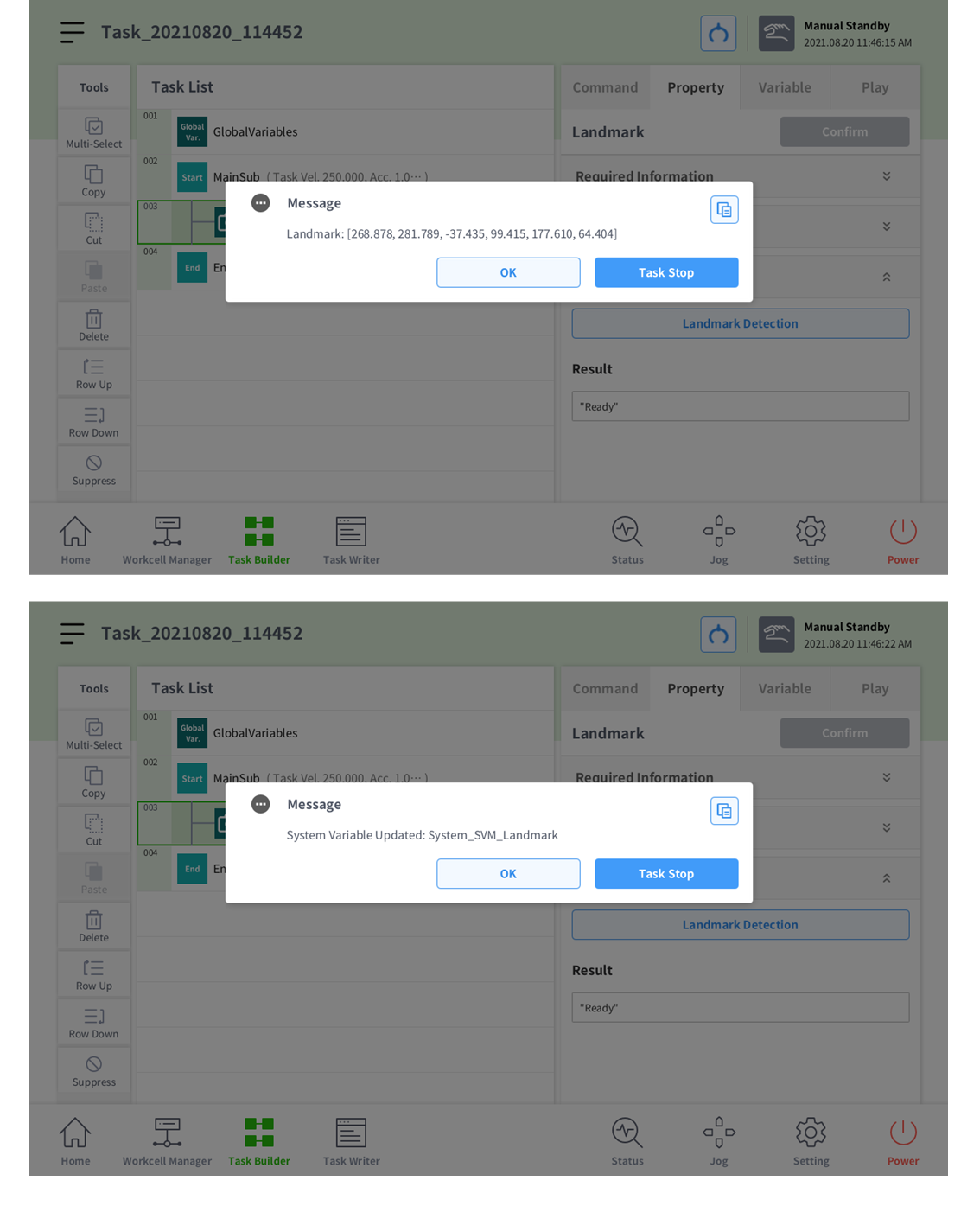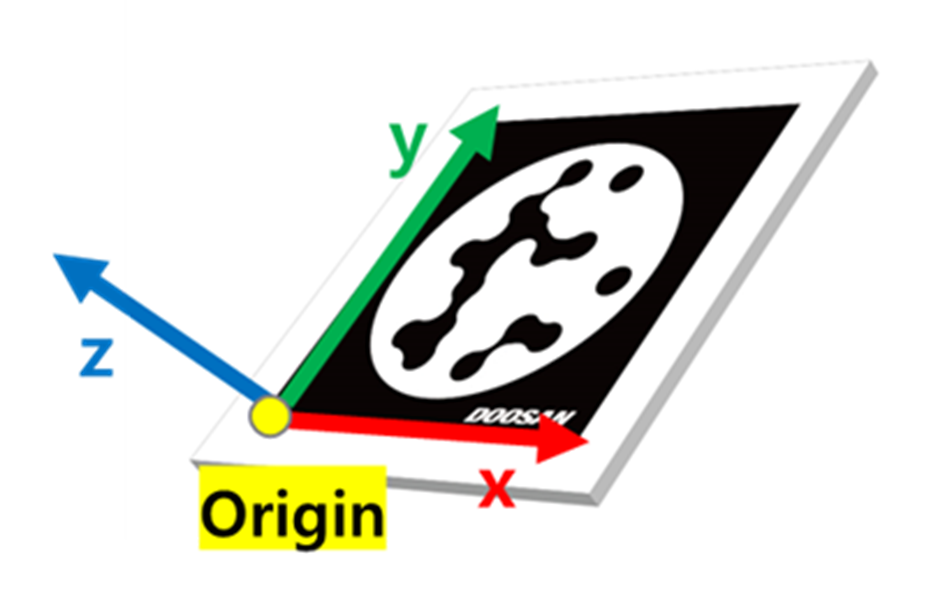
The Landmark skill returns the landmark’s origin pose and the pose offset from the origin pose. You can use the returned Robot pose for various tasks. You can move from the landmark to an object pose at the distance of the offset value. In addition, you can use a constant Landmark pose to correct the pose. Please use the Landmark skill freely.
The Landmark skill's Offset pose must be used after carrying out hand-eye calibration and auto calibration under the DART-Vision Calibration tab and saving the calibration data in the SVM. If you have not performed Calibration, please refer to the DART-Vision manual to do so.
-
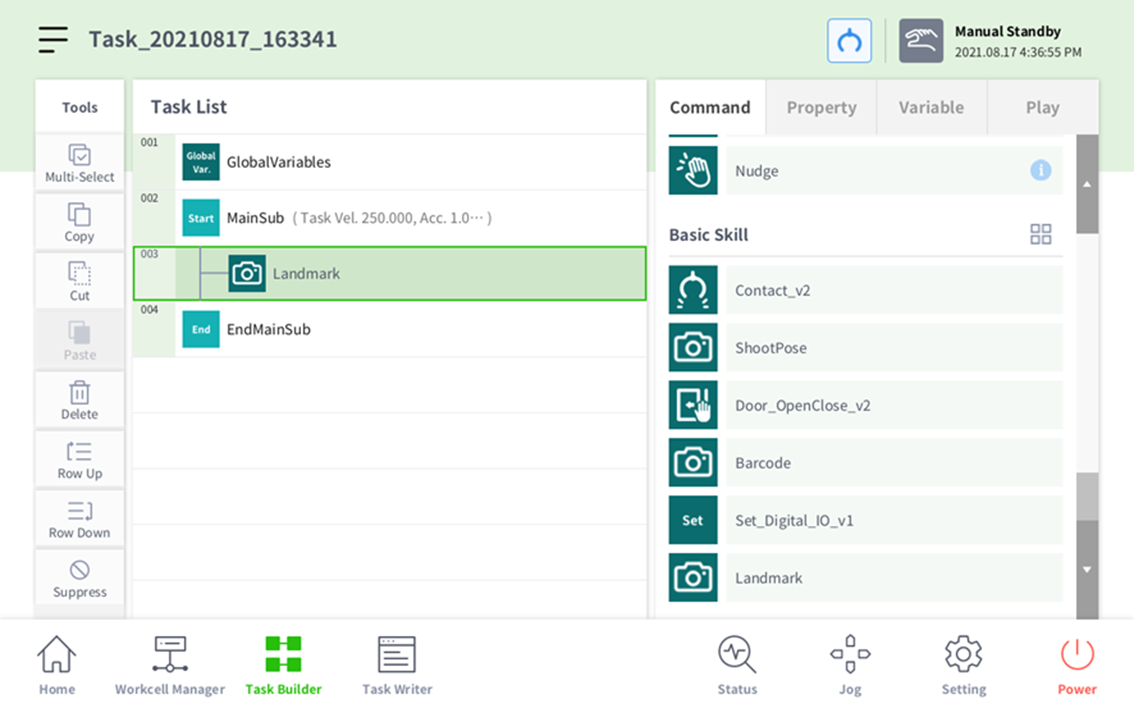
Click the Landmark button under the Command tab and add the Landmark skill
-
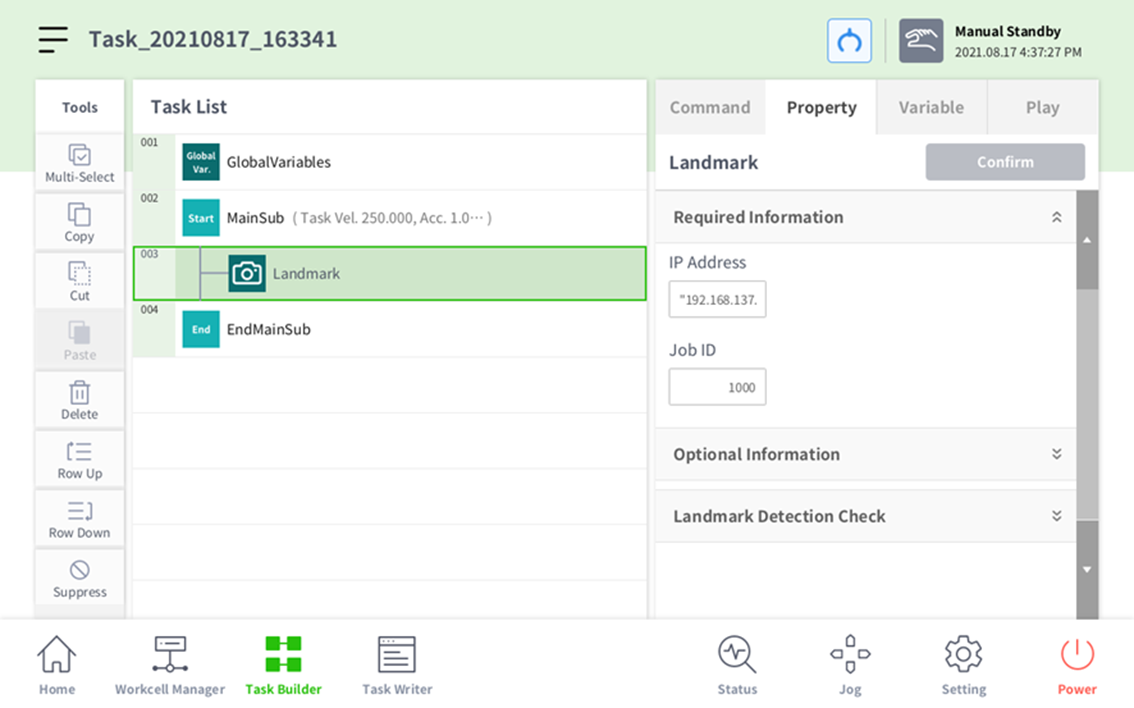
Open up Required Information in the Property Tab and input the IP address and job ID.
-
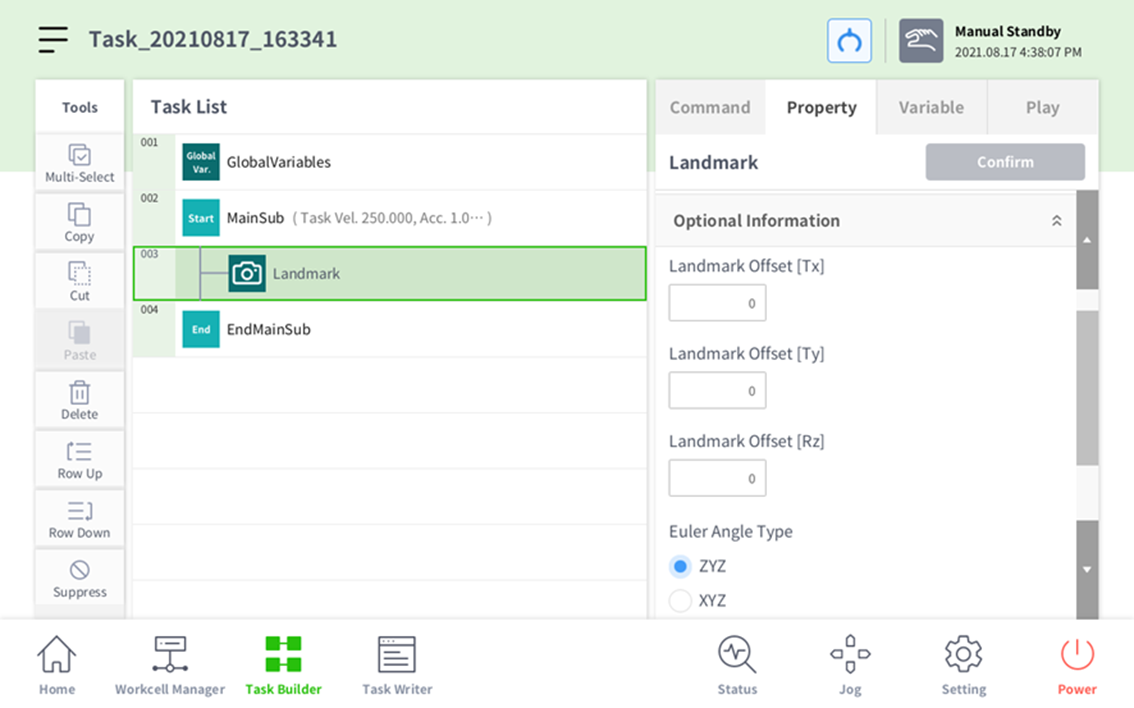
Open up Optional Information to input the movement offset from the origin.
-
The direction Euler angle type employed by Doosan Robotics is Euler ZYZ. Selecting the default value of Euler ZYZ allows immediate utilization for the Posx format used for MoveL, MoveB, etc.
-
If you wish to convert to Euler XYZ in the options for the output of the coordinates, additional coordinate system conversion calculations are necessary.
-
-
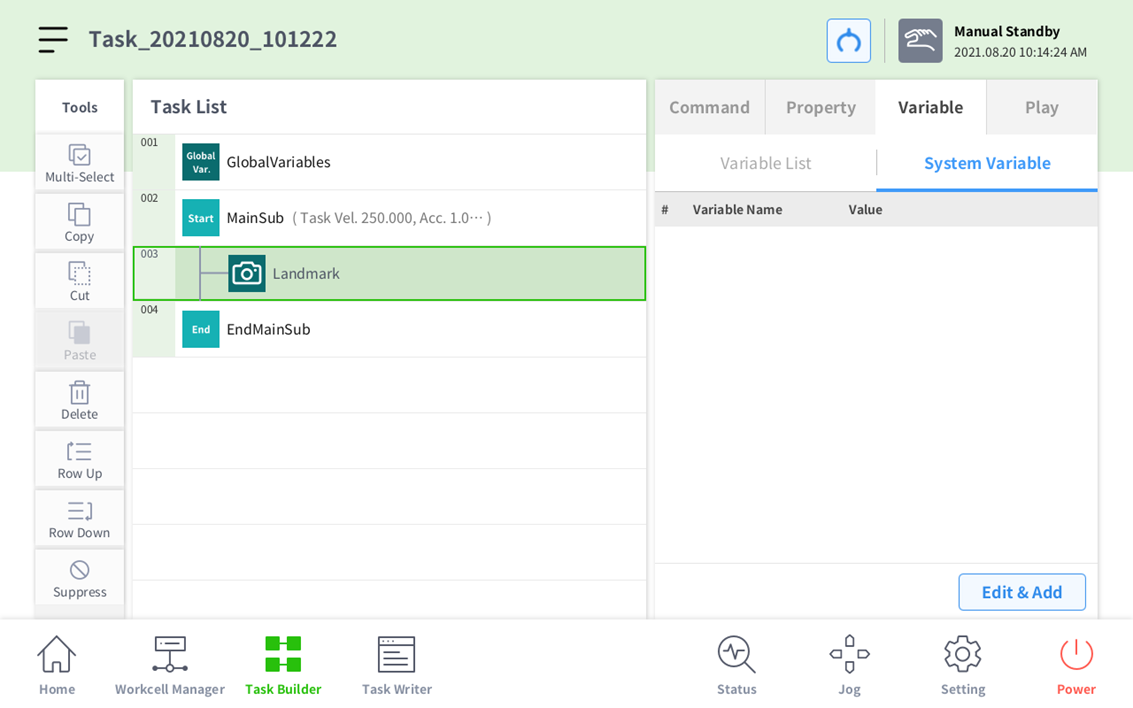
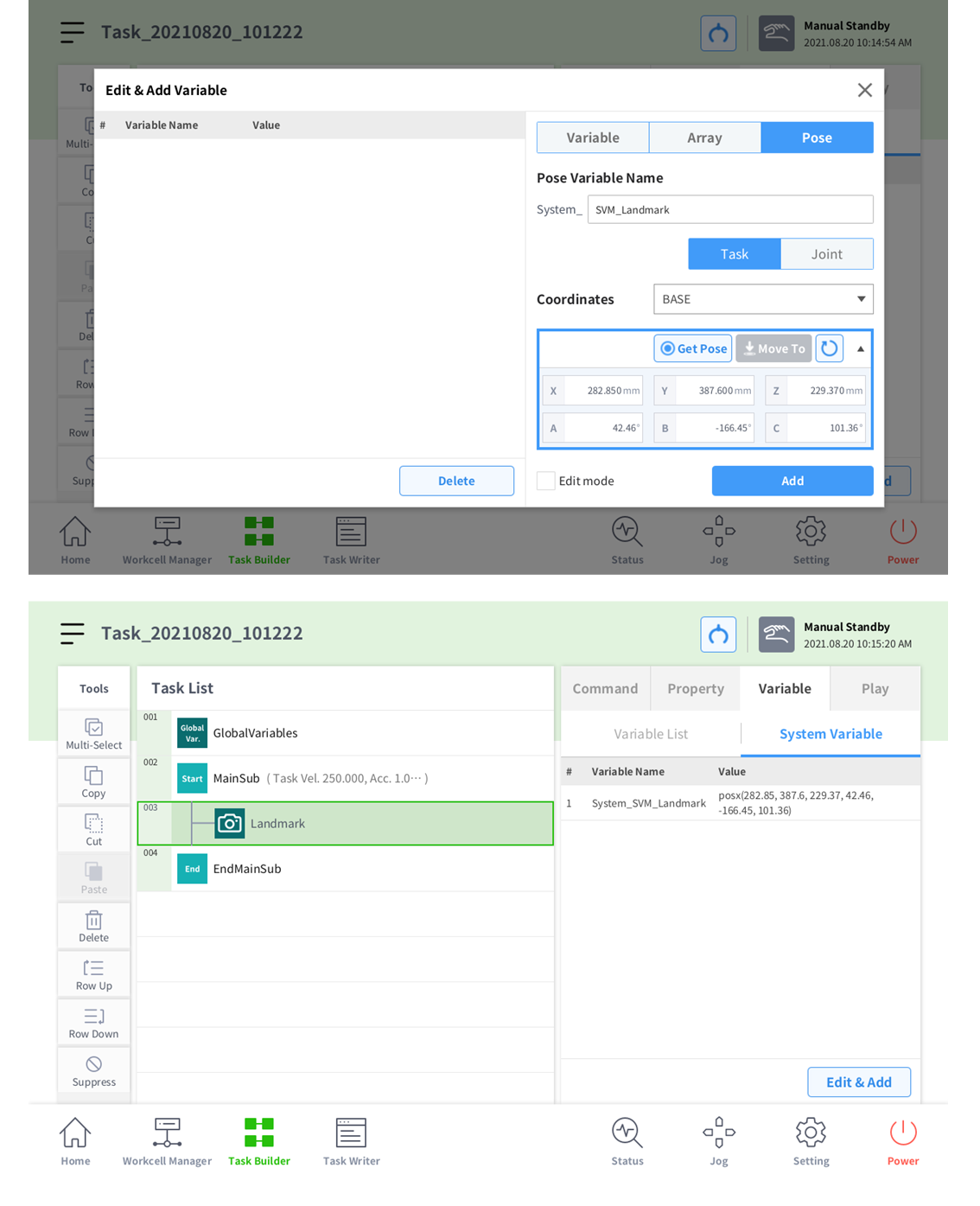
Click the Edit & Add button under the Variable Tab.
-
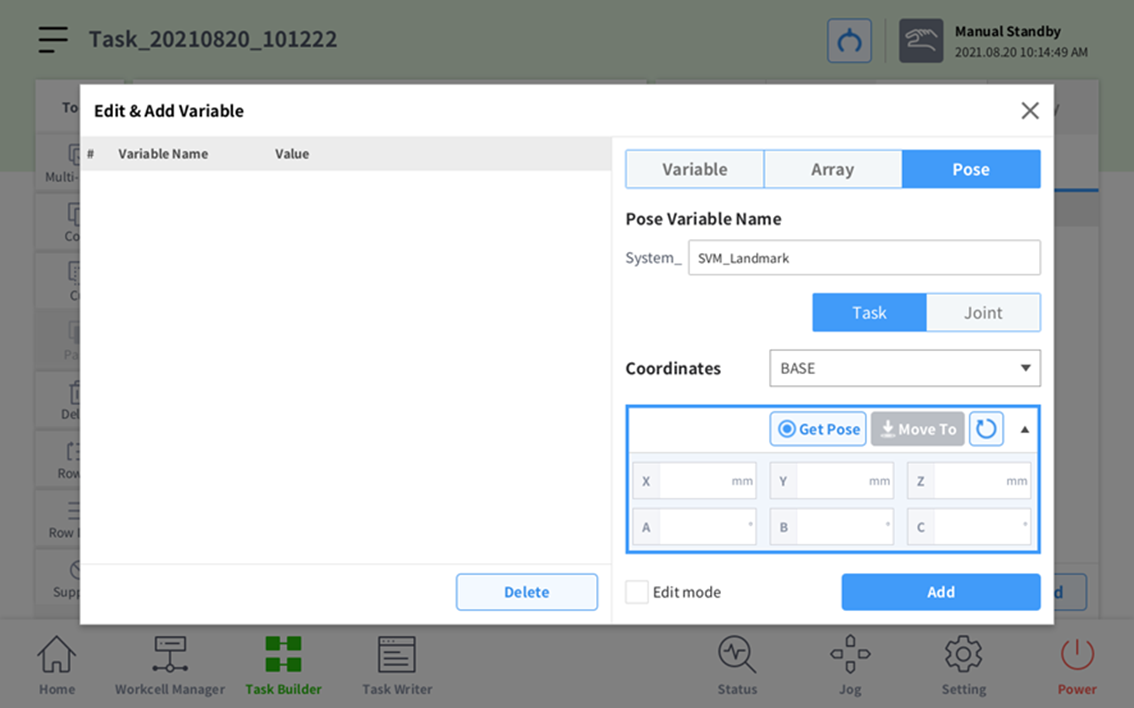
Add in System_SVM_Landmark.
-
Press Get Pose. Pressing the Add button will add a variable.
-
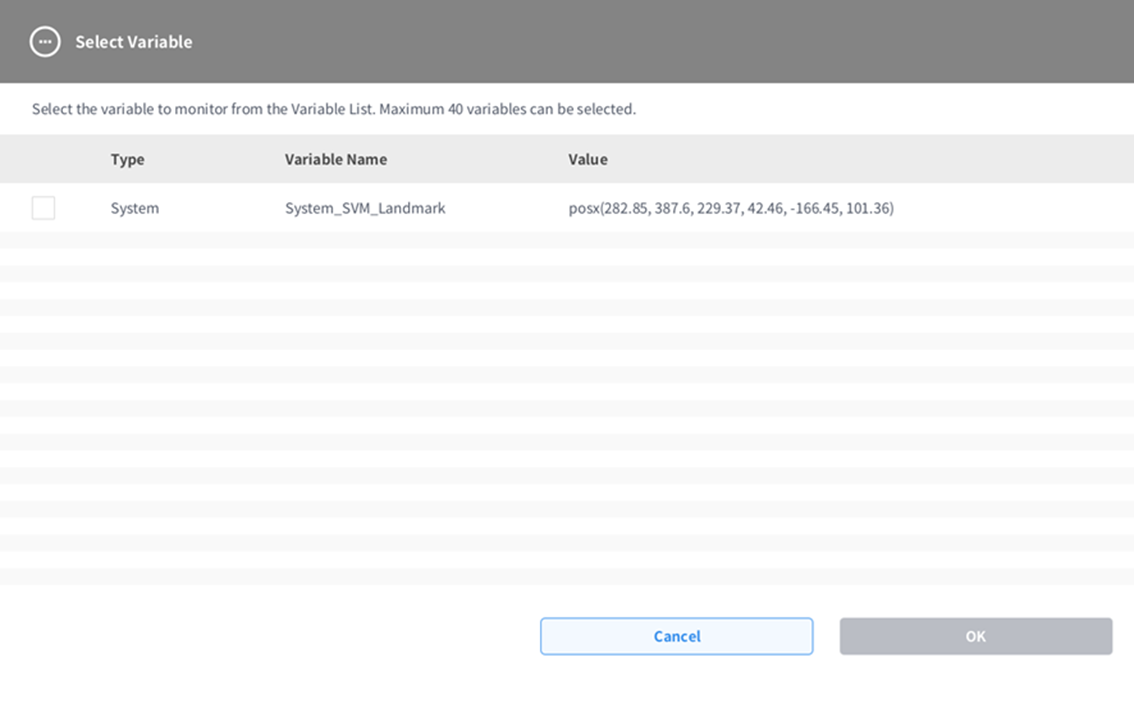
Close the window, press the Variable List button, then press the Variable.
-
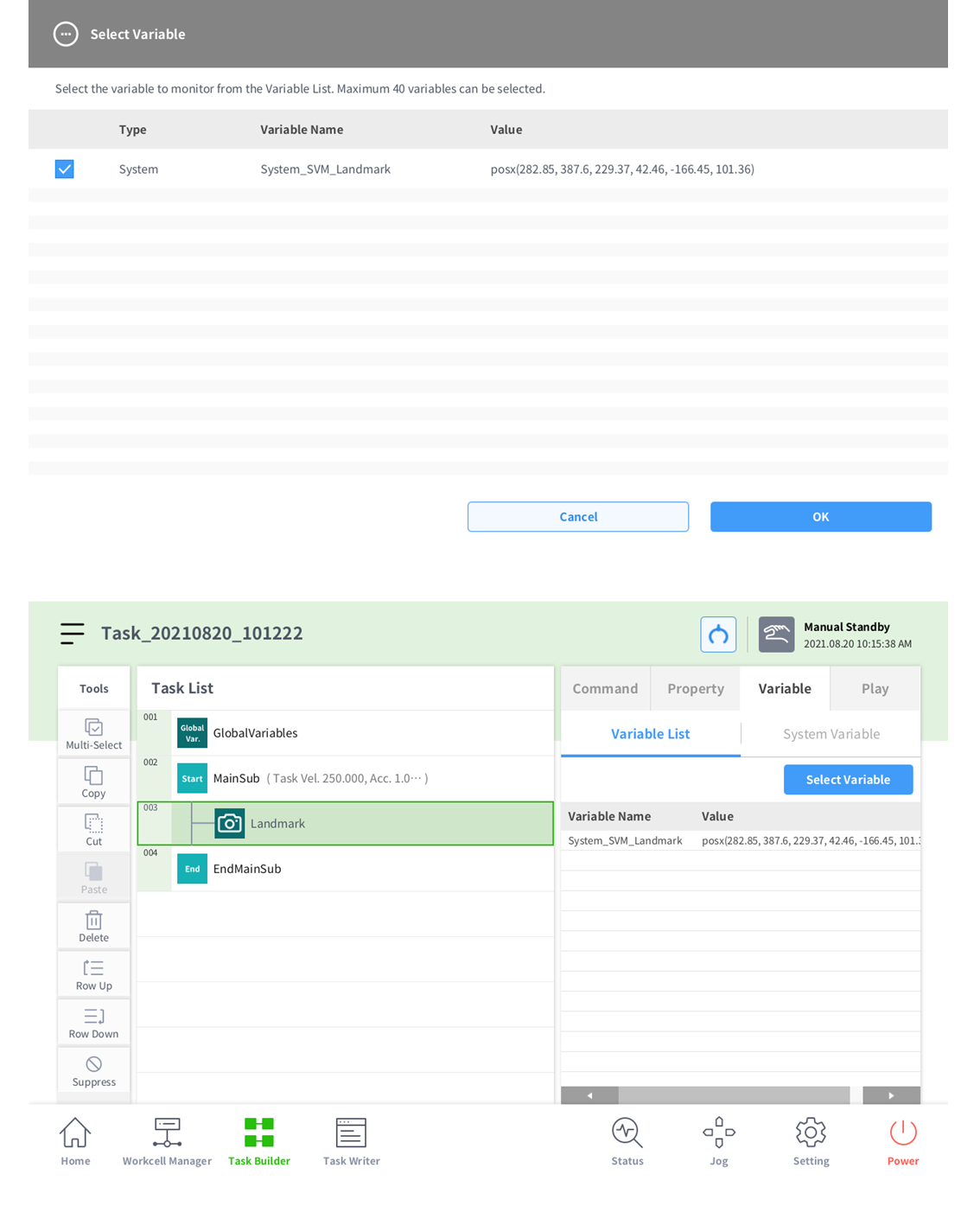
Check the System_SVM_Landmark checkbox and press Confirm to select the variable.
-
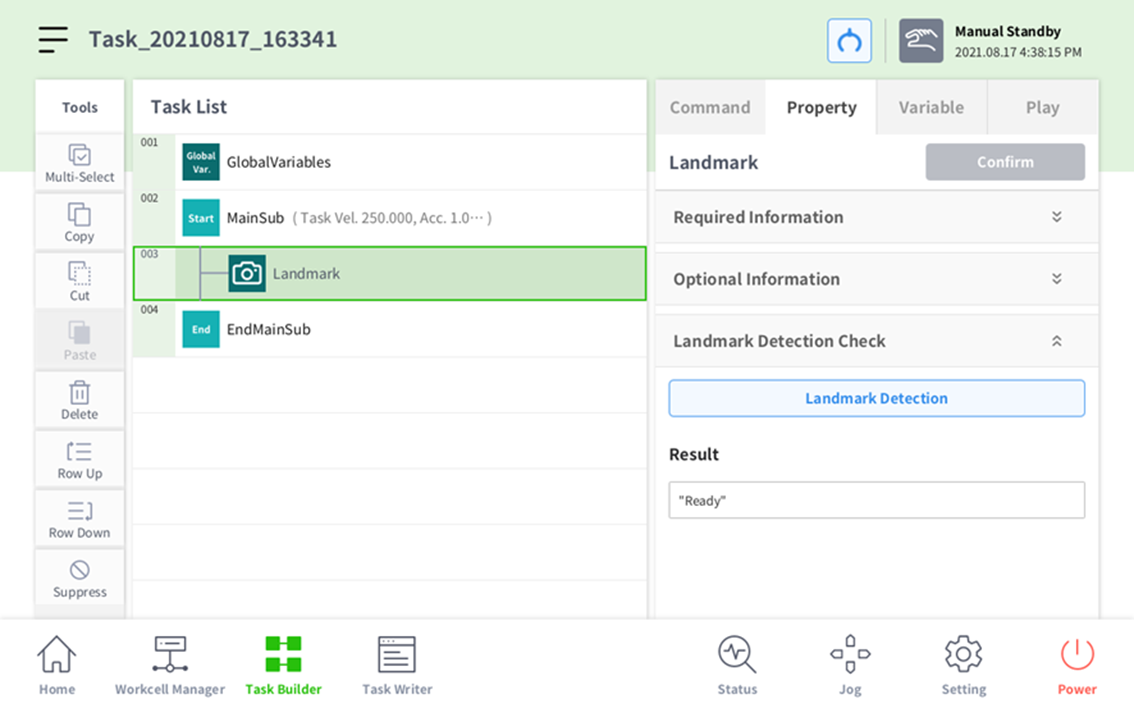
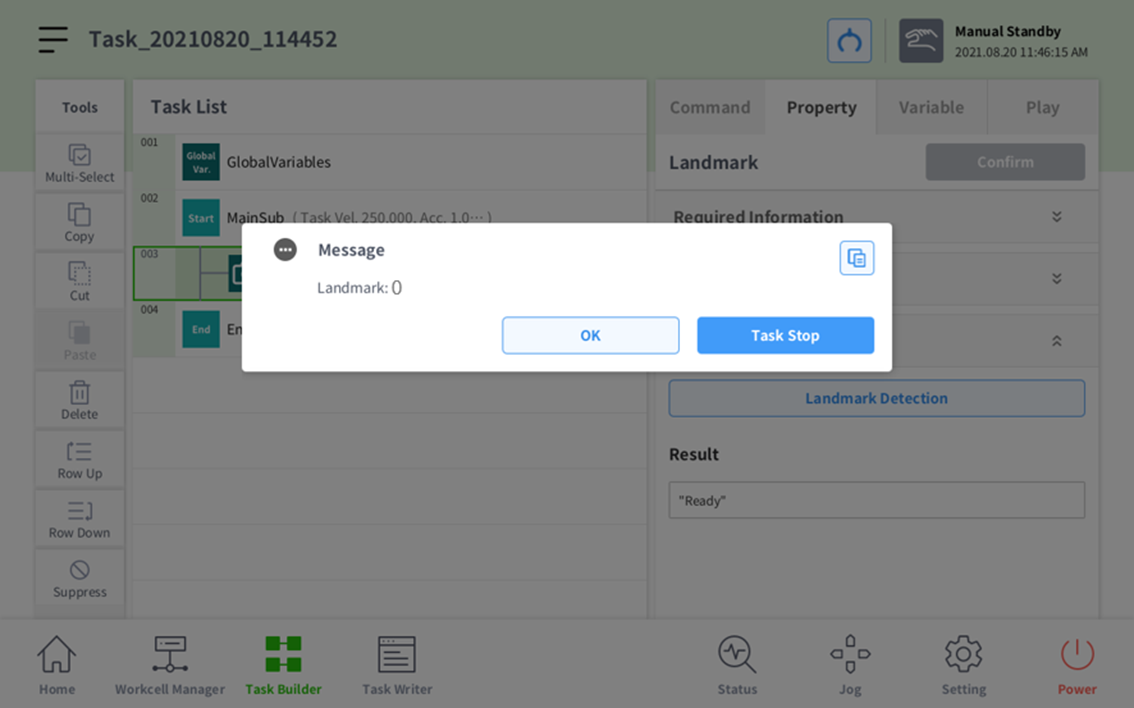
Use the Landmark Detection button to check that the values are normal.
-
In case of not detecting landmark:
-
In case of detecting landmark: