
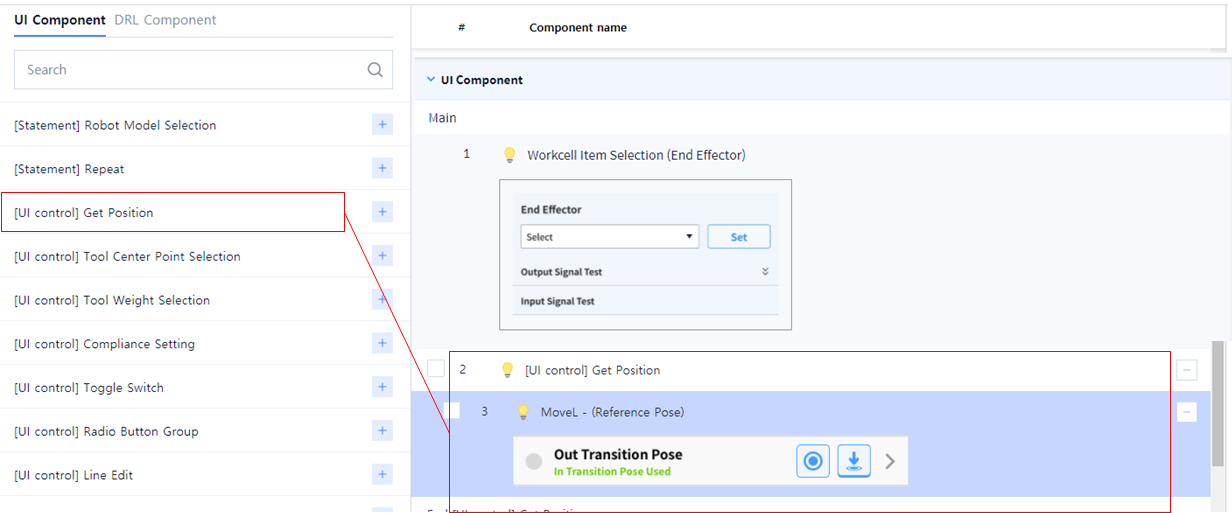
Add the following UI Component to add a reference pose.
-
Get Position
-
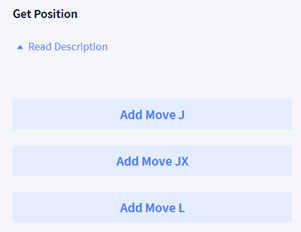
Select ‘MoveL’ from the ‘Get Position’ list (‘MoveJ’ or ‘MoveJX’ can also be selected).
-
Enter the name and value of each property.
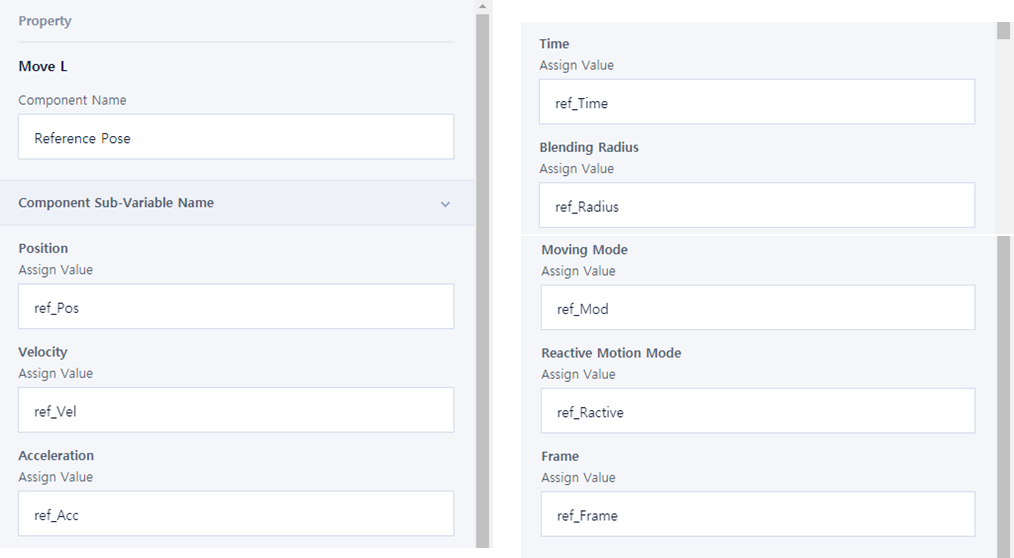
Component Name: Reference PoseAssign ValuePosition: ref_PosVelocity: ref_VelAcceleration: ref_AccTime: ref_TimeBlending Radius: ref_RadiusMoving Mode: ref_ModReactive Motion Mode: ref_ReactiveFrame: ref_Frame