This command acquires the coordinate information of the moving workpiece. This command returns the coordinates information of a workpiece in the watch window at the time the command is executed. 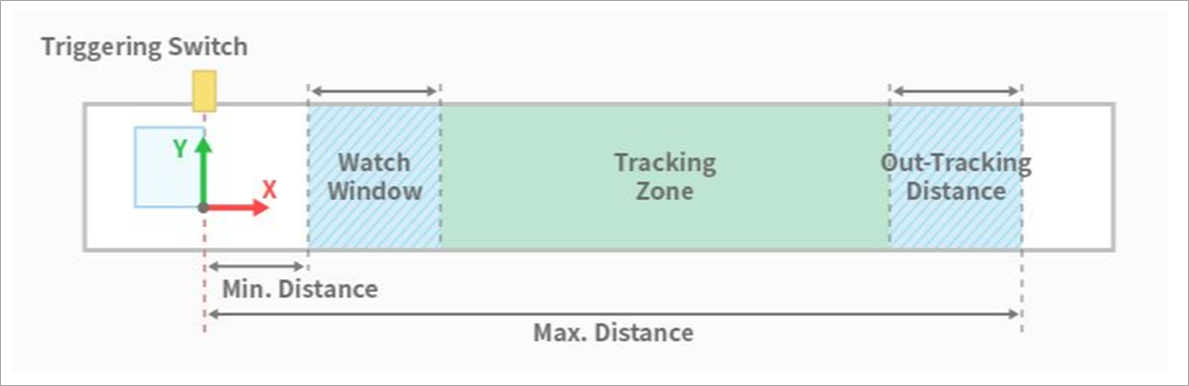
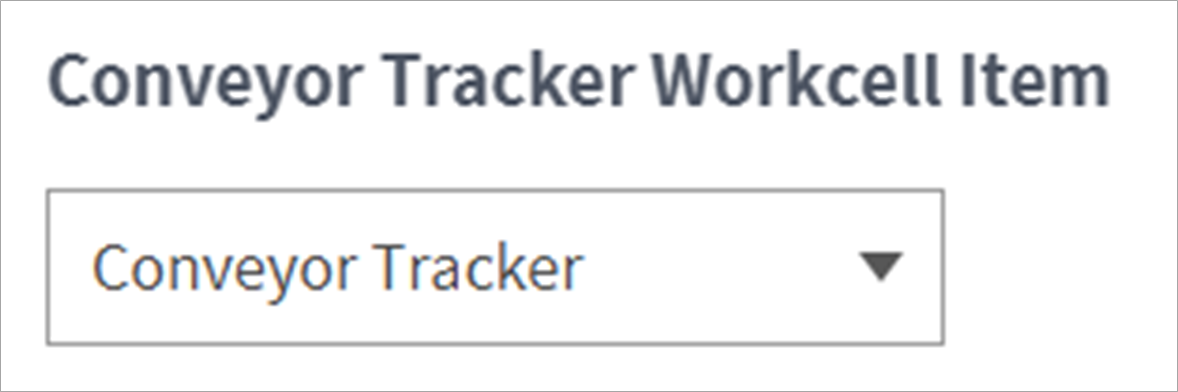
This selects the set conveyor workcell item.
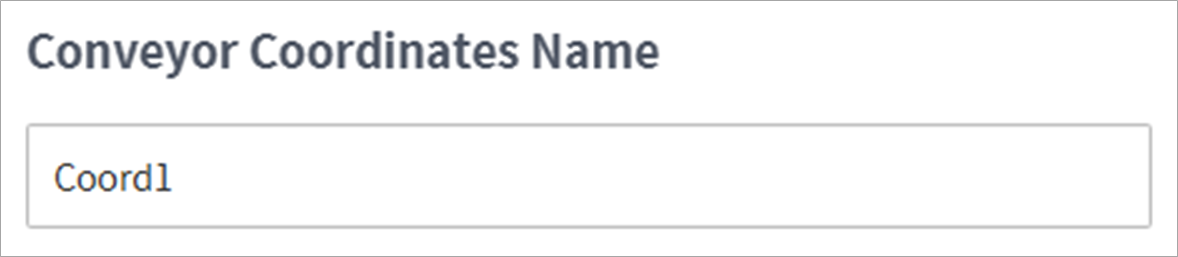
This enters a name for the conveyor coordinates. This saves the conveyor coordinate numbers (121-150) on the entered variable.
Time Out sets the standby time until workpiece information is received. Setting it as Disable or as 0 will put it on standby indefinitely until a workpiece is delivered. If a workpiece is not delivered within the set time, it skips to the next program line.
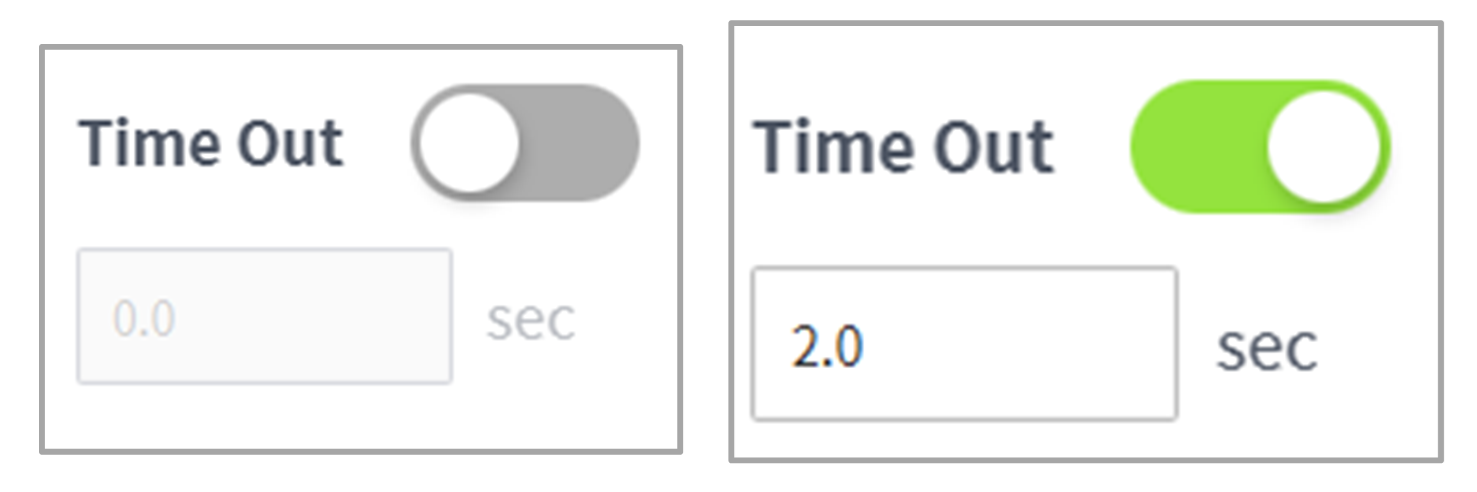
Picking Rules determines whether to work on workpieces received first or workpieces received last. First In First Out or Last In Last Out can be selected.

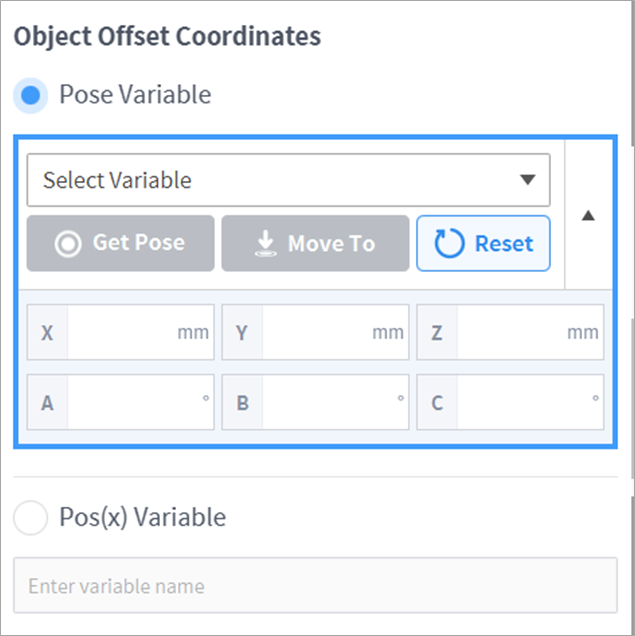
This is used to offset Object Offset Coordinates. If the corresponding variable requires it, this updates the program in real time with Pose Variable, which is used to give a static offset, and Pos(x) Variable, which is used to dynamically change the offset.