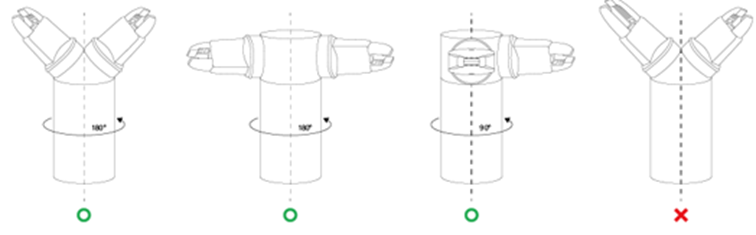
When using a symmetrical double gripper, the TCP of an end effector is configured based on the other well-configured end effector. The TCP offset of a new end effector can be easily configured by rotating the pose and point on the tool coordinate at the base end effector TCP point on the Z axis by the angle entered.
-
Select the Tool Center Point tab on the end effector setting screen.

-
Tap the Auto Calculate toggle switch.

-
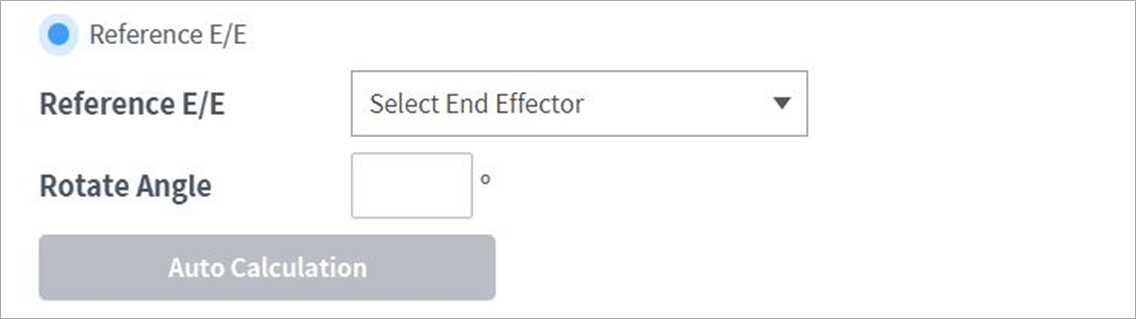
Select the Reference End Effector item.
-
Select the end effector to copy.

-
Configure the tool Z-axis rotate angle of the configuring end effector and reference end effector.

-
Click the Auto Calculate button on the bottom, check whether the calculated TCP offset is automatically entered and tap the Confirm button.

Note
The configuring end effector and base end effector must be symmetrical on the tool Z axis.