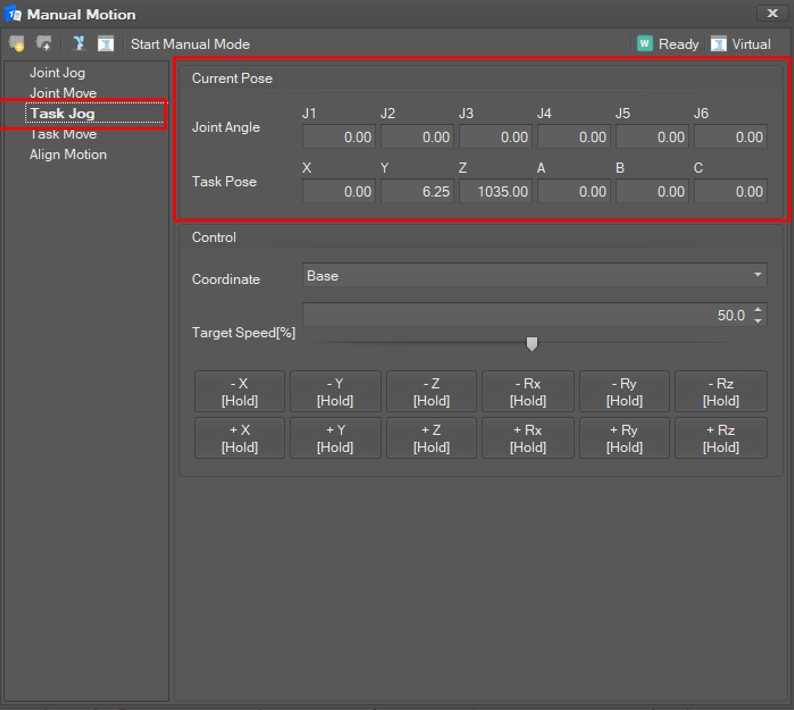
Select Task Jog in the Manual Motion list. Then, the current joint angles and TCP position are displayed and updated in 100 milliseconds.
Set Jog Mode
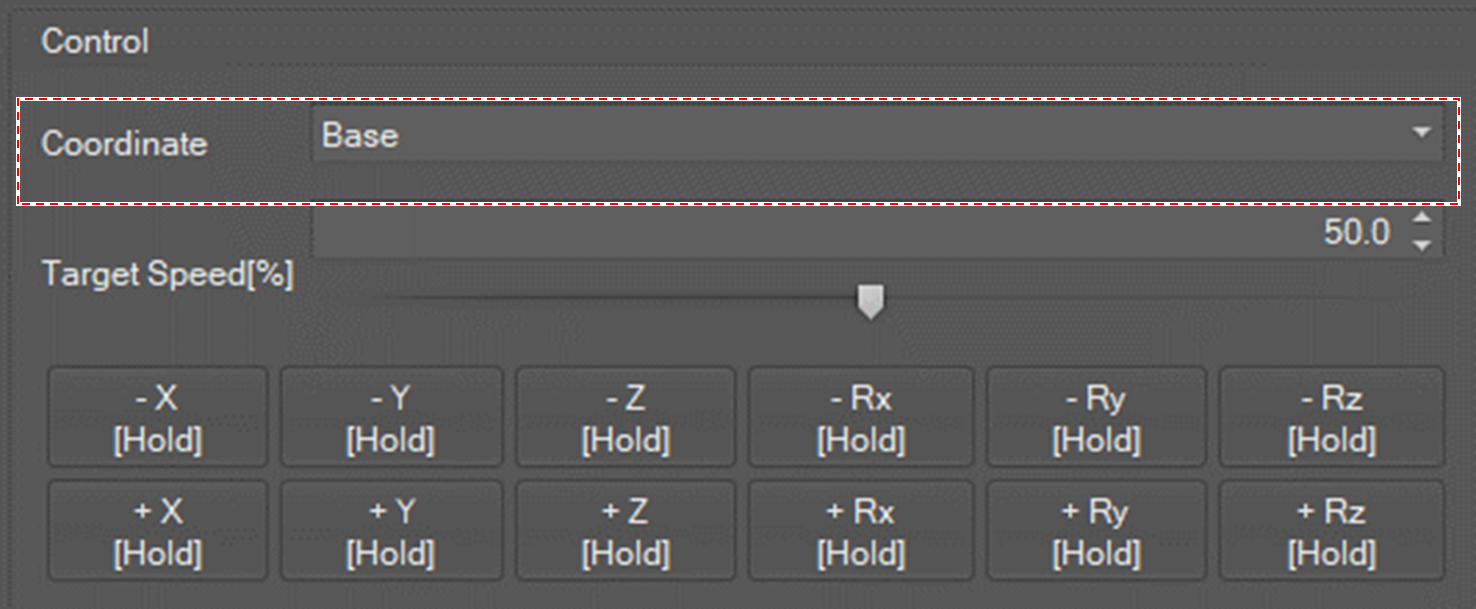
There are three jog modes: Base, Tool, World and User_Coordinate.
-
Base: The TCP of robot will move along the corresponding axis of base coordination.
-
Tool: The TCP of robot will move along the corresponding axis of tool coordination.
-
World: The TCP of robot will move along the corresponding axis of world coordination.
-
User_Coordinate: The TCP of robot will move along the axis of coordinates added in the robot environment setting.
Set Jog Speed
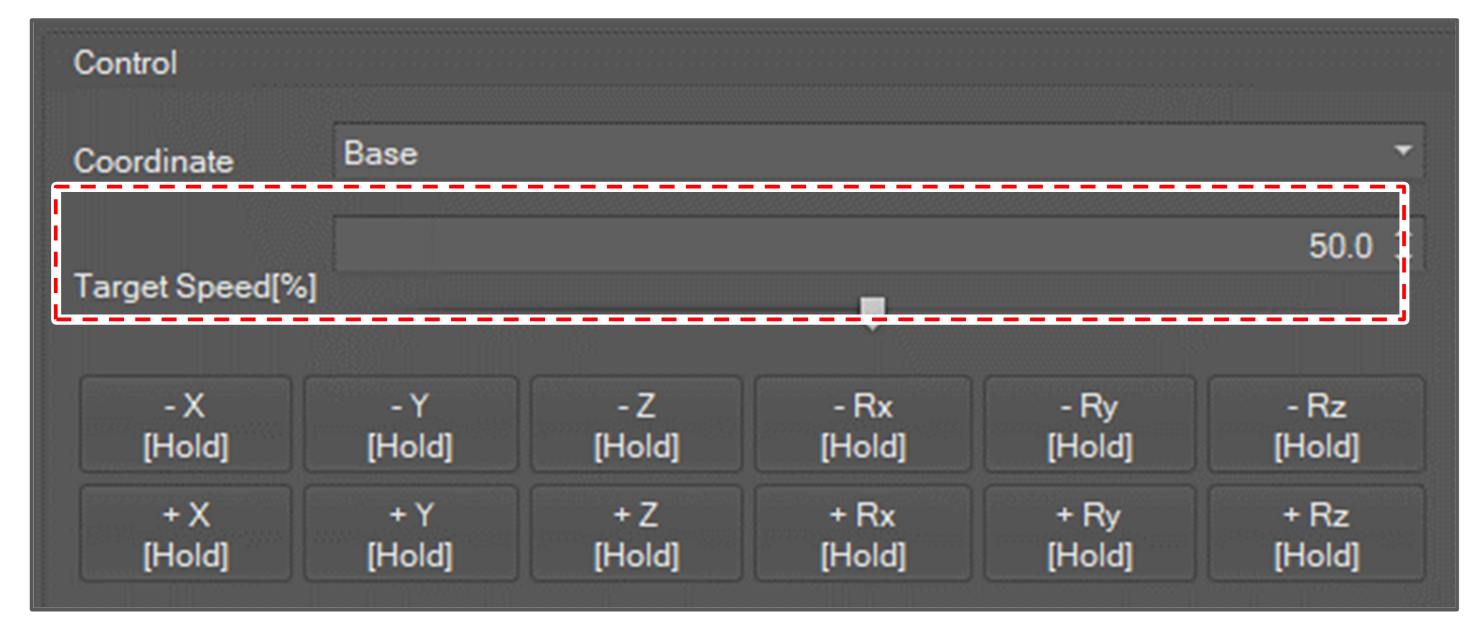
Jog speed is set in percent units. The task jog speed for 100% is 250 mm/second. To set the jog speed, click the spin button or move the slide bar.
Start Motion
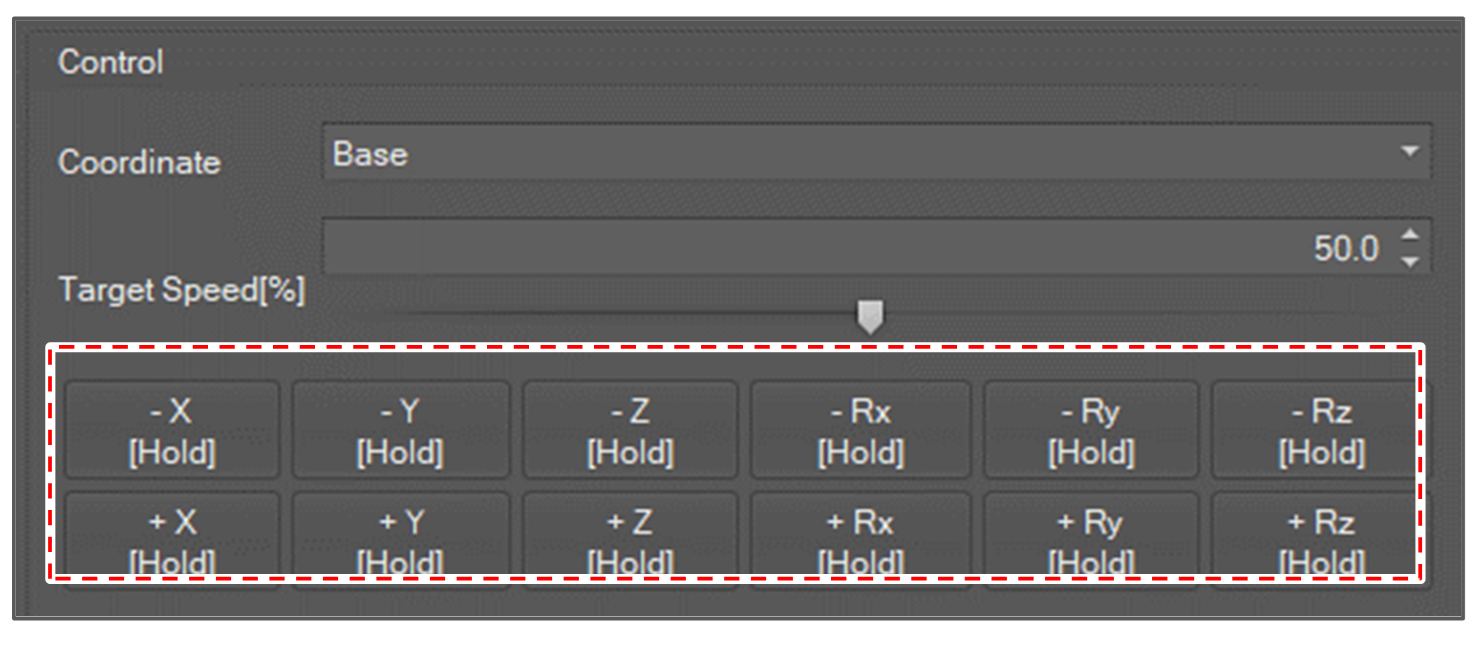
Click and hold the Plus(+) or Minus(-) button for the axes and direction to move. If you release the button, the motion stops.