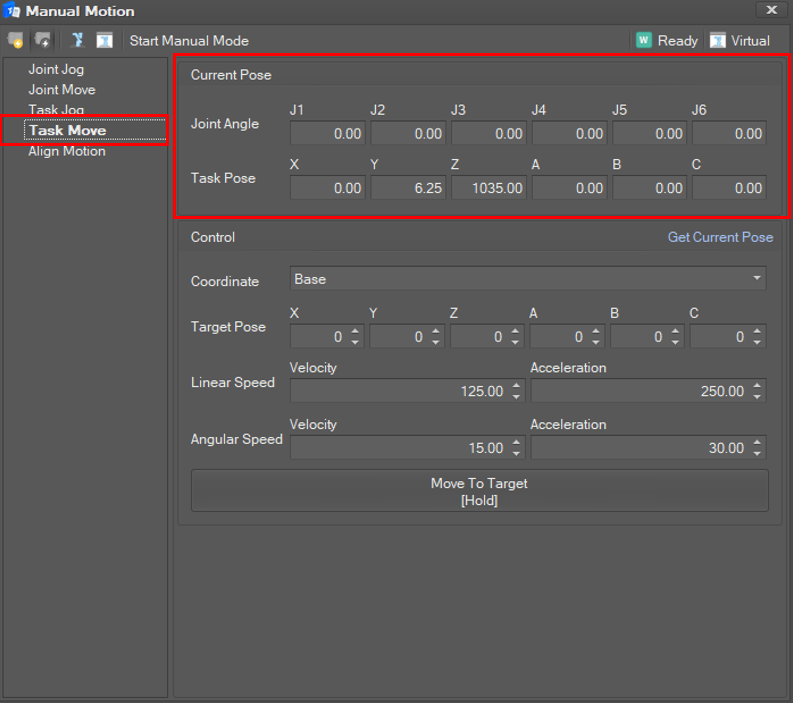
Select Task Move in the Manual Motion list. Then, the current joint angles and TCP position are displayed and updated in 100 milliseconds.
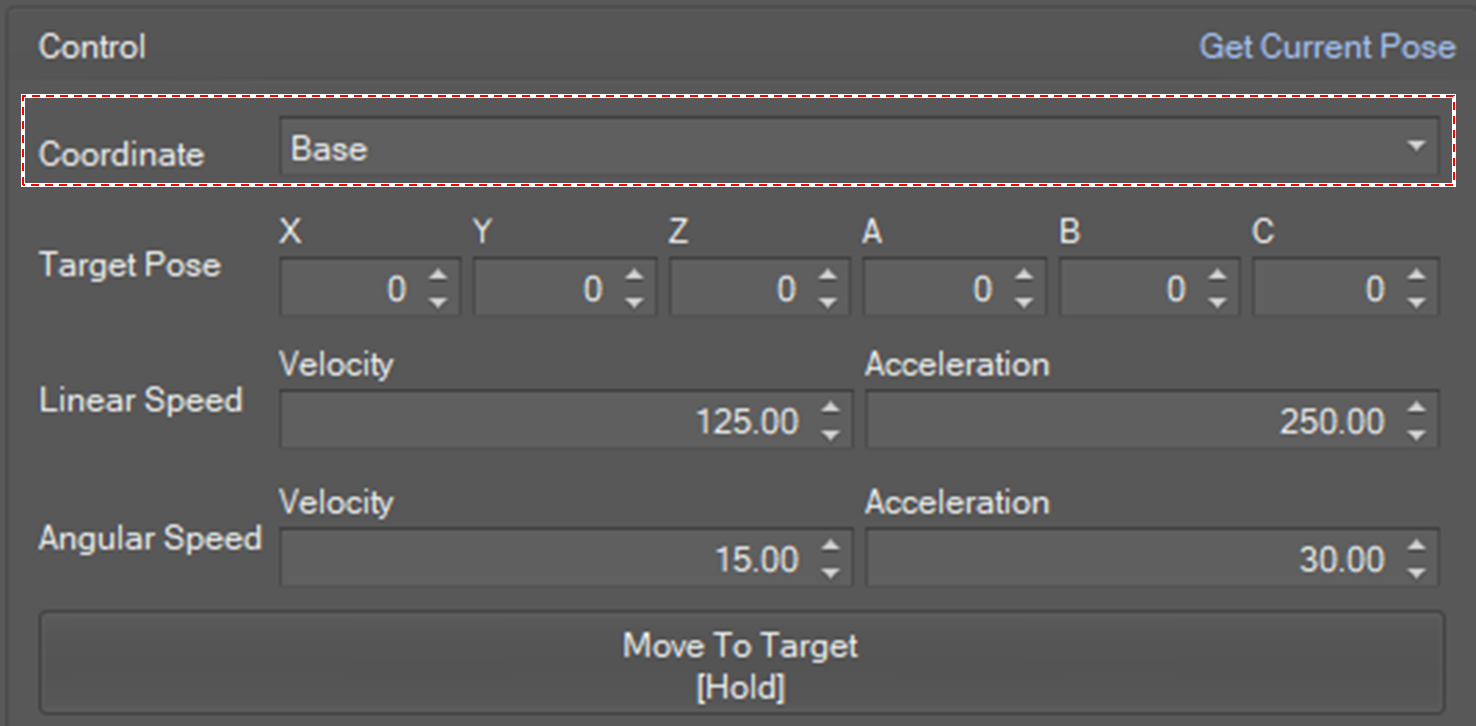
Set Coordination Mode
-
Base: The target position is interpreted as a position in the base coordination.
-
Tool: The target position is interpreted as in the tool coordination.
-
World: The target position is interpreted as in the world coordination.
-
User_Coordinate: The target position is interpreted as in user coordination added in the robot environment setting.
Set Target Coordinates
Type the value or click the spin button to set the Target coordinates.
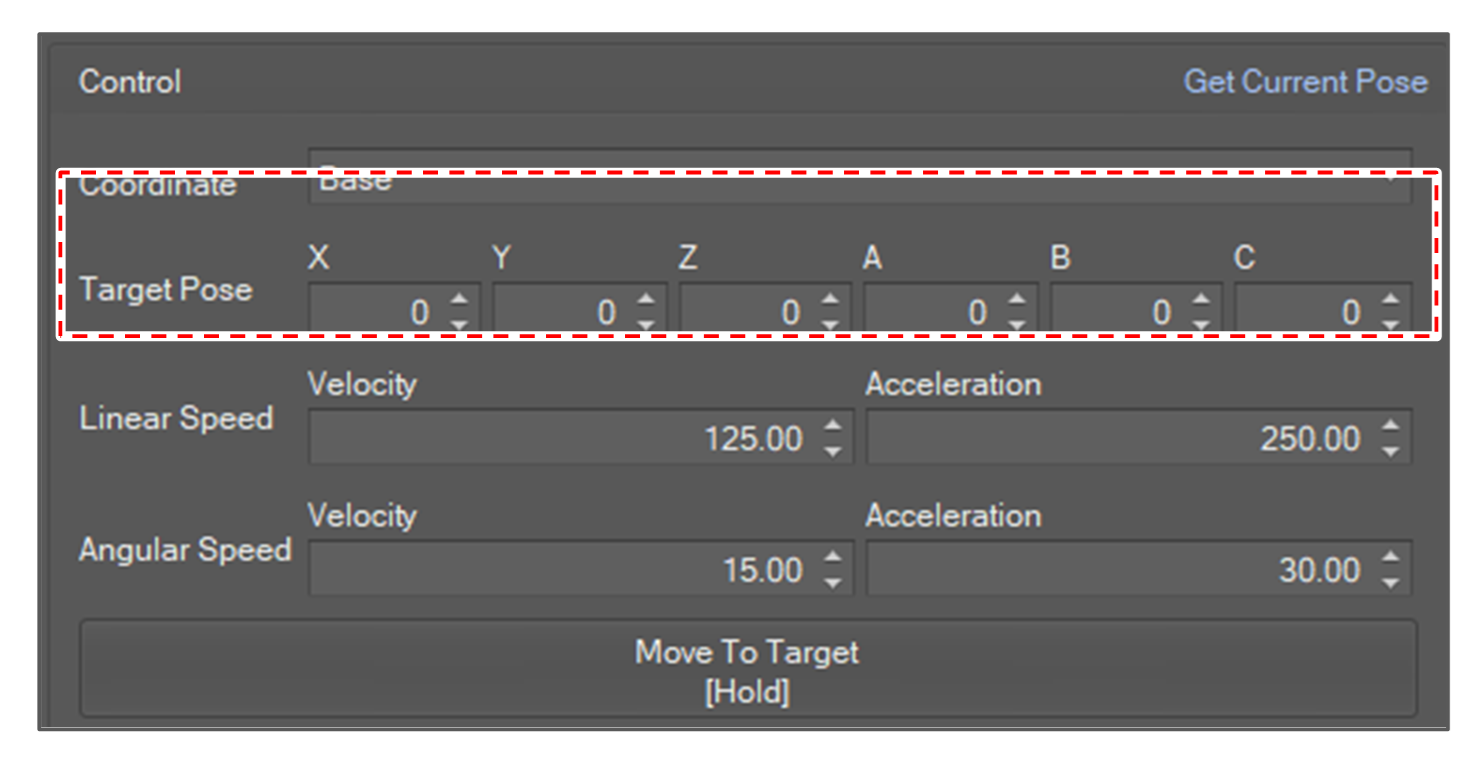
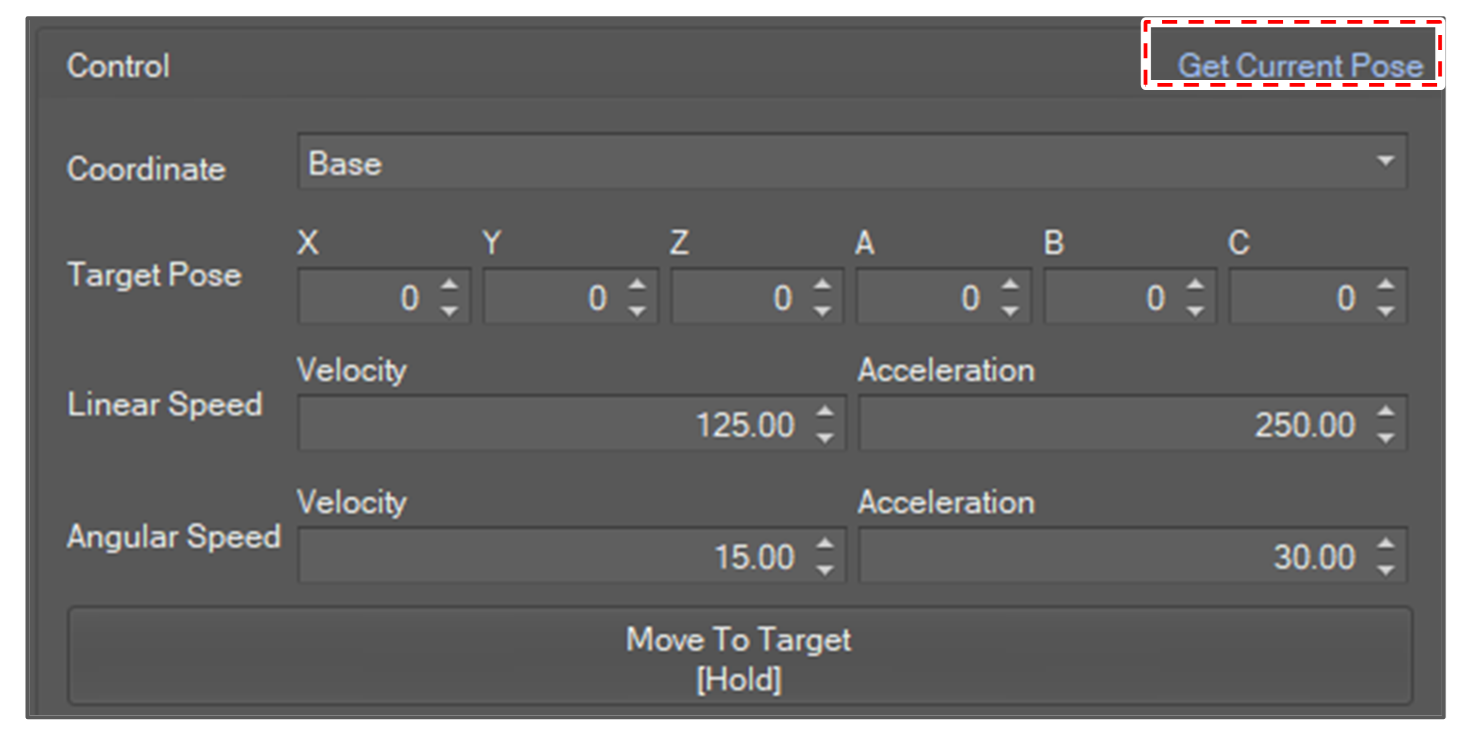
To load the current target coordinates in the Target coordinates field, click the Get Pose button.
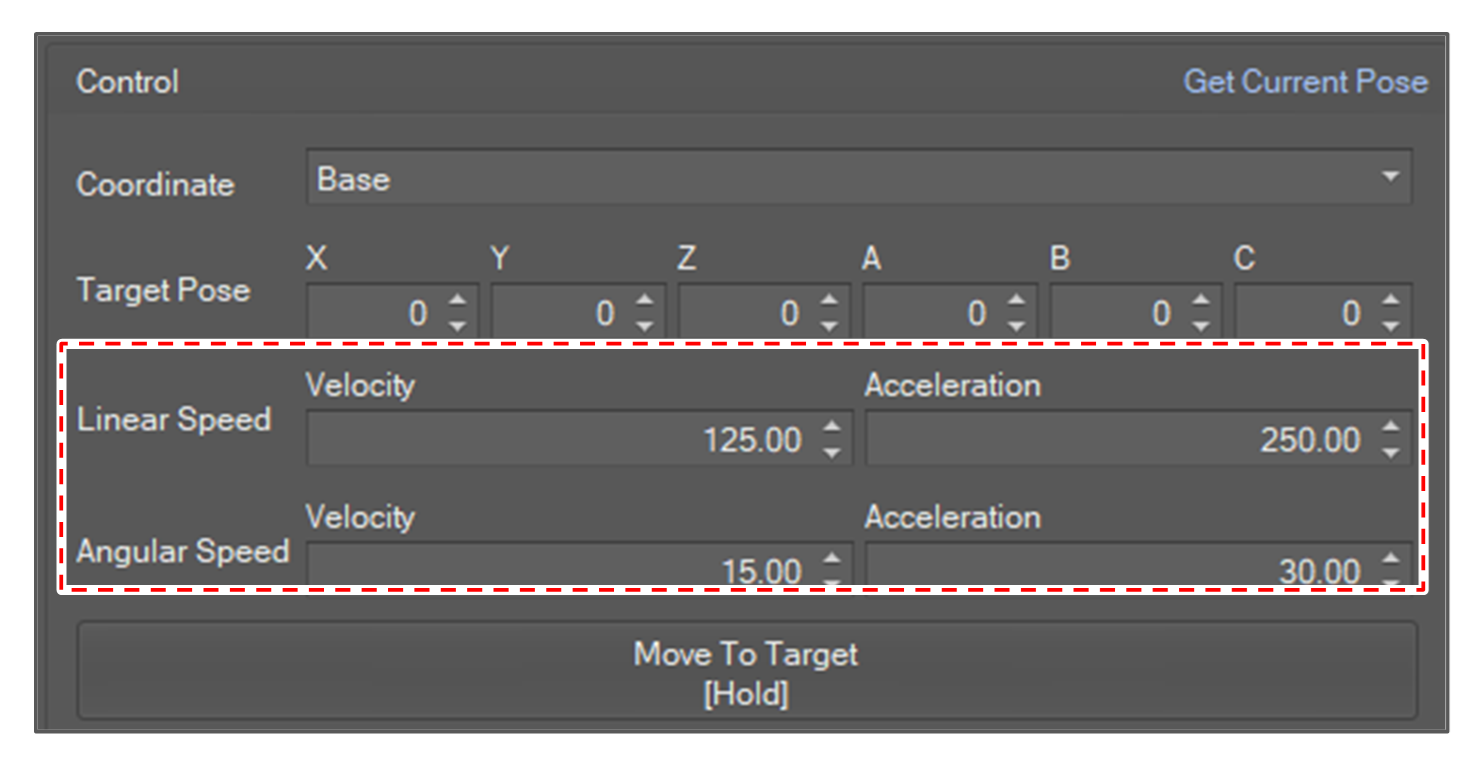
Set speed and acceleration
Type the value or use the spin button to set the speed and acceleration. The speed for translation part (mm/second) and orientation part (degree/second) must be set separately.
Start Motion
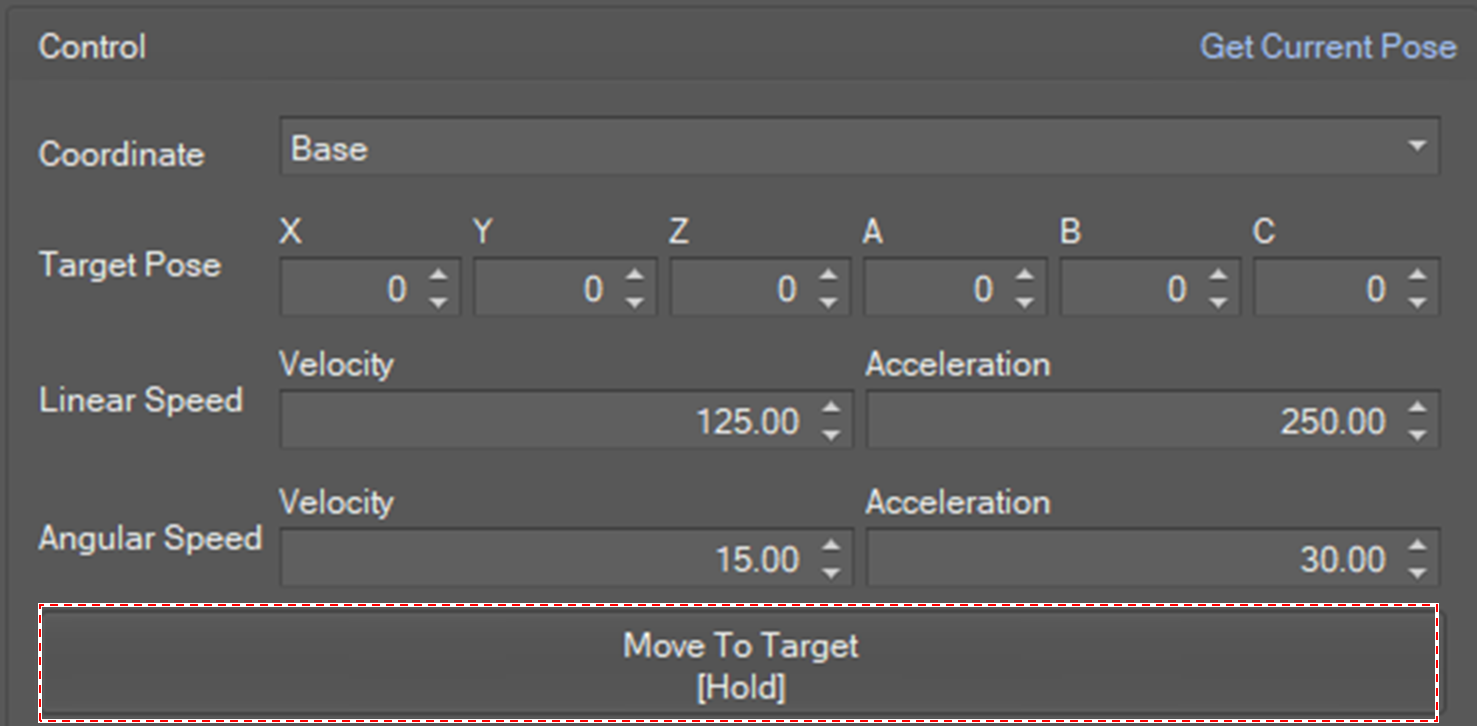
If you click and hold the Move To Target button, the robot will move to the target position in the way of “MoveL”. If you release the button, robot will stop.